QR Code Ordering for Restaurants: How It Works and Is It Actually Worth It in 2026
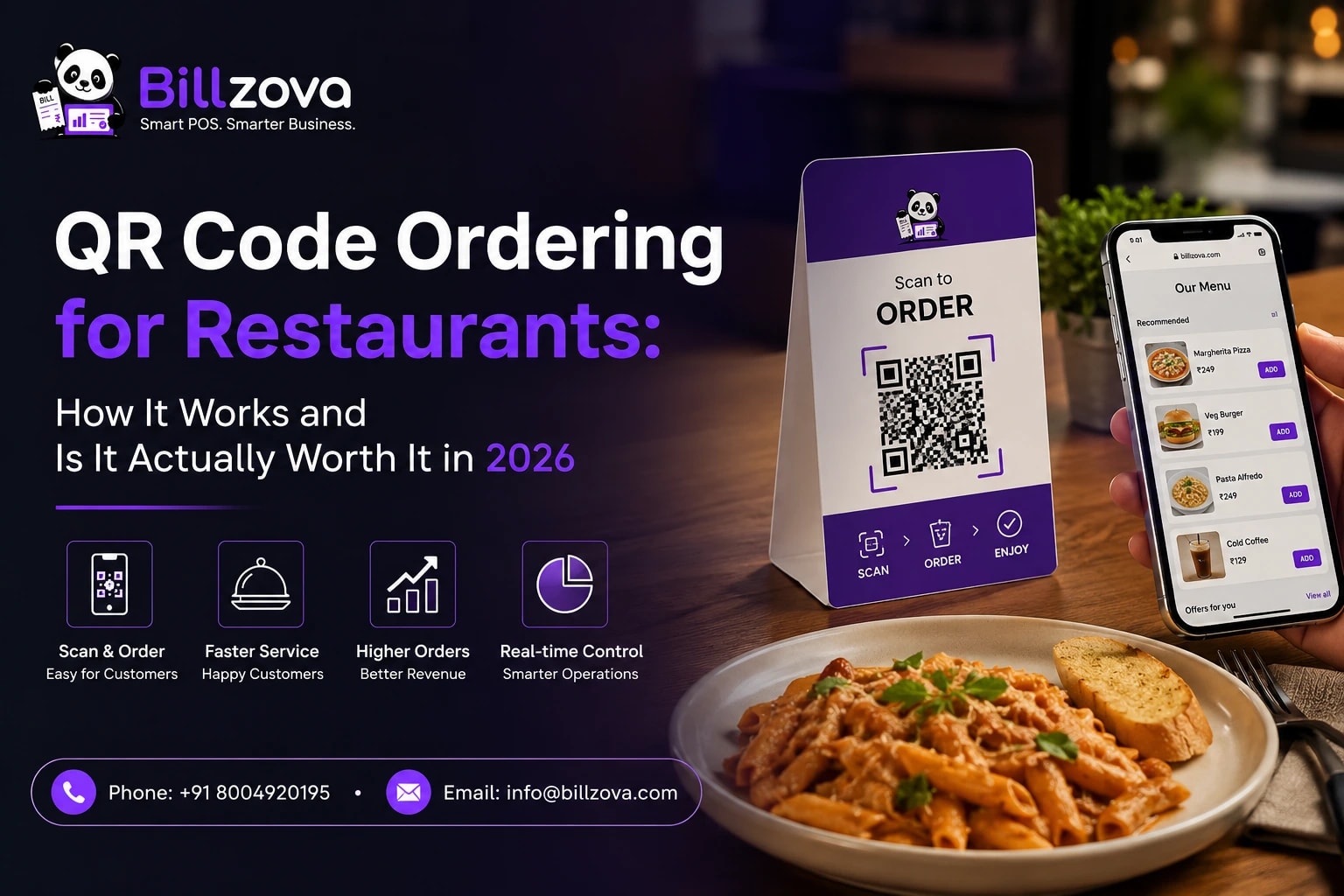
Almost every restaurant in India has had some version of a QR code on its tables since 2020 — most of them link to nothing more than a PDF or a photo of the menu. That was a genuinely useful upgrade at the time, replacing sticky laminated menus with something a phone camera could open. But five years later, "QR code" and "digital menu" have become interchangeable in a lot of owners' minds, and that's actually the wrong way to think about what QR technology can do for a restaurant today.
A QR code that opens a menu is not the same thing as a QR code that takes an order. The first is a read-only convenience. The second is a real operational change — a customer places an actual order from their own phone, it lands on your kitchen's screen, and staff accept or reject it exactly like any other order. This guide is specifically about the second kind: what QR self-ordering actually is, how it works mechanically, what it can and can't do today, and — the question in the title — whether it's genuinely worth adopting in 2026, not just worth having for appearances.
Bill Gates
Co-founder, Microsoft
That's a useful lens for QR ordering specifically. The 2020–2021 hype cycle oversold QR codes as a total restaurant-tech revolution, and when most of what actually shipped was a static PDF menu, plenty of owners quietly concluded the whole idea was overrated. The real capability — a working order placed and tracked entirely from a customer's own phone — has taken longer to mature and spread than the hype suggested it would, which is exactly the pattern the quote describes. It's arriving now, later than the hype promised, but more substantively than the hype delivered.
What "QR Code Ordering" Actually Means (And What It Doesn't)
The phrase gets used loosely enough that it's worth being precise before going further. There are really two different things hiding behind the same three letters, and confusing them is where a lot of the "does QR ordering even work" skepticism comes from.
| QR Menu (Read-Only) | QR Self-Ordering | |
|---|---|---|
| What it does | Displays a menu — text, photos, prices | Lets the customer place a real, working order |
| Where the order goes | Nowhere — a server still has to take it | Directly to the restaurant's POS/kitchen screen |
| What it replaces | A printed menu | Flagging down a server to place an order |
| Technical complexity | A static PDF or webpage | A real session, cart, order, and staff accept/reject flow |
| Actual operational impact | Minimal — convenience only | Real — changes how orders reach the kitchen |
Most of what restaurants adopted in 2020 was the left column. Most of what's actually being asked about in 2026 — including everything in this guide — is the right column. If your current "QR ordering" is a PDF, you haven't adopted QR ordering yet in the sense this guide means it; you've adopted a QR menu, which is a genuinely different, much smaller thing.
How QR Self-Ordering Actually Works, Step by Step
Stripped down to its mechanics, real QR self-ordering is a five-step flow, and understanding each step matters because it's where most of the "is this safe / is this a hassle / will customers actually use it" questions get answered.
Step 1 — The table gets its own QR code. Each physical table is assigned its own individual QR code, generated from the restaurant's own POS. This isn't one QR code printed for the whole restaurant — it's per table, which matters for step 3 below.
Step 2 — The customer scans, and types just a name. No app to download. The code opens directly in the phone's browser. There's no login, no OTP, no phone number required — just a display name for that visit, creating a temporary session tied to that one table.
Step 3 — They browse the actual, live menu. Because the QR code is tied to a specific table (not a generic restaurant-wide code), the system knows exactly which restaurant's menu to show and exactly which table any order should be attributed to — no manual table-number entry required from the customer.
Step 4 — They build a cart and place the order. Items, quantities, and a free-text note per item ("no onion," "extra spicy") — then the order is submitted.
Step 5 — Staff accept or reject, and the customer can track status. The order lands as pending on the same screen staff already use for every other table. One tap accepts it. Rejecting takes one tap plus a quick reason. The customer, meanwhile, can check a status page that updates automatically.
Info
What Customers Can Actually Do (And What They Can't, Yet)
A lot of the skepticism around QR ordering comes from restaurants that tried an early or incomplete version of it and found it frustrating. It's worth being specific about where the real, current limits actually are, rather than either overselling the technology or dismissing it based on an outdated version of it.
Checklist
- Browse the restaurant's real, current menu — prices and availability update live
- Add items and adjust quantities before placing the order
- Add a free-text note per item for special requests
- Track order status after placing it, without needing to ask staff
- At a shared table in a food court, order from more than one participating restaurant
And just as importantly, what it doesn't do — because a restaurant owner evaluating this technology deserves the honest limits, not a sales pitch:
Warning
None of these are flaws so much as honest scope. A QR ordering system that claimed to do all of that would either be lying about what's actually built, or would have shipped something far more complex — and far more likely to break — than what most restaurants actually need on day one.
Is QR Ordering Actually Worth It? The Real Trade-offs
This is the question in the title, and the honest answer is: it depends heavily on what kind of restaurant you run and what specific problem you're trying to solve. It's not a universal upgrade every restaurant needs immediately, but it's also not a gimmick — the value case is real and specific.
The case for adopting it. The clearest, most consistently cited benefit is reducing the time between a customer being ready to order and an order actually reaching the kitchen. During a genuine rush — a Friday night, a weekend lunch service — a server's attention is the scarcest resource in the restaurant, and every minute a ready-to-order table waits for that attention is a minute that table isn't turning over. QR ordering removes that specific bottleneck for tables willing to use it, without removing the option for anyone who'd rather order the traditional way.
The case for waiting, or being selective about it. A slow, low-turnover restaurant where servers already have spare attention gains much less from this specific capability — the bottleneck it solves simply isn't the bottleneck that restaurant has. And any restaurant whose core appeal is high-touch, attentive table service should think carefully about whether pushing customers toward self-service undercuts the exact experience they're selling. QR ordering is a genuine fit for speed-and-volume operations; it's a worse fit for a restaurant whose whole brand is personal service.
The honest middle ground most restaurants land on. Offer it as an option, not a replacement. A table that wants to order via QR can. A table that would rather flag down a server can do that instead, exactly as before. Nothing about adding QR ordering removes the traditional path — it only adds a faster one for customers who'd prefer it, which is close to a strictly-additive proposition rather than a trade-off at all.
A Friday Night Rush, With and Without QR Ordering
Abstract arguments about "reducing bottlenecks" land better with a concrete picture. Here's the same table, on the same busy Friday night, walked through both ways.
Without QR ordering: A table of four sits down at 8:15pm. Every server is currently occupied — one taking an order two tables over, one delivering food, one clearing a table that just left. The group looks at the menu, decides what they want by 8:22pm, and then waits. A server finally reaches them at 8:31pm — nine minutes after they were ready, not because anyone was slacking, but because there simply weren't enough hands free. The order goes in at 8:32pm.
With QR ordering, same night, same staffing: The same table sits down at 8:15pm, browses at their own pace, and has their order placed by 8:23pm — the moment they've actually decided, without needing anyone's attention first. It appears as pending on the tables screen; a server glances over, taps accept at 8:24pm, and it's already moving to the kitchen. Total time from "ready to order" to "order confirmed": about a minute, instead of nine.
Multiply that nine-minute gap across a full Friday night, across every table that hits it at least once, and the cumulative effect on how many parties you can actually seat and serve in a night becomes real rather than theoretical. Nothing about staffing changed in this example — the same number of servers, doing the same jobs. The only thing that changed is which specific step in the process a scarce server's attention was required for.
Who Benefits Most From QR Ordering
| Restaurant Type | Why It Helps |
|---|---|
| Full-service, peak-hour heavy | Cuts the wait between sitting down and a server's attention during genuine rush periods |
| Cafes with counter-plus-seating | Lets a seated customer order a second coffee without waving down staff at the till |
| Bars & pubs | Round after round is exactly the repeat-order pattern this handles well |
| QSR with dine-in seating | Gives dine-in guests counter-speed ordering without a second physical queue |
| Food courts & shared seating | One QR code can reach every participating restaurant at a shared table |
| High-touch fine dining | Usually a weaker fit — self-service can work against the experience being sold |
QR Ordering for Food Courts and Shared Spaces
There's a specific version of this that's easy to overlook if you only think about QR ordering in the context of a single, independently-run restaurant: what happens when a table is physically shared between several independently-owned restaurants, like a classic food court?
Done properly, one QR code on a shared table can surface every participating restaurant to the customer at once — they see who's available to order from at that specific table, and can order from more than one, in the same visit. Critically, each restaurant's order and bill stay completely separate: there's no shared till, no single combined check, and no restaurant billing on another's behalf. The QR code is shared; the money never is.
This only works when the participating restaurants have an explicit, mutual arrangement to share that specific table — it isn't something that happens automatically just because two restaurants are physically near each other. For a full breakdown of how that kind of shared-space arrangement actually works — tables, menus, and commission settlement between independent restaurants — see our food courts & shared spaces guide.
QR Ordering vs Zomato/Swiggy-Style Ordering: Not the Same Thing
This is one of the most common points of confusion, and it's worth clearing up directly: QR self-ordering for a dine-in table and ordering through a delivery aggregator app are structurally different things, even though both involve a customer using their own phone to place a food order.
| Delivery Aggregator (Zomato/Swiggy) | QR Self-Ordering | |
|---|---|---|
| Who the customer is | Someone not physically at your restaurant | Someone already seated at a table in your restaurant |
| What happens to the order | Prepared for pickup or delivery, off-premise | Prepared and served at the table it was ordered from |
| Who takes a commission | The aggregator, on every order | Nobody — it's your own restaurant's direct order |
| Discoverability | The aggregator's app decides who sees your listing | Only your own dine-in customers, via your own table |
| Payment | Usually paid through the app itself | Typically settled at the counter, like any dine-in order |
The practical implication: QR self-ordering doesn't touch your relationship with delivery aggregators one way or the other, and it isn't a way to reduce aggregator commission — that's a separate business decision entirely. What it changes is purely how an already-present, already-seated customer gets their order to your kitchen, which is a much narrower and more directly controllable problem than anything involving a third-party delivery platform.
How to Tell If QR Ordering Is Actually Working For Your Restaurant
Adopting QR ordering isn't a decision you have to make once and never revisit — it's worth actually checking, a few weeks in, whether it's doing what you hoped. A few practical signals are worth watching, rather than relying on a vague impression of whether it "feels" like it's helping.
Adoption rate. What share of tables that could use it actually do? A low adoption rate isn't necessarily a failure — some customer bases simply prefer human service — but it's useful context for how much impact to expect.
Table turnover during peak hours specifically. Since the core value case is speeding up the order-placement step during a genuine rush, the metric that matters most is turnover time during your actual busiest periods, not an all-day average that dilutes the signal.
Average order value, compared to server-taken orders. Some restaurants see QR-ordered tickets run slightly higher, since a customer browsing at their own pace without feeling like they're holding up a server sometimes adds more than they would in a rushed verbal order. This isn't guaranteed, but it's worth actually checking against your own data rather than assuming either direction.
None of these require anything beyond your normal reporting — the same sales and order data you already have covers all three, once you know to look at them through this specific lens.
Common Concerns Owners Have About QR Ordering
"Will this replace my servers?" No — and it isn't designed to. Someone still has to accept the order, prepare it, deliver it, and handle everything a QR menu can't (recommendations, resolving issues, general hospitality). QR ordering removes one specific step — placing the initial order — not the role of serving a table.
"What if customers don't want to use it?" Then they won't, and nothing is lost — the traditional path of flagging a server stays available exactly as it always was. Adoption is inherently self-selecting: the customers who prefer it will use it, and the ones who don't simply won't, with zero downside either way.
"Is it safe to have a public-facing ordering page anyone can scan?" A properly built system rate-limits requests, caps order size, and expires each session automatically after a fixed window — the same category of protection any public-facing web form should have. It's not the same thing as a fully authenticated internal system, and shouldn't be treated as one, but it's built with the fact that it's public-facing in mind, not as an afterthought.
"Will it slow down my kitchen with a flood of orders?" Every QR order still requires a staff member to manually accept it before it moves forward — there's no auto-accept flooding the kitchen with unconfirmed orders. The pacing stays in your staff's hands, the same way it does for any order taken the traditional way.
How to Actually Set It Up
Best Practice
- Confirm QR ordering is enabled for your account — this is usually a one-time setup step
- Generate a QR code for each table you want to offer it on — not necessarily every table on day one
- Print and place the code somewhere visible — a table tent, sticker, or laminated card all work
- Scan it yourself first, as if you were a customer, before opening it up to real diners
- Brief your staff on the accept/reject flow so a pending order is never left unattended for long
- Start with a subset of tables if you want to test the experience before rolling it out restaurant-wide
The rollout itself takes minutes, not days — there's no hardware to buy and nothing to install on any device. The bigger investment is making sure staff know to actually watch for and respond to pending QR orders promptly, since a customer who's placed an order and is now waiting for it to be accepted expects roughly the same responsiveness they'd get from flagging a server directly.
The Honest Verdict
QR self-ordering, done properly — not the read-only PDF-menu version most restaurants already have — is a real, additive capability rather than a gimmick. It doesn't replace staff, doesn't force anyone to use it, and doesn't require new hardware or a steep setup process. The clearest win is for restaurants dealing with genuine peak-hour bottlenecks, where the time between a customer being ready and a server having a free moment is actually costing table turnover. It's a weaker fit for restaurants whose value proposition rests specifically on high-touch, attentive service, where pushing self-service could work against the experience being sold.
The honest 2026 answer to "is QR ordering worth it" is: worth trying as an optional, additive path for most dine-in restaurants, not worth forcing as a replacement for service anywhere. Offered that way, the downside is close to zero — customers who don't want it simply won't use it — and the upside, for restaurants that actually have a rush-hour bottleneck to solve, is real.
Frequently Asked Questions
Is QR code ordering the same as a QR code menu?
No. A QR menu is read-only — it shows the menu but a server still has to take the order. QR self-ordering lets the customer place a real, working order that lands directly on the restaurant's POS. Many restaurants that say they "have QR ordering" actually only have the read-only version.
Do customers need to download an app to order via QR code?
No. It opens directly in the phone's own browser after scanning — there's nothing to install.
Is a phone number or OTP required to place a QR order?
No, in a properly built system. Only a display name is needed to start a session — no phone number, no OTP, no account.
Can customers pay through the QR ordering page?
Typically no — QR self-ordering places the order, but payment still happens at the counter through the restaurant's normal billing flow, the same as any other dine-in order.
Does every QR order get accepted automatically?
No, in a properly built system. Every order should require a manual accept or reject from staff — automatic acceptance with no human review is a red flag, not a feature, since it removes the restaurant's ability to catch an out-of-stock item or a genuine mistake before it reaches the kitchen.
Can a customer order takeaway or delivery through a QR code?
Not through the dine-in QR self-ordering flow described in this guide — it's built specifically for a customer already seated at a table. Takeaway and delivery orders continue to be placed the traditional way.
Is QR ordering worth it for a small, single-counter restaurant?
It depends on whether that restaurant actually experiences a rush-hour bottleneck between customers being ready to order and staff having a free moment. A consistently quiet restaurant gains less from this specific capability than a restaurant that regularly hits genuine peak-hour crunches.
Can one QR code work for a food court with multiple independent restaurants?
Yes, when the restaurants sharing that table have an explicit arrangement to do so — the customer sees every participating restaurant and can order from more than one, with each restaurant's order and bill kept completely separate.
How is billzova's QR ordering different from a generic QR menu tool?
billzova's QR self-ordering is the real, order-placing version described throughout this guide — not a read-only menu. Orders land directly on the same tables screen your staff already use in web-pos or desktop-pos, with no separate app or device required, and it's included standard at ₹399/month rather than sold as a separate add-on.
Does QR ordering reduce how much I pay delivery aggregators like Zomato or Swiggy?
No — QR self-ordering is unrelated to aggregator commission, since it only applies to customers already dining in at your restaurant, not delivery orders. It's a separate capability from anything involving a third-party delivery platform.
Can I offer QR ordering on only some tables, not the whole restaurant?
Yes, generally — QR codes are generated per table, so a restaurant can start with a subset of tables and expand once they're comfortable with the flow, rather than needing to roll it out everywhere on day one.
What happens if a customer places a QR order and then the kitchen is out of an item?
Staff reject the order with a specific reason — item unavailable is a standard, one-tap option — and the customer sees that reason on their own order-status page, rather than being left wondering what happened.
Billzova Team
Restaurant POS & Billing Experts
We build Billzova — GST billing, KOT, offline mode, inventory and reports for Indian restaurants. This team writes from what we see helping real restaurants bill faster every day.
Run your restaurant on billzova
GST billing, KOT, offline mode, inventory & reports in one app. ₹399/month — first month free.