How to File GSTR-1 for Your Restaurant: A Step-by-Step Guide
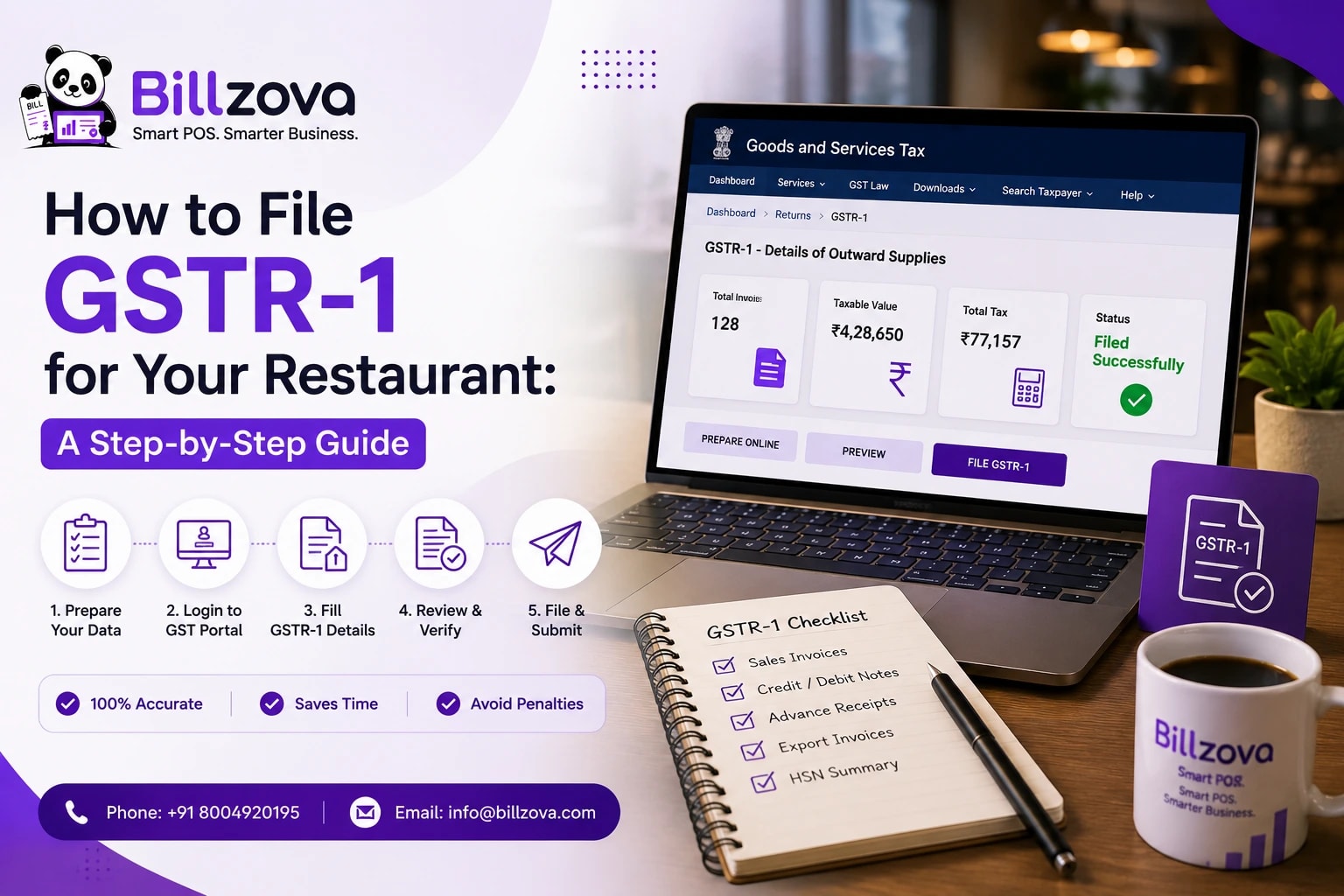
Every month, restaurant owners across India go through some version of the same ritual: gather sales data, hand it to the accountant, wait, and hope nothing about last month's billing creates a headache. GSTR-1 — the return that reports your outward supplies, essentially every sale you made — is one of the most routine compliance tasks a restaurant has, and one of the most quietly dreaded, mostly because it feels like starting from scratch every time.
Benjamin Franklin
Founding Father, United States
GSTR-1 is about as certain as it gets. This guide walks through what goes into it, table by table, which parts a well-set-up billing system can fill from your own sales, and which parts will always need you or your CA. It's general guidance — always confirm specifics with your CA or the GST portal.
What GSTR-1 Is (and Who Files It)
GSTR-1 is the statement where a registered business reports its outward supplies — a structured summary of everything you sold in the period, split by tax rate and by whether the buyer was a registered business (B2B) or a consumer (B2C). For a restaurant, that's mostly dine-in, takeaway and delivery sales.
According to the GST portal's GSTR-1 FAQ:
- It's filed monthly or quarterly by normal registered taxpayers.
- The due date is the 11th of the following month for monthly filers and the 13th of the month after the quarter for quarterly filers, unless the government extends it.
- Composition taxpayers don't file GSTR-1 — if your restaurant is under the composition scheme, this guide isn't for you.
GSTR-1 is one half of the regular cycle. GSTR-3B is the summary return where you actually pay the tax. For a typical restaurant with no exports and no reverse-charge sales, only a handful of GSTR-1's tables apply.
What GSTR-1 Needs From a Restaurant, Table by Table
| Table | What it covers | Can billing data fill it? |
|---|---|---|
| GSTIN, legal and trade name | Your business identity | Yes — from your registration details |
| Table 4 (B2B) | Invoices to GST-registered customers, invoice by invoice | Yes — if you capture the customer's GSTIN on the bill |
| Table 7 (B2C, others) | Sales to consumers, consolidated by rate | Yes — from your sales, per rate |
| Table 8 (Nil-rated, exempt, non-GST) | Sales at 0% or outside GST | Partly — the total can be computed, but nil-rated vs exempt vs non-GST needs a human decision |
| Table 12 (HSN/SAC summary) | Sales summarised by HSN/SAC code, in separate B2B and B2C tabs | Only if your software stores codes; otherwise entered by you or your CA |
| Table 13 (Documents issued) | Each invoice series used, with the first and last number and cancellations | Yes — from your invoice numbering |
| Table 14 (Supplies through e-commerce operators) | Sales made through delivery platforms | Only if those orders are recorded in your system; usually from the platform's statements |
| Tables 9–11 (Amendments, advances) | Corrections to past returns, advances received | No — deliberate manual entries |
| Verification | Sign-off on the return | No — always you |
The practical takeaway: the bulk of a typical restaurant's GSTR-1 — sales split by rate and by B2B/B2C, plus the document count — comes straight from data your billing system already has, if it records GST correctly. What's left is a short list of fields that need judgment.
Step-by-Step: Filing GSTR-1 for Your Restaurant
Checklist
- Confirm your GSTIN, legal name and trade name are correct
- Pull your B2B invoices for the period — bills raised against a customer's GSTIN — with invoice numbers, dates and values
- Pull your B2C sales for the period, consolidated by tax rate
- Separate any delivery-platform sales: the platform pays the GST on these, and they go in the e-commerce table, not your own taxable sales
- Review any 0% or non-GST items (like liquor, if you sell it) and agree their classification with your CA
- Prepare the HSN/SAC summary in both the B2B and B2C tabs, picking codes from the portal's list
- Fill the documents-issued table for every invoice series you used
- Check the totals match what you'll report in GSTR-3B, then file and keep a copy alongside your sales export
Done by hand, several of these steps mean exporting sales, splitting them into categories and re-typing them into the portal. With a system that records GST correctly on every bill, most collapse into "check the number that's already there".
The Parts That Need a Human
Aggregate turnover. Where the form asks for it, aggregate turnover is defined across every GST registration under your PAN — no single restaurant's billing system can see the others.
Nil-rated vs exempt vs non-GST. The same rupee figure belongs in different columns depending on the legal category of the item. Alcohol for human consumption, for example, is outside GST altogether. That's a classification decision, not a data question.
HSN/SAC codes. Since Notification 78/2020, reporting at least a 4-digit code (or 6 digits if your aggregate turnover is above ₹5 crore) in Table 12 has been mandatory, and the GST portal's advisory on HSN reporting in Table 12 says that from the May 2025 return period codes must be picked from a drop-down (no manual entry) and the table is split into B2B and B2C tabs. For most restaurants the bulk of sales is restaurant service under SAC heading 9963 — confirm the exact code with your CA.
Delivery-platform sales. Since 1 January 2022, the platform pays GST on restaurant services ordered through it, under Section 9(5) of the CGST Act — see CBIC's Circular 167/23/2021-GST. You still report these sales in GSTR-1's e-commerce table (the GSTR-1 FAQ lists "supplies made through e-commerce operators on which e-commerce operator is liable to pay tax u/s 9(5)"), but they aren't part of your own tax liability.
Amendments and advances. Corrections to an earlier return, or an advance taken for a future catering order, are deliberate entries for real events your billing system wouldn't otherwise know about.
Verification. A formal attestation that the return is accurate — always a human step.
A Month of Restaurant Sales, Mapped to GSTR-1 (Illustrative)
Illustrative figures only — a made-up standalone restaurant charging 5% GST, not a real filing.
| GSTR-1 table | What went into it | Example value |
|---|---|---|
| Table 4 (B2B) | A few corporate lunch orders billed against the company's GSTIN, at 5% | ₹42,000 taxable value |
| Table 7 (B2C, 5%) | Regular dine-in, takeaway and own-delivery sales | ₹6,80,000 taxable value |
| Table 14 (e-commerce, Section 9(5)) | Orders received through a delivery platform, on which the platform pays the GST | ₹95,000 value, from the platform's statements |
| Table 8 | A small amount of 0%-rated sales, flagged for the CA to classify | ₹3,200 |
| Table 13 (Documents issued) | Every invoice number in each series used that month | 1,847 invoices |
Three of these rows (Tables 4, 7 and 13) come straight from correctly recorded billing data. Table 8 needs a classification check, and Table 14 usually comes from the platform's own settlement reports.
Under the standard rates, a standalone restaurant's food sales are all at 5% without input tax credit (set at the GST Council's 23rd meeting — see the PIB release), so you shouldn't see an 18% B2C row unless you're a restaurant in "specified premises" or sell other goods taxed separately. If you do, check with your CA.
Setting Up Your Billing So GSTR-1 Is Easy
The biggest lever for a painless GSTR-1 isn't anything you do at filing time — it's how your billing is set up every day before it.
Tip
On invoice numbers: Rule 46 of the CGST Rules requires a consecutive serial number, unique for the financial year, in one or more series. Every series you use (for example, one per billing counter) then appears as its own line in Table 13. A paper bill book used "just during an outage" is one of the most common reasons Table 13 doesn't add up.
If you cross the e-invoicing threshold (aggregate turnover of ₹5 crore or more), your B2B invoices also need an IRN, and the GST portal's e-invoicing overview explains that e-invoice details are shared with the GST system for auto-population in GSTR-1. B2C restaurant bills don't need an IRN.
Even without an integrated GSTR-1 tool, a clean, rate-split Excel export of your sales is a much smaller job for your CA than raw, unsorted records.
Common GSTR-1 Mistakes Restaurants Make
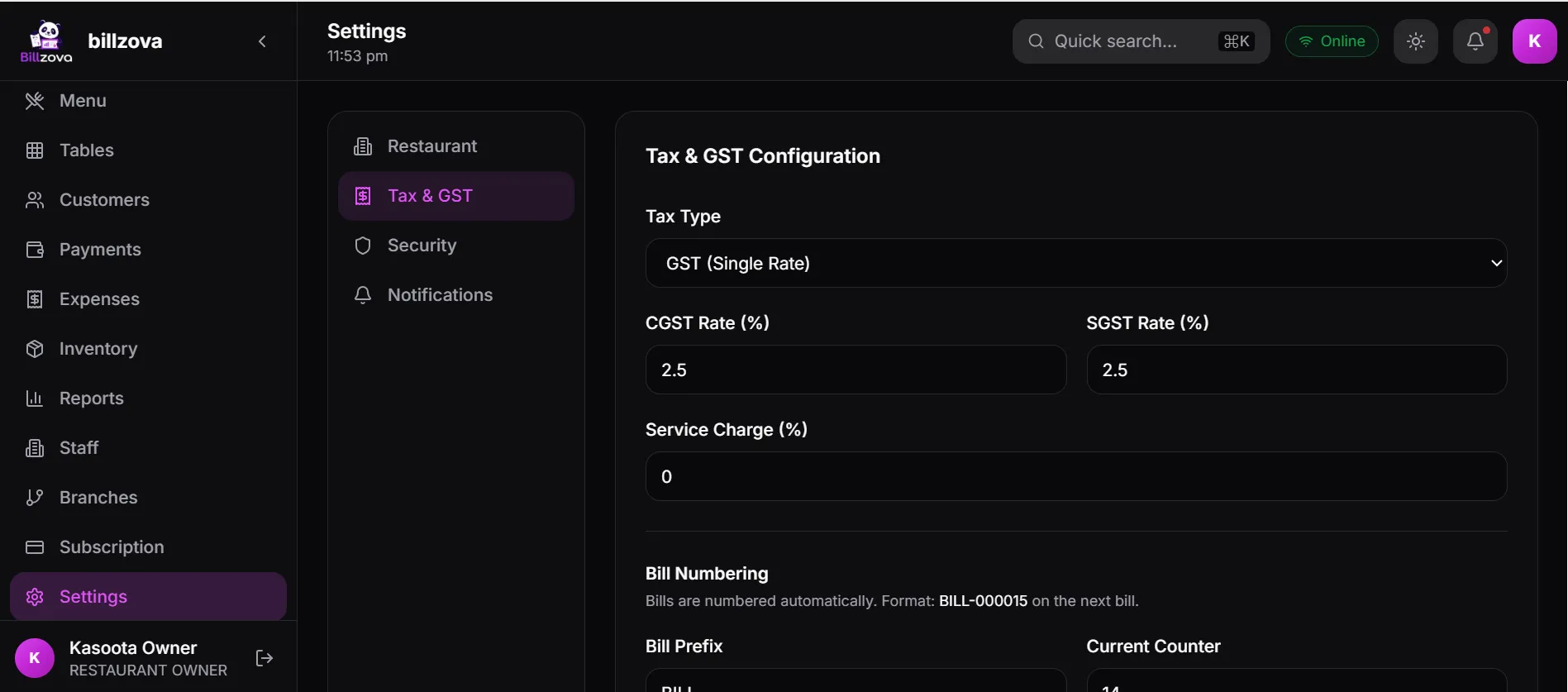
Treating "combined GST" as good enough. A bill with one blended GST figure doesn't reflect CGST and SGST properly, and fixing that at filing time is far harder than getting it right on every bill. See our GST billing guide for restaurants for correct invoice structure and rates.
Mixing delivery-platform sales into your own taxable sales. The platform pays GST on these; reporting them as your own B2C sales overstates your liability.
Reporting liquor as a GST sale. Alcohol for human consumption is outside GST. Agree with your CA how it's reported.
Invoice-number gaps and duplicates. Abandoned paper bills, a software switch mid-month, or two counters using the same series.
Rebuilding a month from memory. The restaurants that find GSTR-1 painful are almost always the ones without one reliable, correctly categorised source of sales data.
GSTR-1 vs GSTR-3B
| GSTR-1 | GSTR-3B | |
|---|---|---|
| What it reports | Outward supplies — invoice-level for B2B, rate-wise for B2C | Summary of tax liability and input tax credit |
| Detail | High | Summary totals |
| Purpose | Reporting what you sold | Paying what you owe |
| Relationship | Feeds the cycle | Should reconcile with GSTR-1 |
Most restaurants file both in the same rhythm. Keeping them consistent — the same sales data feeding both — is exactly what a properly set-up billing system makes easy.
What Happens If You File Late or Incorrectly
GST law provides for late fees and interest on delayed filings, and repeated non-compliance creates bigger problems. Amounts are set by regulation and change, so ask your CA for your current exposure. The practical cost is rarely just the fee — it's next month's extra work correcting this month's error on top of a new filing.
How Software Helps (Without Replacing Your CA)
None of this is about removing your accountant. GST benefits from professional judgment on classification, turnover across registrations and anything unusual. What good billing software should do is get the mechanical part right from the start, so your CA reviews accurate data instead of rebuilding it.
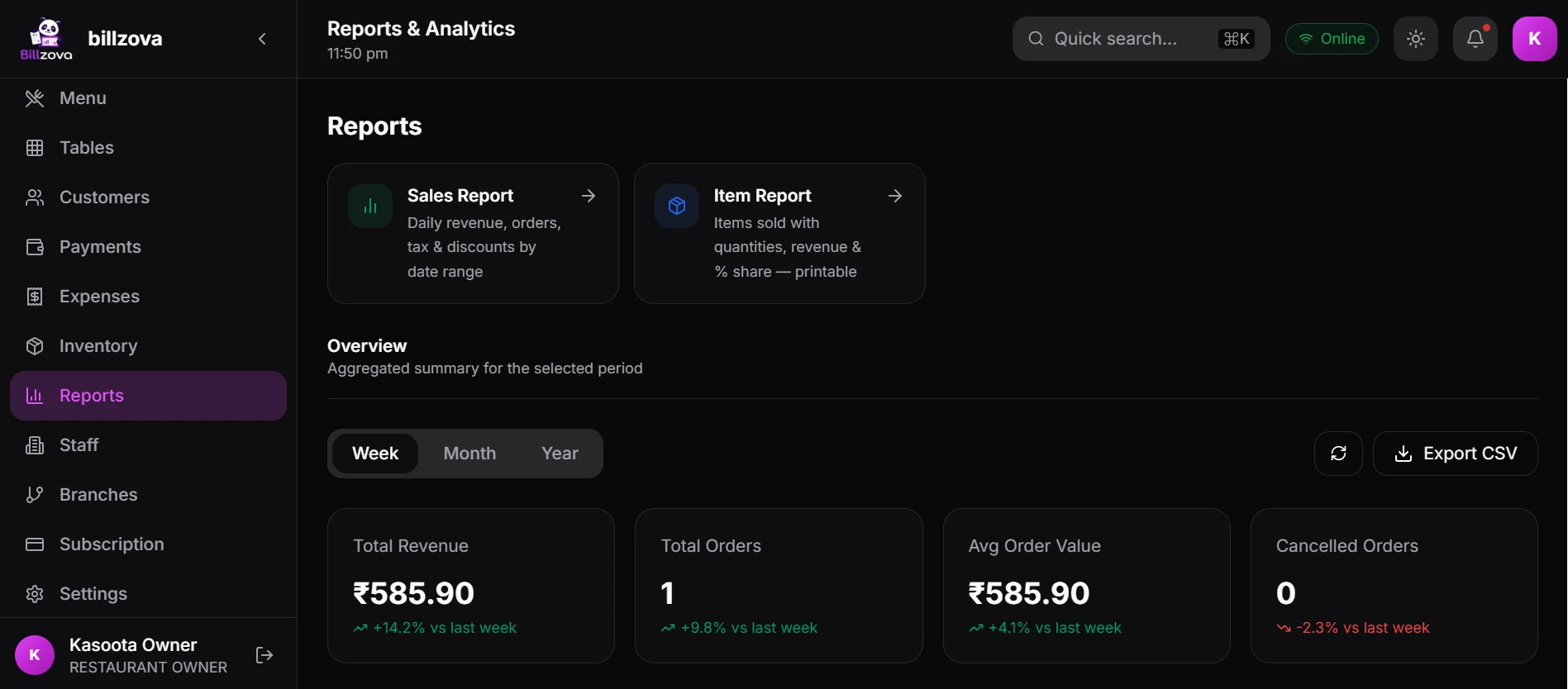
Billzova's GST billing includes a GSTR-1 report laid out like the official form, pre-filled with what it can compute from your sales: your GSTIN, B2B invoices (bills with a customer GSTIN), B2C sales by rate, the 0%-rated total flagged for review, and the documents-issued count. Fields it can't know — aggregate turnover, amendments, advances, the HSN summary and verification — stay as editable fields on the same form, and what you type is saved so you can finish later. You can print it, save it as PDF or export it to Excel; there's a GSTR-3B summary too. Filing itself still happens on the GST portal. Billzova doesn't connect to delivery platforms, so platform sales come from their statements.
Frequently Asked Questions
When is GSTR-1 due?
By the 11th of the following month for monthly filers, and the 13th of the month after the quarter for quarterly filers, unless extended — per the GST portal's GSTR-1 FAQ.
Do I need to file GSTR-1 if I'm under the composition scheme?
No. Composition taxpayers don't file GSTR-1; they have their own returns.
Do I need to file GSTR-1 if I had no sales?
Nil-period requirements are set by current rules — the GST portal has a nil-filing option. Confirm your obligation with your CA.
Can Billzova fill in my aggregate turnover?
No — it spans every registration under your PAN, which one restaurant's billing data can't see. It's left as an editable field.
How are 0%-tax items handled?
The total can be computed from your billing, but whether each item is nil-rated, exempt or non-GST is a legal call. Billzova flags the total for review instead of guessing.
Is HSN/SAC reporting mandatory in GSTR-1?
Yes — at least 4 digits (6 if your aggregate turnover is above ₹5 crore), selected from the portal's drop-down from the May 2025 period, in separate B2B and B2C tabs. Billzova doesn't fill this table yet, so you or your CA enter it.
How do I report Swiggy or Zomato orders?
The platform pays GST on them under Section 9(5). You report them in GSTR-1's e-commerce table rather than as your own taxable sales. Use the platform's statements and confirm the treatment with your CA.
Is GSTR-1 the same as a GST invoice?
No — the invoice is the bill you give the customer; GSTR-1 is the periodic summary of all those invoices for the tax department.
What if I switch billing software mid-month?
Combine sales from both systems for that period, and keep both invoice series in Table 13. Export everything from the old system before switching.
Can I amend a GSTR-1 after filing?
Yes, through the amendment tables in a later return, subject to the rules. Ask your CA — it's a judgment-driven step.
Does this replace my CA?
No. It makes sure the mechanical parts are already correct when your CA reviews them.
What about multiple branches?
Each GST registration files its own GSTR-1. Branches under one registration are combined; branches with separate registrations (for example, in different states) file separately.
Can I file GSTR-1 directly from Billzova?
No — Billzova prepares the form, pre-filled, to print, save as PDF or export to Excel. Filing happens on the GST portal, by you or your CA.
The Bottom Line
GSTR-1 will never be fully automatic — classification, HSN codes, aggregate turnover and the sign-off need a person by design. But the part that takes most of the effort — sales split by rate and by B2B/B2C, plus a clean count of invoices — is exactly what a properly set-up billing system already has.
If your monthly GSTR-1 means rebuilding spreadsheets your POS should already know, Billzova's GST billing and GSTR-1 report is built to fix that — included in the ₹399/month (or ₹3,999/year) plan, including GST, with a 30-day free trial.
Billzova Team
Restaurant POS & Billing Experts
We build Billzova — GST billing, KOT, offline mode, inventory and reports for Indian restaurants. This team writes from what we see helping real restaurants bill faster every day.
Run your restaurant on billzova
GST billing, KOT, offline mode, inventory & reports in one app. ₹399/month — first month free.