Bill without internet.
Sync when it comes back.
billzova isn't an offline-only POS, and it isn't cloud-only either. It works fully online day to day, and switches to offline mode automatically the instant your connection drops — billing, KOTs, and GST invoicing keep running, with everything syncing once you're back.
The struggle
Sound familiar?
Cloud-only POS stops billing the moment WiFi drops
Every action routes through a remote server — when the connection fails, billing fails with it, immediately and totally.
Patchy connection during peak hours
4G congestion at 8 PM. Each tap takes 5 seconds. Your team is forced to scribble on paper.
"Offline mode" often means degraded, not full
Many cloud POS systems disable KOT printing and inventory deduction during an outage — a gap that only surfaces when you actually need it.
Offline-only systems have no remote visibility
No live sales from home, no multi-branch consolidation, no automatic cloud backup — a real trade-off most restaurants can't accept.
Your menu, tables and staff — cached on disk
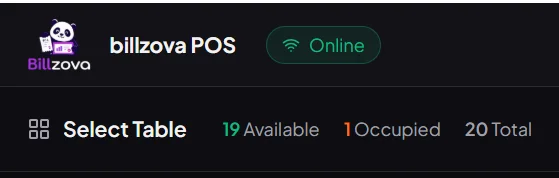
After one online login, billzova mirrors your entire restaurant — menu items, table layout, staff, tax rules, customers — into an encrypted local SQLite database. The desktop app works online day to day, and switches to offline mode automatically the moment it needs to.
- Full offline operation after first login
- Encrypted local SQLite cache
- Login offline using cached credentials
- Menu / tables / staff updates persist locally
- No "loading…" delays during peak rush
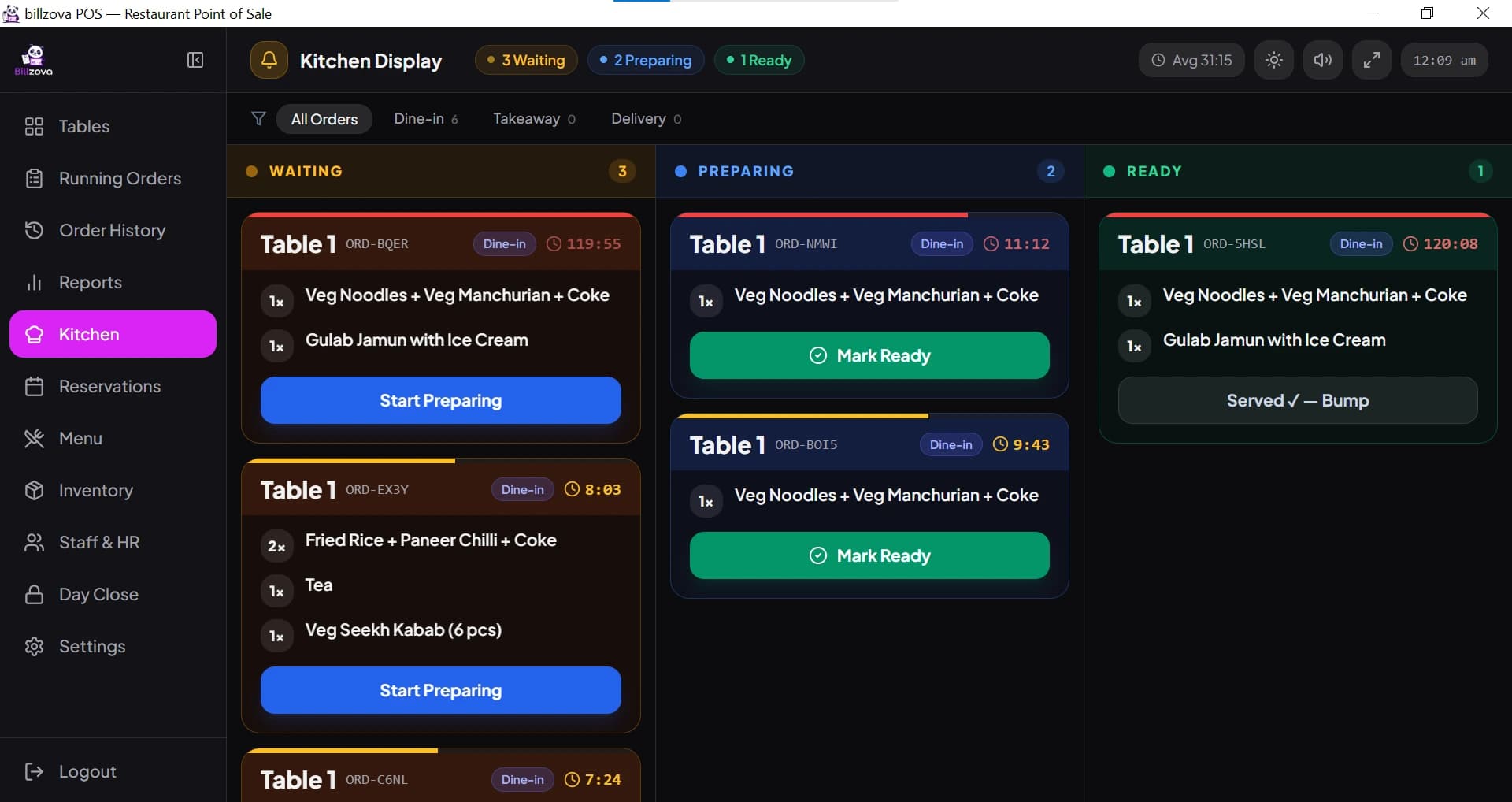
KOT printing, GST bills, kitchen display — all offline
The kitchen printer doesn't need the cloud. The bill printer doesn't need the cloud. CGST/SGST split, GSTIN, and sequential invoice numbers work identically whether you're online or offline — compliance is never the casualty of an outage.
- KOT auto-print works offline
- GST bills print offline with sequential numbers
- Kitchen display talks over LAN
- CGST/SGST split preserved, both states
- Cash, card, UPI all logged offline
When internet returns, everything just catches up
Every offline mutation — bills, KOTs, payments, stock changes — is queued in order. When your connection returns, billzova replays them to the cloud automatically in seconds. No data loss, ever.
- Per-mutation outbox queue, order preserved
- Automatic sync, no manual trigger
- Idempotent — safe to retry without dupes
- Typically completes within seconds
- Live sync status indicator in topbar
Full remote visibility — nothing traded away
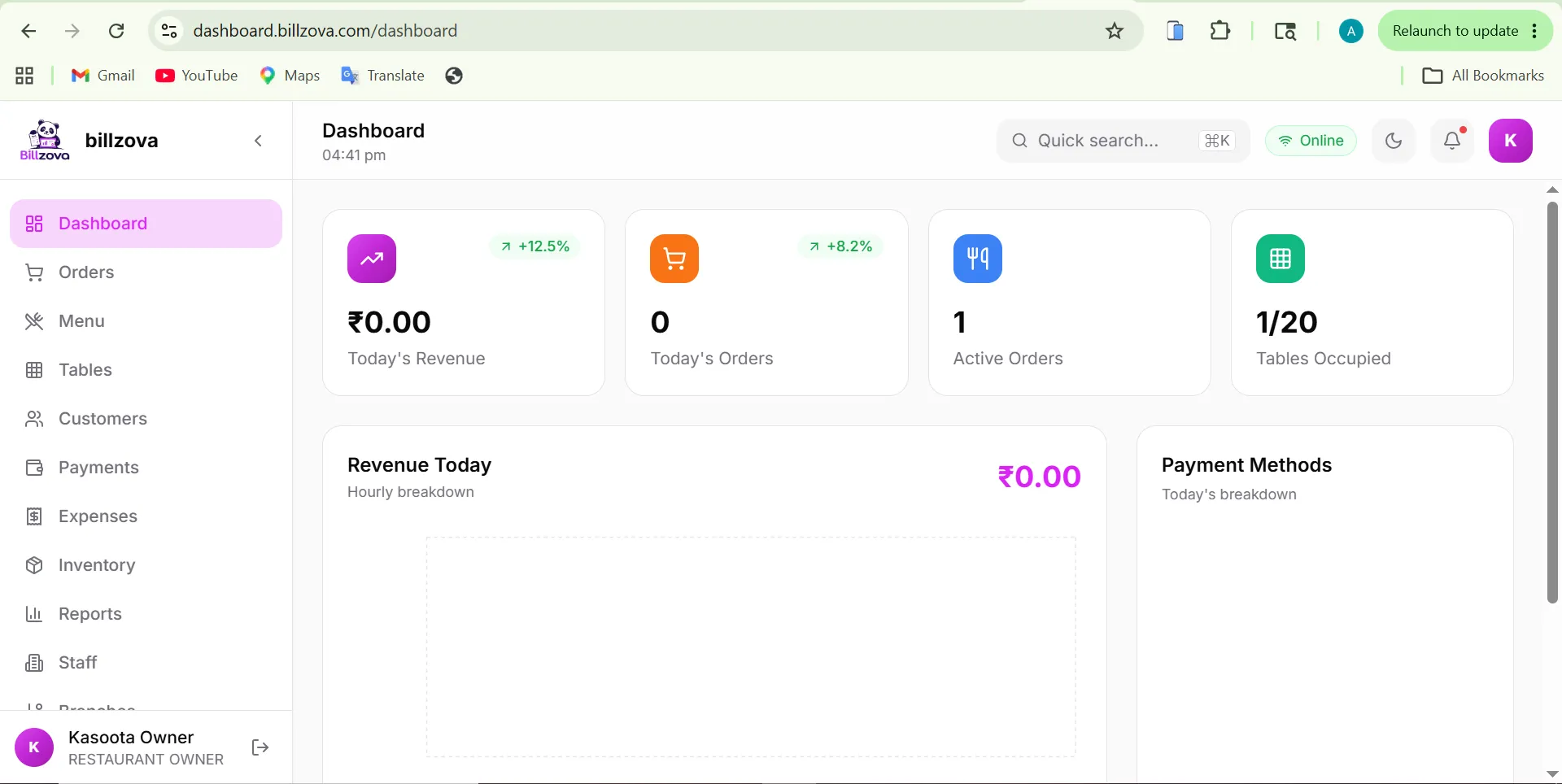
A purely offline system has no remote visibility, no multi-branch consolidation, and no automatic cloud backup. Whenever you're online, billzova's web dashboard gives you the same live sales visibility and reporting as a cloud-only system would — without sacrificing offline reliability when you're not.
- Web dashboard from any browser, when online
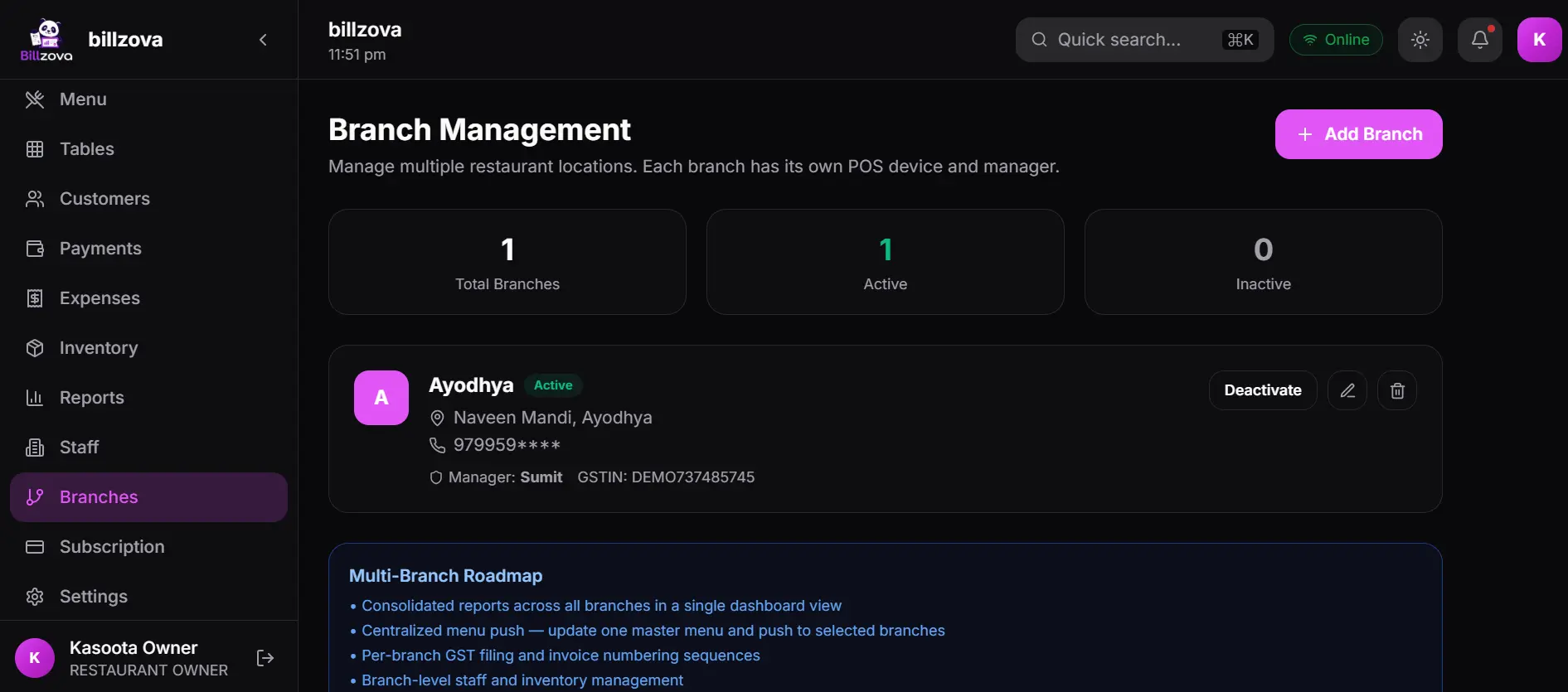
- Multi-branch consolidated reporting
- Automatic cloud backup
- Built for real Indian connectivity
- Resumes instantly after power cuts
In the product
See every screen
Real product screenshots — not stock illustrations.
Compared
Cloud-only or offline-only POS vs billzova hybrid
Cloud-only or offline-only POS
- Cloud-only: billing stops the moment WiFi drops
- Offline-only: no remote visibility, no cloud backup
- "Offline mode" often means degraded, not full
- "Server not responding" errors at the worst time
- Lost orders if connection drops mid-bill
- A real trade-off most restaurants can't accept
billzova — hybrid
- Billing, KOT and GST invoicing never stop, either way
- Full remote visibility AND zero downtime
- Both online & offline are fully functional, not degraded
- Automatic, ordered sync on reconnect
- No order lost — every mutation queued
- Built for real Indian connectivity
FAQ
Frequently asked questions
Is billzova an offline-only POS?▾
Does billing really continue with zero internet connection?▾
What happens to offline bills when internet comes back?▾
Can staff log in offline?▾
Is GST compliance affected when billing offline?▾
How is this different from a cloud POS with a basic offline mode?▾
Can I check my restaurant's sales remotely if I'm using a hybrid POS?▾
Does the kitchen display work offline?▾
Start billing in 10 minutes.
Full access to every feature. Cancel anytime. ₹399/month after your free trial.