Book a free restaurant POS demo —
see billzova with your own menu.
See GST billing, KOT printing, the kitchen display, inventory and offline billing shown live by our team — for your restaurant, café, dhaba or cloud kitchen. No payment details, no obligation. We call within 2 business hours.
- ✓ Fill in your name and mobile number
- ✓ We call you back and fix a time that suits you
- ✓ You see the real app, then decide — or start the free trial
Request your free demo
A live walkthrough,
not a recorded video.
Our team shows the real billing app and dashboard — billing, KOT, GST bills, inventory, reports and offline billing — and answers your questions about your menu and your setup as we go.
The struggle
Sound familiar?
Feature lists don't show real usability
A long list of features says nothing about how quickly your staff can learn the screen.
Will it handle my menu?
Half / full portions, combos, add-ons and items sold by weight are set up differently in every POS.
"Works offline" is easy to say
Many products claim it. You should see billing continue with the internet off before you trust it.
How the demo works
What happens after you book
You send the form
Your name and mobile number are all we need. Business name, city and type help us prepare, but they're optional.
We call within 2 business hours
Someone from the billzova team calls the number you gave, asks a few questions about your restaurant — dine-in or takeaway, how many counters, kitchen printer or not — and fixes a time that suits you.
The live walkthrough
We show the parts that matter to you: billing and KOT, the GST bill, the kitchen display, discounts and WhatsApp bills, inventory and recipes, reports and day close, QR table ordering — and billing with the internet off on the Windows app.
Your questions, your menu
Ask about anything — half / full portions, combos, service charge, printers, staff permissions, multiple outlets. If something isn't in billzova, we'll tell you plainly.
You decide, in your own time
If it fits, sign up for the 30-day free trial — no payment needed to start. If it doesn't, that's fine too.
Get the most from the call
What to keep ready
None of this is required — but with it at hand, the demo can answer your real questions instead of general ones.
Your menu
A photo, PDF or Excel sheet with items and prices. billzova can import a menu from Excel, so an existing sheet saves typing later.
Your GSTIN (if registered)
It prints on every bill. If you're not GST-registered yet, billzova can print bills without GST.
Your devices
Do you bill on a Windows computer, an Android phone or tablet, or both? The Windows app is the one that bills offline.
Your printers
The make and model of your bill printer and kitchen printer, if you have them, and whether they're USB or network.
How you take orders
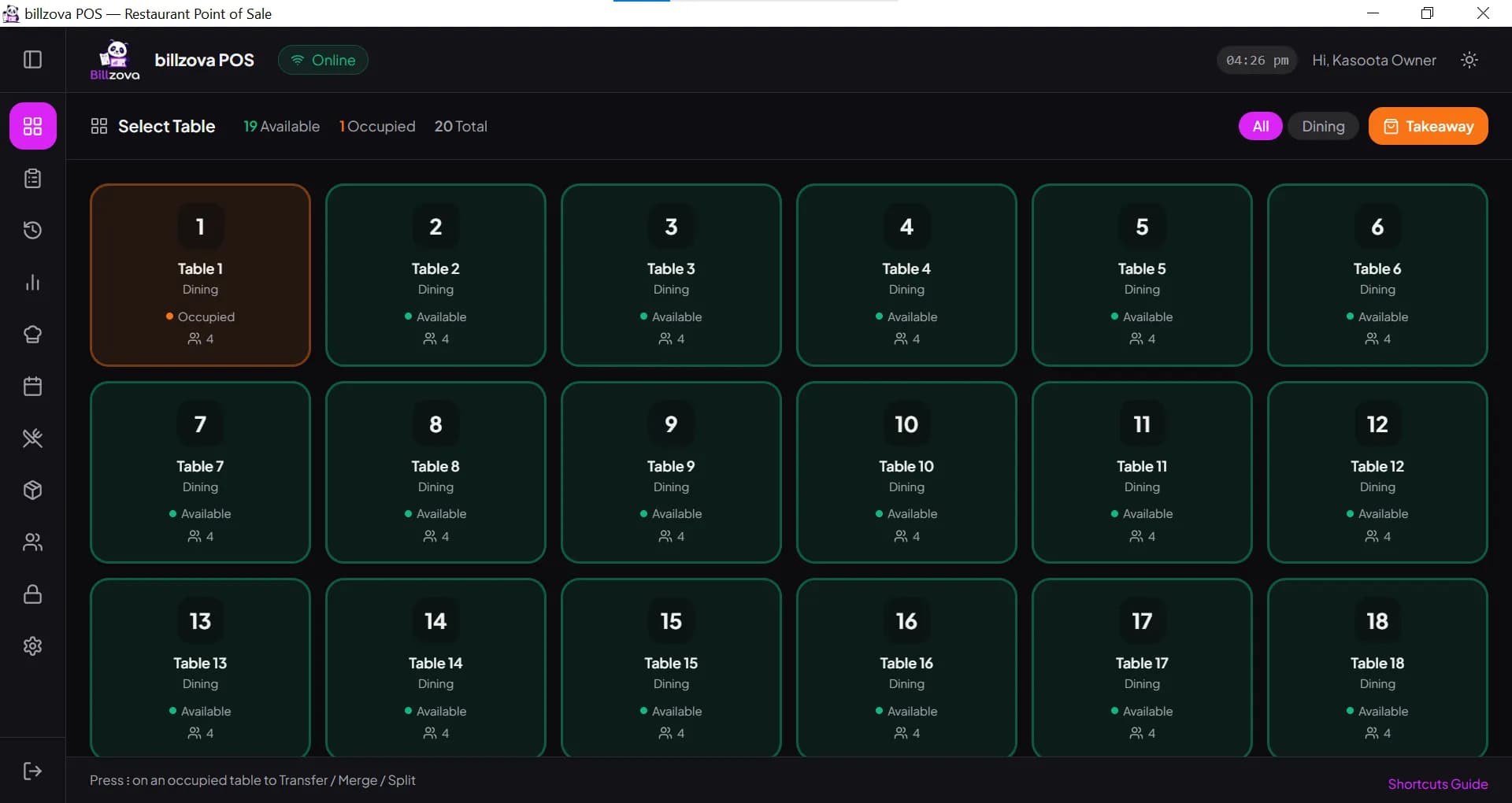
Tables with captains, a takeaway counter with tokens, phone orders, or a mix — the setup differs slightly for each.
Your must-haves
Anything you can't run without — service charge, half / full portions, multiple outlets, staff permissions. Ask about it directly.
Prefer to explore on your own? Start the free trial or download the Windows app — and call or WhatsApp +91 8869997605 whenever you get stuck.
A real bill, with CGST and SGST split
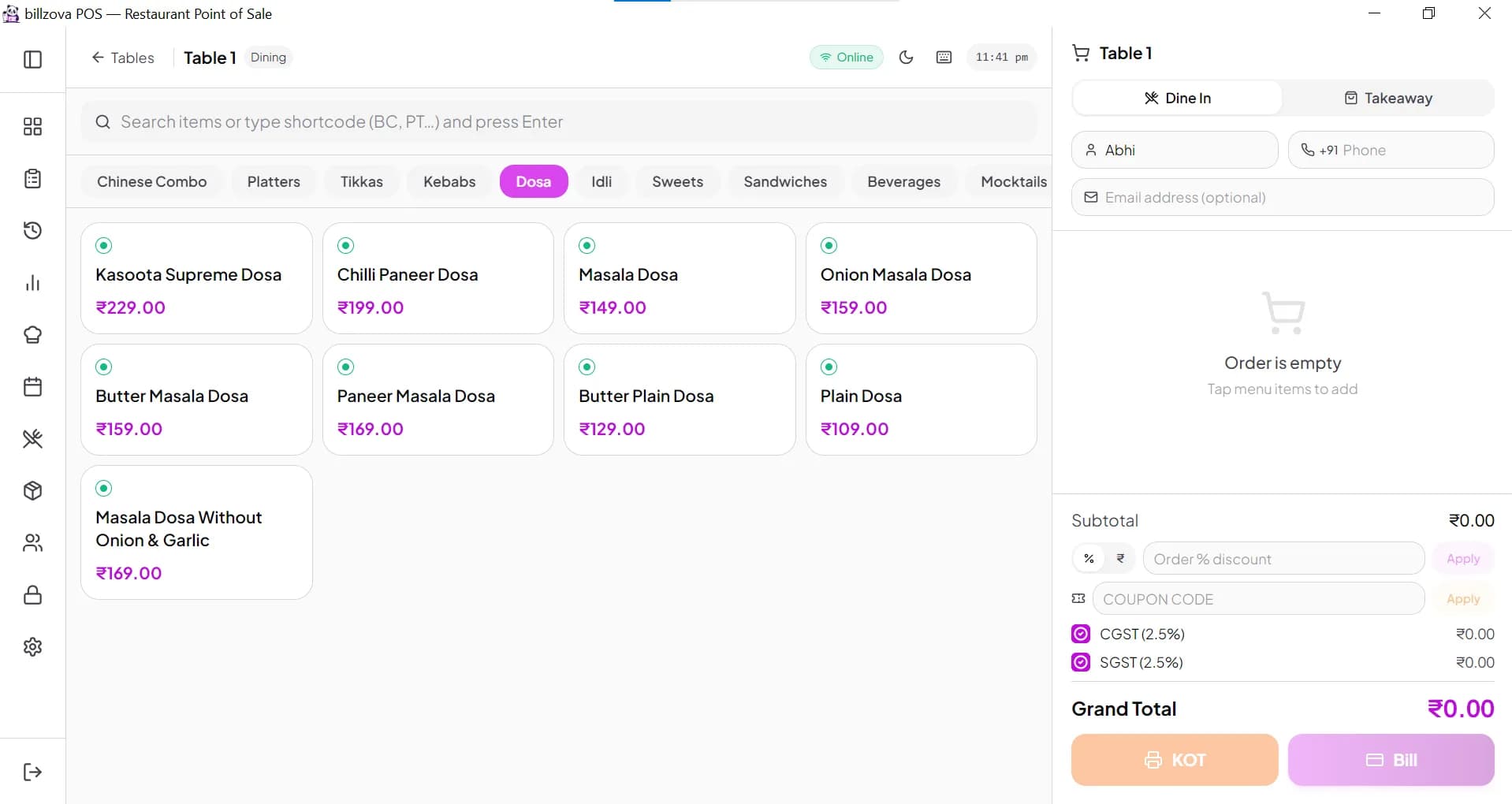
We bill a table and a takeaway order, apply a discount, and print the GST bill with your GSTIN and sequential bill number — including per-item GST rates if your menu mixes 5% food with other rates.
- Table billing and quick takeaway billing
- CGST + SGST split on every bill
- Sequential bill numbers with your own prefix
- Discounts, coupon codes and WhatsApp bills
- Half / full sizes, combos and add-ons
Watch the KOT reach the kitchen
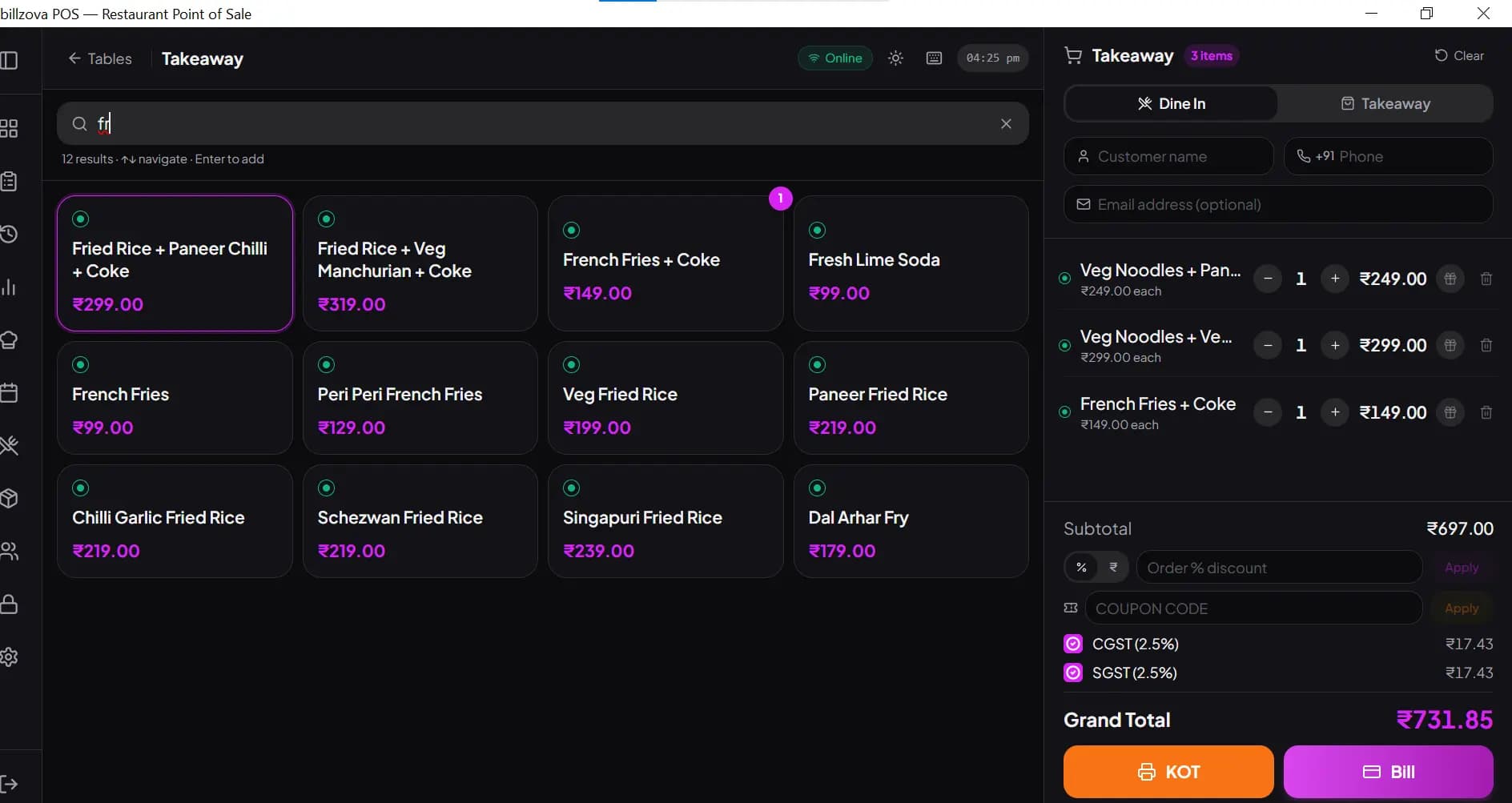
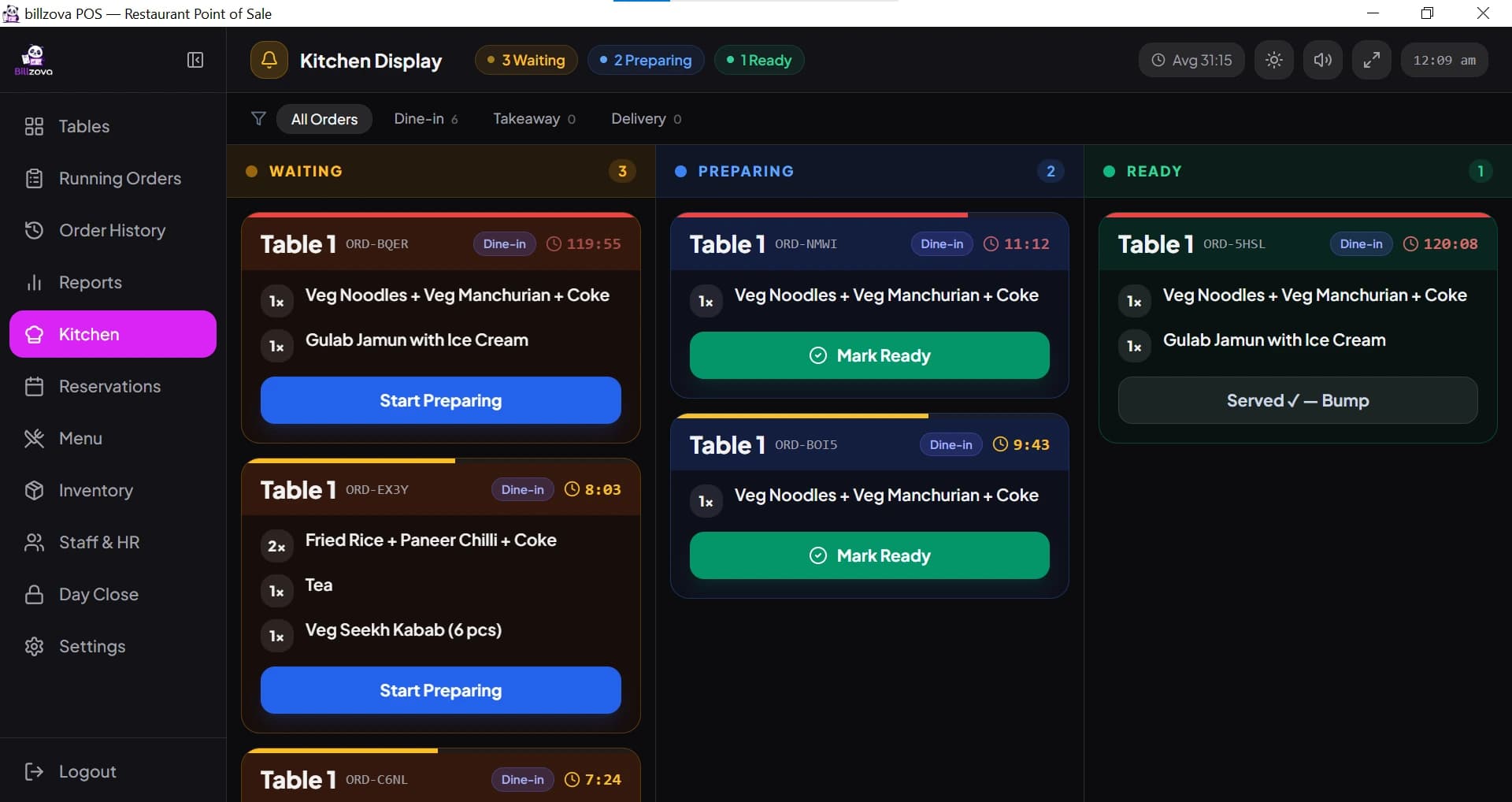
See how an order prints on the kitchen printer and appears on the kitchen display, where the kitchen moves it from Waiting to Preparing to Ready — and how only new items go to the kitchen when a table orders more.
- KOT to the kitchen printer
- Kitchen display: Waiting → Preparing → Ready
- Only new items sent when an order is added to
- Token numbers for takeaway counters
Billing with the internet switched off
On the Windows desktop app we disconnect the internet and keep billing and printing. When the connection comes back, the bills sync to the dashboard — so you can judge it yourself.
- Bills and KOTs print offline (Windows app)
- Offline bills sync after reconnecting
- What needs internet, explained honestly
Stock, day close and the numbers that matter
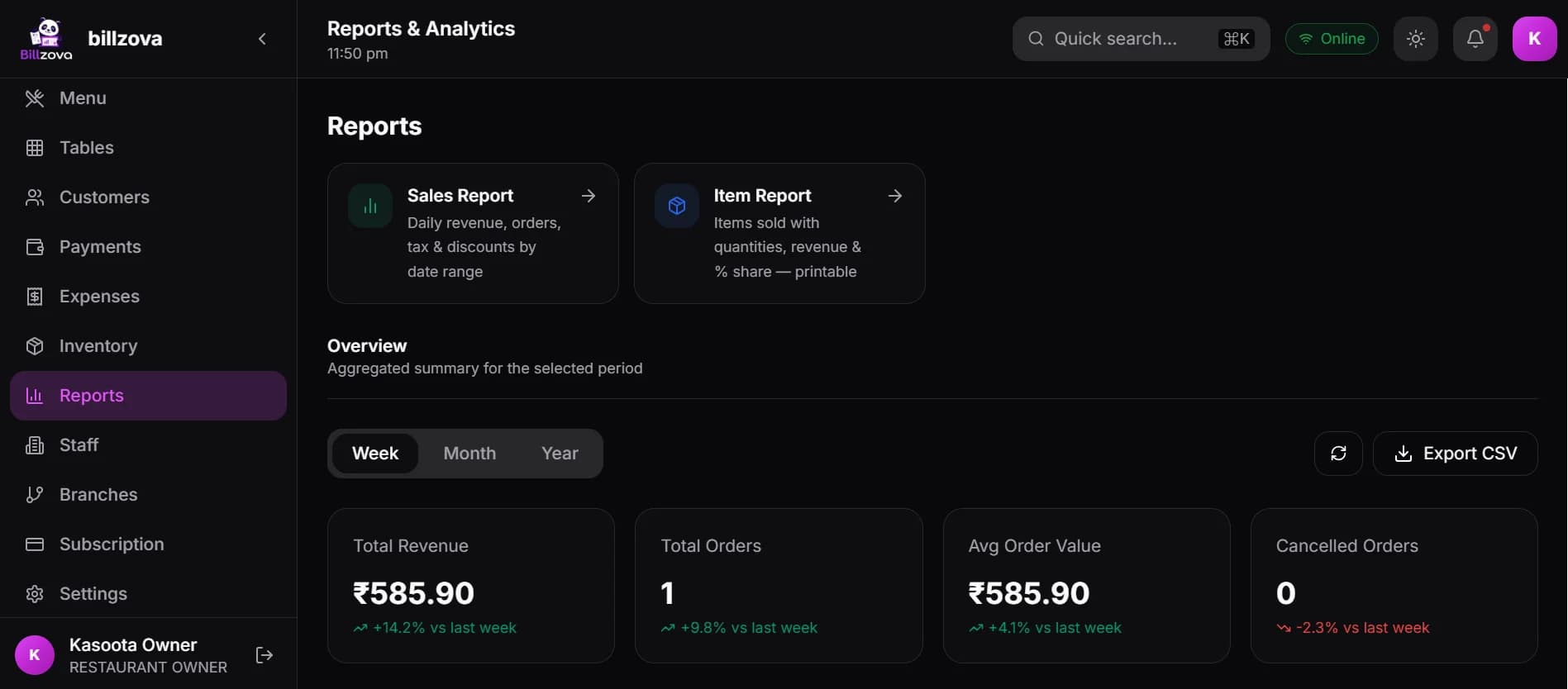
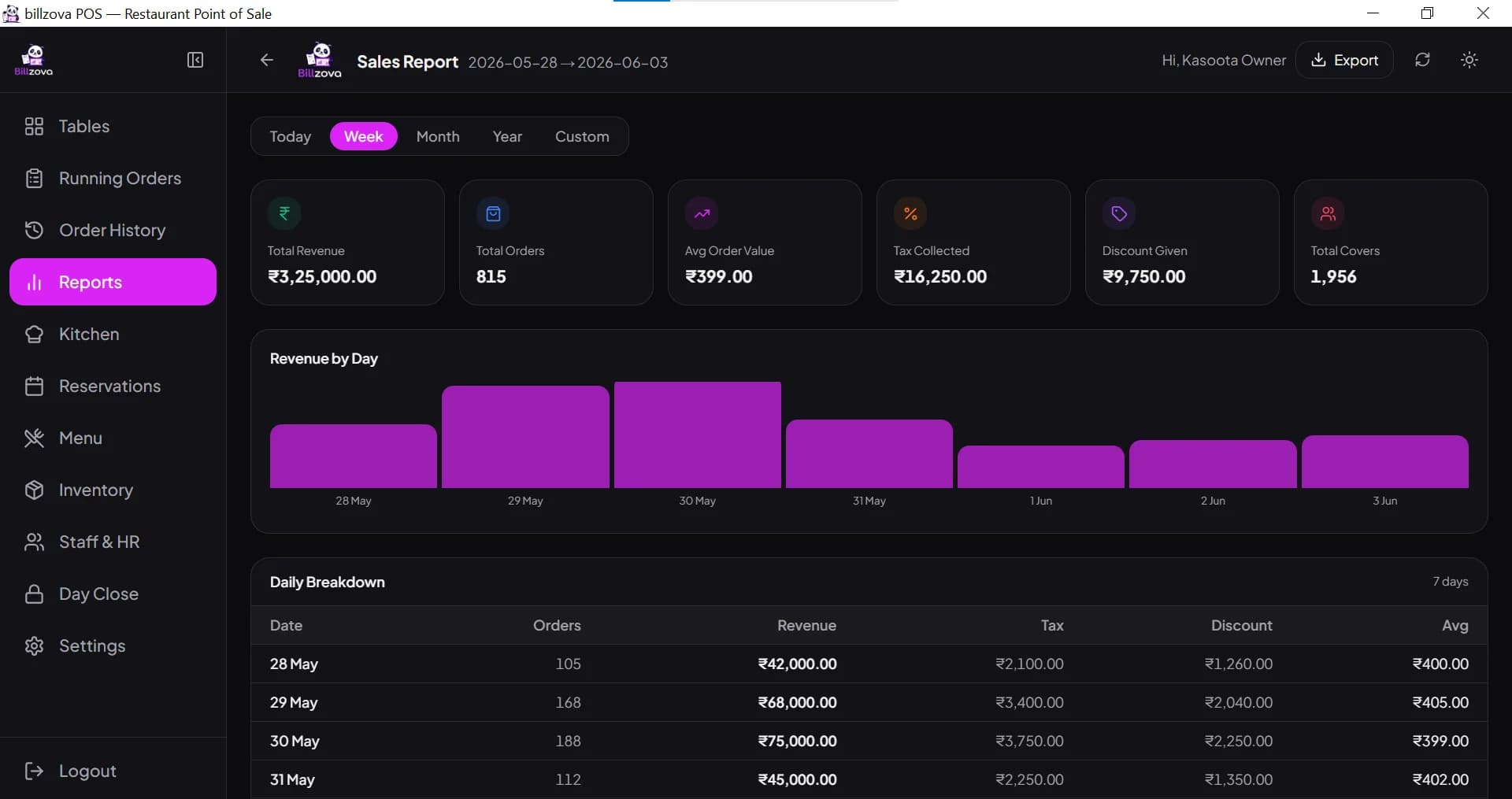
We show how raw materials and recipes work — each bill deducts its ingredients from stock — plus purchase orders, suppliers, the day-close report, item-wise sales, payment-mode split and GSTR-1 / GSTR-3B summaries.
- Raw materials, recipes and auto stock deduction
- Purchase orders and suppliers
- Day close / Z report
- Item-wise and payment-mode reports
- GSTR-1 and GSTR-3B summaries
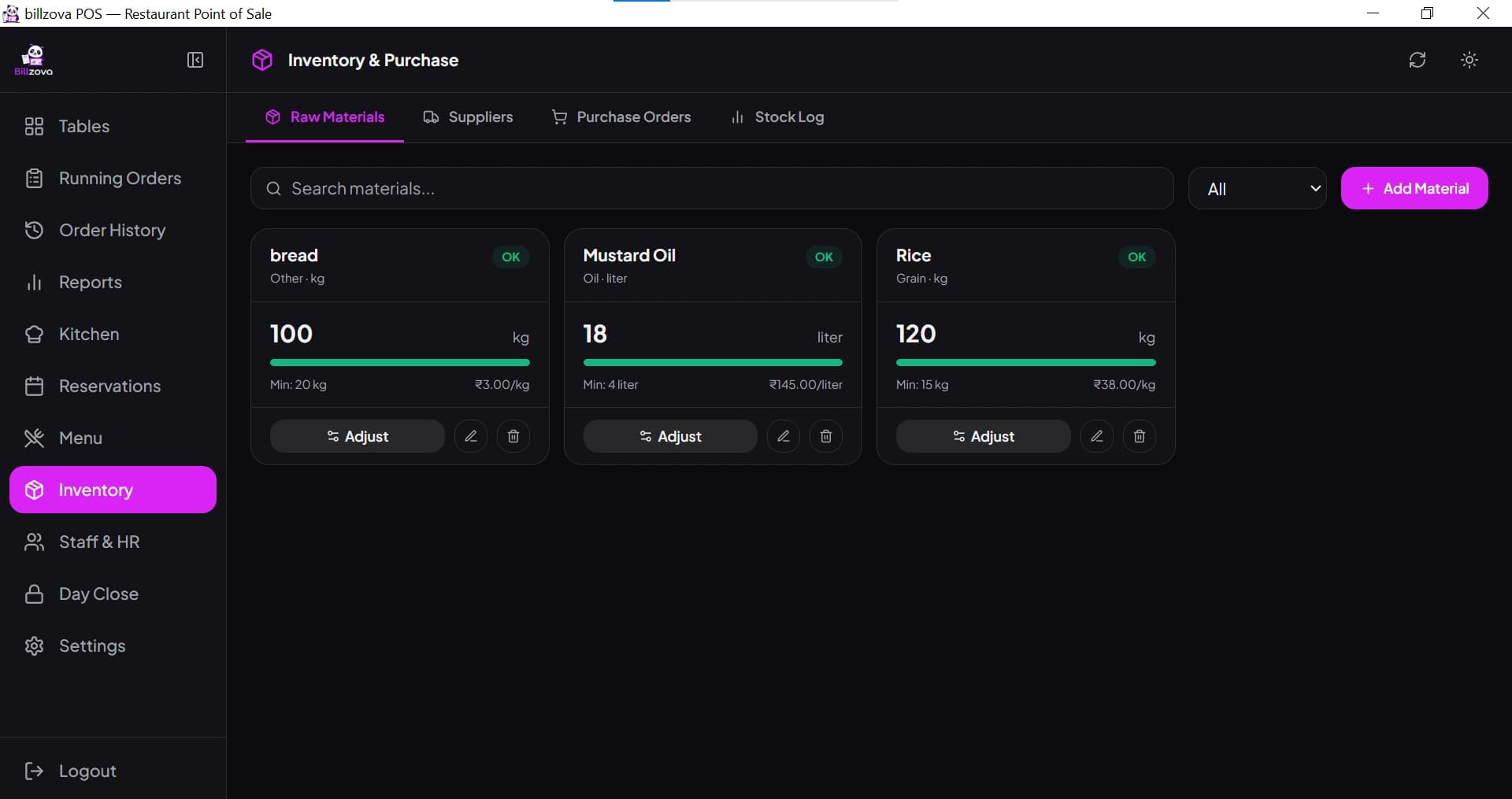
In the product
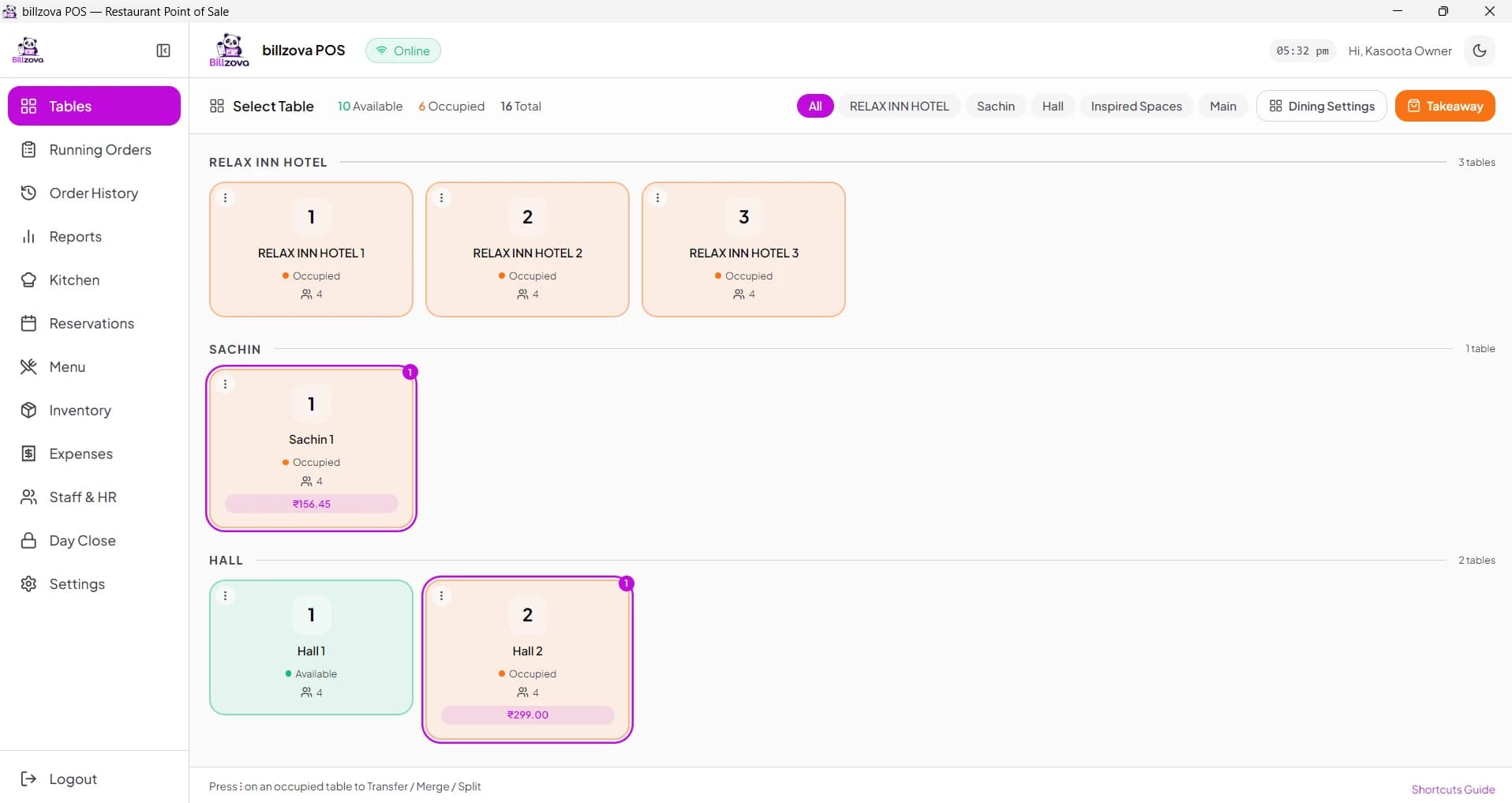
See every screen
Real product screenshots — not stock illustrations.
Compared
Generic vendor demo vs billzova demo
Typical vendor demo
- Recorded video, no live questions
- Sales pitch before the product
- Offline mode claimed, not shown
- One script for every business
- Pressure to commit on the call
billzova demo
- Live walkthrough of the real app
- Your questions answered as we go
- Offline billing shown on the Windows app
- Focused on your menu and setup
- No pressure — free trial whenever you're ready
FAQ
Frequently asked questions
Is the billzova demo free?▾
How quickly will someone contact me after I request a demo?▾
What will you show me in the demo?▾
What should I keep ready for the demo?▾
Will offline billing actually be shown, not just described?▾
Is there any pressure to commit during the call?▾
What happens after the demo if I want to go ahead?▾
Can I try billzova without a demo?▾
Start billing in 10 minutes.
Full access to every feature. Cancel anytime. ₹399/month after your free trial.