See which deleted invoices
actually deserve a second look.
billzova automatically flags unusual patterns in your deleted invoices — staff outliers, printed-then-deleted bills, cash-heavy deletions — built from real, already-settled invoices only, never routine table clears. Owner-only, informative rather than accusatory. Included at ₹399/month.
The struggle
Sound familiar?
You can't watch every counter, every shift
A busy restaurant runs shifts you're not personally present for — you can't manually cross-check every deleted bill against who was on the counter and when.
"Cancelled" and "deleted" get confused constantly
Most owners can't tell a routine table-clear (no money involved, no permission needed) apart from a real deleted invoice (already paid, then removed) just by glancing at a list.
A printed bill that never became an invoice is invisible
If a customer was shown a real amount on a printed check but the order was cleared instead of settled, there's no invoice and no payment record — nothing else would ever surface that.
Manually cross-checking staff, tables and payments takes hours
Spotting a real pattern — one staff member, one table, one payment method — by hand means exporting data and building your own spreadsheet every time you want to check.
How it works
Six real, conservative signals — not a black box
Every check has a real, deliberately conservative threshold behind it, built to keep false alarms low rather than to flag everything possible.
Staff deletion-rate outliers
Compares each staff member's own deletion rate to the restaurant's own average — only once they've billed at least 5 real invoices. Flagged at 10+ percentage points above average, high severity at 20+.
Unusual deletion-hour spikes
Flags a specific hour only if it has at least 3 deletions AND at least double the restaurant's own flat hourly average — never just "whichever hour happened to have one more."
Payment-method skew
If one payment method — cash, most often — makes up a disproportionate share of deleted invoices compared to its normal share of all payments, it's flagged, once there are at least 5 deleted-and-paid orders to compare against.
Repeated deletions on one table
A single table with 3 or more deleted invoices in the period is flagged; 5 or more is flagged as high severity.
Printed, then deleted
A bill was physically handed over — printed — before the record was removed. Flagged every time, no minimum count, since a real amount was already shown to a customer. Deletions within 5 minutes of printing get a separate, stronger flag.
Printed, then abandoned
A bill was printed for a table, but the order was cleared instead of ever being settled — no invoice, no payment record. Nothing else on the platform would surface this without this specific check.
The distinction that matters
"Cancelled" and "deleted" are not the same thing
"Cancelled" usually just means a table was cleared before it was ever billed — completely routine. Any billing staff can do this, no special permission is needed, and no money was ever involved. Restaurants clear tables this way constantly, for all kinds of ordinary reasons.
A real deleted invoice is different — it was already settled and paid, and the record was removed afterward, which requires the owner-granted Delete Invoice permission. billzova's Unusual Patterns insights only ever count this second kind. Mixing the two up — treating every routine table-clear as a deletion — would flood you with meaningless noise and bury the patterns that actually matter, so the underlying data is deliberately filtered to real deletions only.
Access control
Who can even delete an invoice — you decide
Superadmin enables it
Invoice deletion has to be turned on for your account at all before anyone — including you — can use it.
Owner always has it
Once enabled, the restaurant owner can delete an invoice by default, with no further setup.
Manager needs your opt-in
A manager can only delete an invoice if you explicitly turn that on for them in Settings — off until you decide otherwise.
Cashier — never
A cashier account cannot delete an invoice under any configuration, full stop.
And the Unusual Patterns insights themselves follow the same rule: they're visible to the restaurant owner only — not a manager, not a cashier, regardless of what deletion permissions anyone else has been given.
Framing, on purpose
Informative, not accusatory — by design
Inside billzova this feature is deliberately labelled "Unusual Patterns," never "fraud detection." Every threshold behind it is set conservatively on purpose, so a flag means something is statistically worth a look — not that something wrong definitely happened. There are usually innocent explanations: a busy shift, a genuine billing correction, a customer who changed their mind after the bill printed. The insights exist to tell you what's worth a two-minute conversation with your team, not to hand down a verdict on anyone. The decision, and the context only you have about your own staff and your own restaurant, stays entirely with you.
Who it's for
Most useful when you can't be at the counter yourself
Multi-shift full-service restaurants
You're not personally present for every shift — this covers the hours you're not there to watch the counter yourself.
High cash-volume QSRs & counters
Cash-heavy operations are exactly where the payment-method skew check matters most.
Multi-branch operators
You can't physically watch every location at once — each branch's own data is checked against its own baseline.
Bars & late-night operations
Higher cash mix and less owner oversight during peak late hours is exactly the pattern the hourly-spike check is built to catch.
See who's deleting invoices more than the rest of your team
billzova compares each staff member's own invoice-deletion rate against your restaurant's own average — not some generic benchmark — and only flags it once they've billed at least 5 real invoices, so a single early deletion never distorts the picture.
- Compared against your own restaurant's baseline
- Needs 5+ real invoices before a rate means anything
- Flagged at 10+ points above average, high at 20+
- Never counts routine table-clears, only real deletions
- Shown in plain English, not a raw percentage table
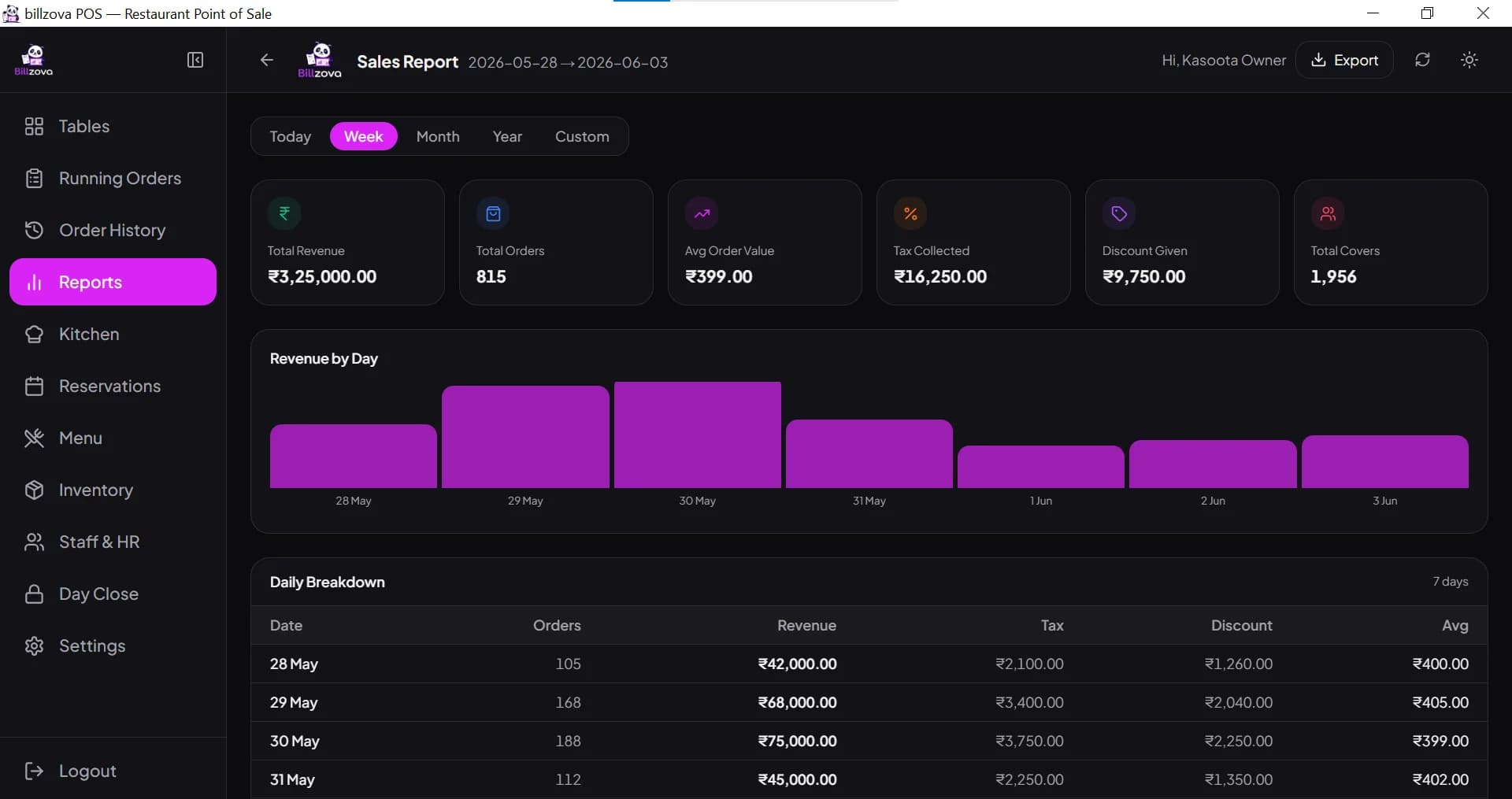
The strongest signal: a bill left the counter before the record did
If an invoice was actually printed — a real amount shown to a customer — and then deleted, that's flagged every single time, no minimum count required. Deletions within 5 minutes of printing are called out separately, since the gap between printing and deleting tells its own story.
- Flagged every time — no sample-size threshold
- A separate, stronger flag for deletions within 5 minutes
- "Printed then abandoned" catches the other half of this
- Based on real print-tracking, not a guess
- Always shown as high severity
Cash-heavy deletions and repeat-voided tables, surfaced automatically
If one payment method makes up a much larger share of deleted invoices than it does of all your payments — the classic cash-skimming pattern — or one table has been voided repeatedly in the period, both get flagged without you having to go looking.
- Payment-method skew needs 5+ deleted-paid orders first
- Flagged at 20+ percentage points above normal share
- Same-table repeats flagged at 3+, high severity at 5+
- Highest single deleted amount by one person, for context
- All comparisons scoped to your own restaurant's data
Only the owner can delete an invoice, unless you say otherwise
Invoice deletion itself is gated in three layers: billzova enables it for your account, the owner always has it once that's granted, and a manager only gets it if the owner separately opts in from Settings. A cashier account can never delete an invoice, under any configuration.
- Owner-only by default, every time
- Manager access is an explicit owner opt-in, off by default
- Cashiers can never delete an invoice
- Unusual Patterns insights are visible to the owner only
- Every deleted invoice can be restored by the owner
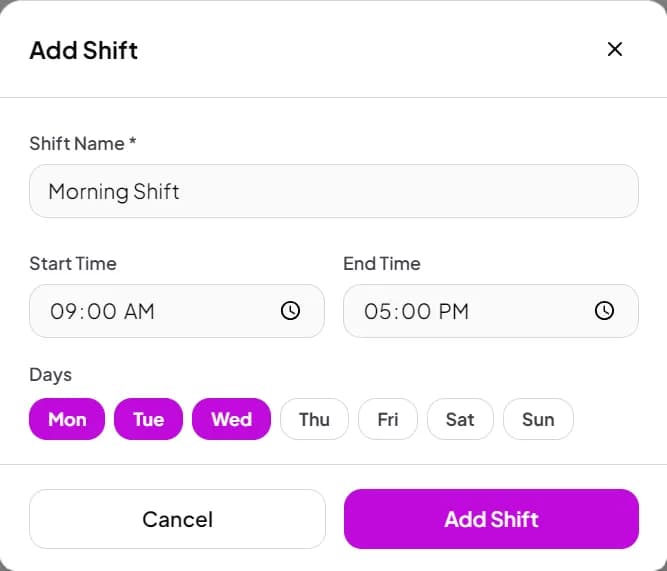
Check any period — a single shift, a week, or a full month
The Deleted Invoices page and its Unusual Patterns insights can be filtered to any date range, so you can check a single suspicious shift as easily as a full month's pattern, without exporting anything or building your own spreadsheet.
- Filter to any custom date range
- Same six checks re-run for whatever period you pick
- No export or spreadsheet work required
- Every deleted invoice listed with who deleted it
- Distinguishes "Cancelled" from real "Settled → Deleted" rows
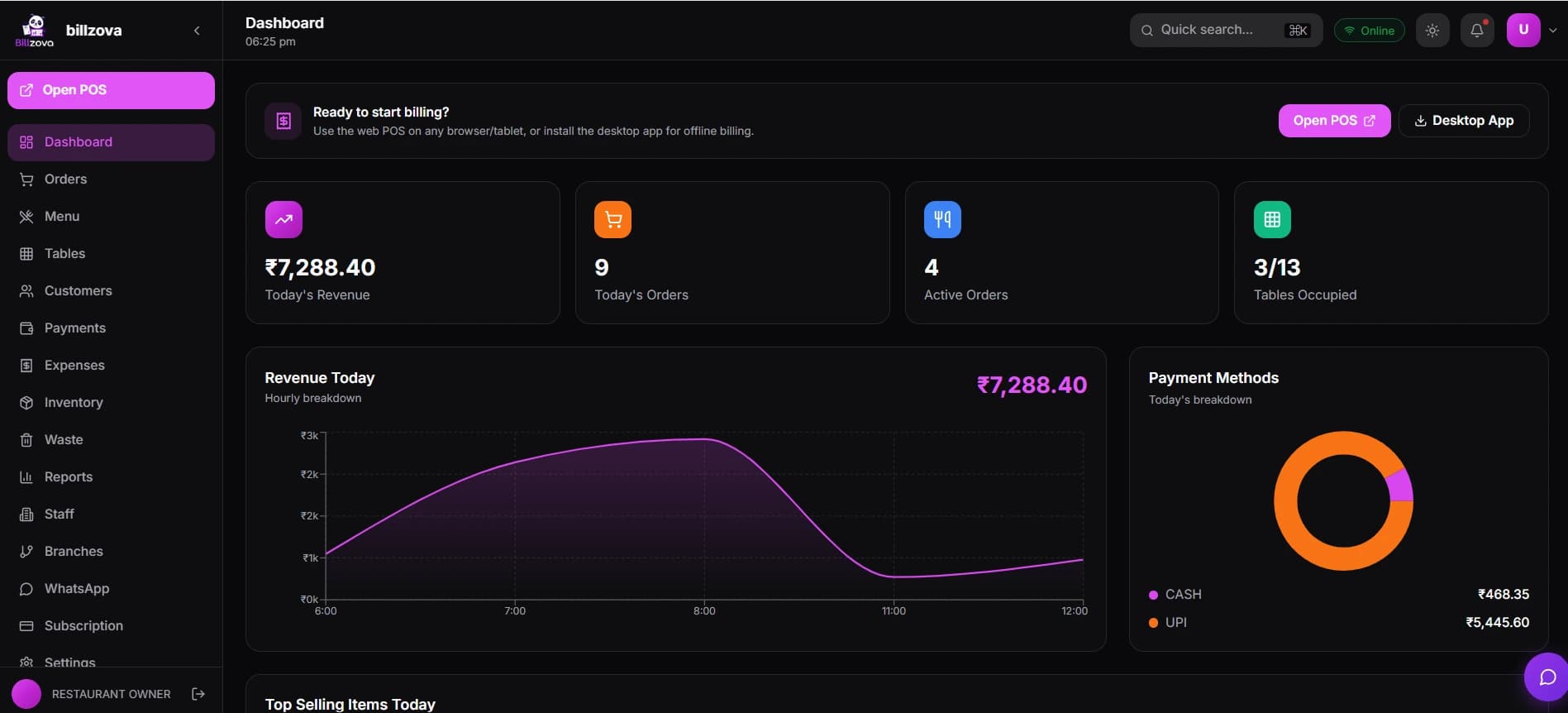
In the product
See every screen
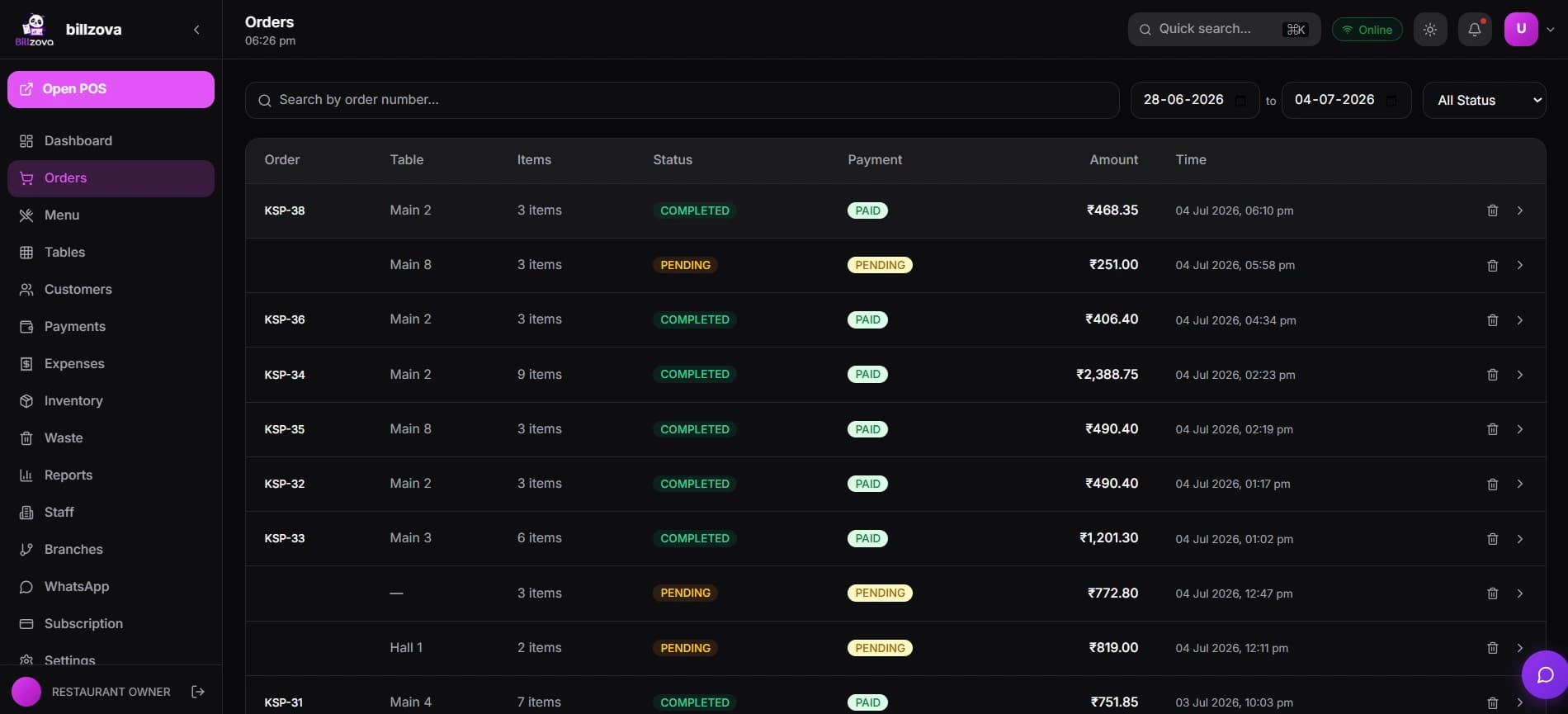
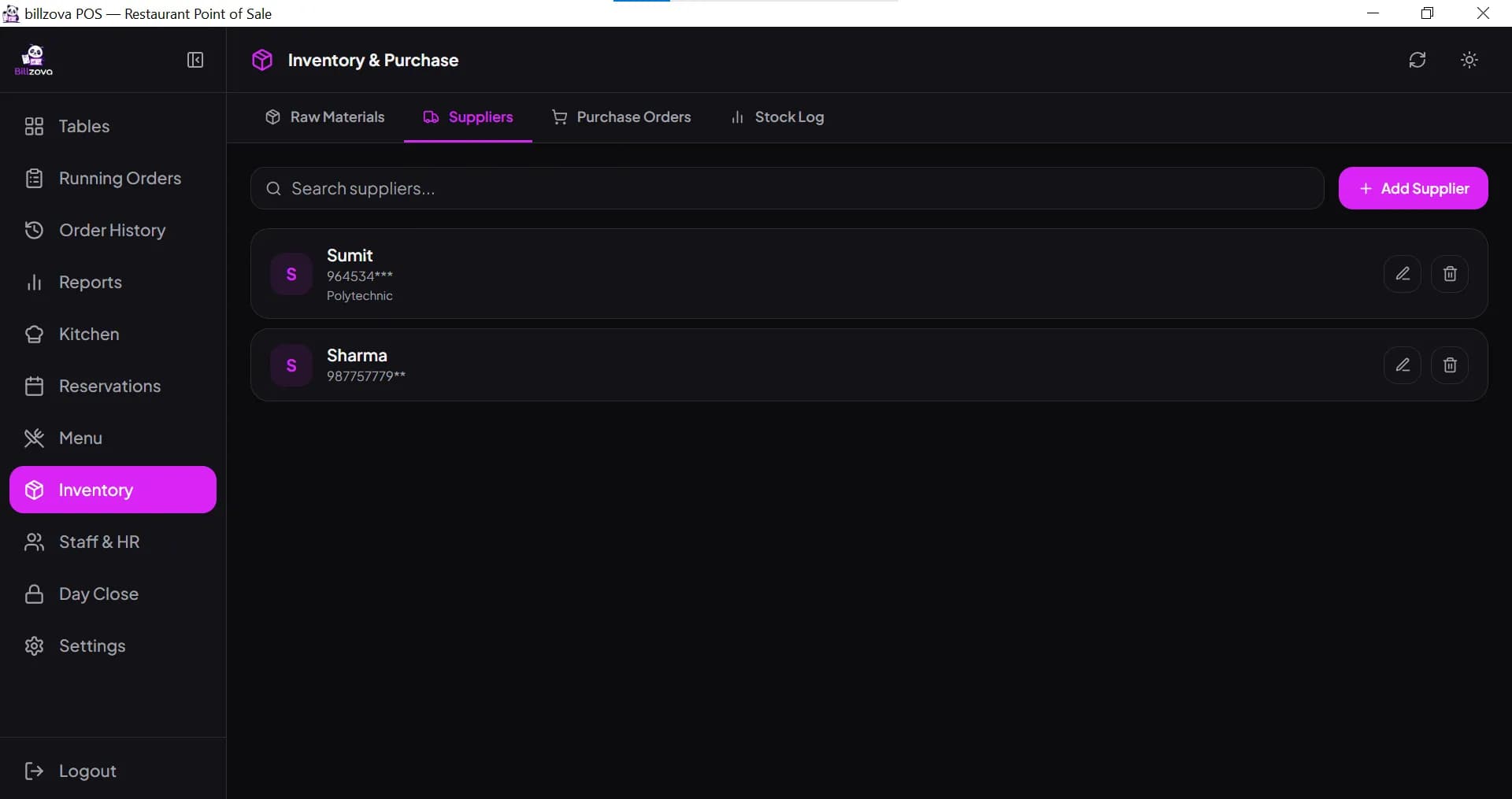
Real product screenshots — not stock illustrations.
Compared
Guessing vs billzova Billing Audit
Trusting and hoping
- No visibility into who deletes invoices, or how often
- "Cancelled" and real deletions look the same at a glance
- A printed-then-abandoned bill is completely invisible
- Spotting a pattern means manual spreadsheet work
- No record of who was even allowed to delete an invoice
billzova Billing Audit
- Staff deletion rates compared to your own baseline
- Real deletions and routine clears clearly separated
- "Printed then abandoned" surfaced automatically
- Six checks re-run instantly for any date range
- Owner controls exactly who can delete an invoice at all
FAQ
Frequently asked questions
What is billzova's billing audit / "Unusual Patterns" feature?▾
Is this a fraud-detection tool?▾
What exactly counts as a "deleted invoice" vs a routine cancellation?▾
What signals does it actually check?▾
How many deleted invoices does it need before flagging a staff member?▾
What counts as an unusually high deletion rate for one staff member?▾
What is "printed then deleted" and why is it treated as the strongest signal?▾
What is "printed then abandoned"?▾
Does it flag a specific time of day automatically?▾
Does it look at payment methods?▾
Does it flag a specific table?▾
Who can see these insights?▾
Can a manager see this page?▾
Who can actually delete an invoice in the first place?▾
Can I let a manager delete invoices too?▾
Can a cashier delete an invoice?▾
Does this feature require any special hardware or setup?▾
Can I check a specific date range, like just one shift or one week?▾
Will this flag innocent situations?▾
Does it work if my restaurant is small or doesn't have many orders?▾
Is billing audit / Unusual Patterns included in the ₹399/month plan?▾
Does deleting an invoice remove it permanently?▾
Does this replace the need for CCTV or manual spot-checks?▾
Can I see the actual list of deleted invoices, not just the summary insights?▾
Does the feature use AI or machine learning to flag patterns?▾
Is my restaurant's data shared with anyone outside my account?▾
Does this slow down billing during a busy shift?▾
Can I turn these insights off if I don't want to see them?▾
What happens if I disable invoice deletion entirely for my restaurant?▾
Does the peak-hour check account for my restaurant's actual operating hours?▾
Start billing in 10 minutes.
Full access to every feature. Cancel anytime. ₹399/month after your free trial.