See exactly what waste
is actually costing you — by reason, by item.
Log every waste entry — spoiled stock, a prep mistake, a dropped dish — and billzova costs it automatically from your own recipes and inventory. Entries above your threshold need manager approval, and an on-demand AI summary points at what's actually driving the cost. ₹399/month, first month free.
The struggle
Sound familiar?
Waste gets estimated, not tracked
Most restaurants guess at month-end how much was lost to spoilage and mistakes, instead of knowing the real number.
No idea which reason is actually costing the most
Spoilage, prep error, over-production — all lumped together in memory instead of broken down by what's actually driving the loss.
The real ₹ cost of a wasted dish is hard to work out by hand
Costing a wasted finished dish means tracing back through its recipe's ingredients — not something anyone does manually, order by order.
Big write-offs can go unnoticed
Without any review step, a large loss can get logged and forgotten instead of ever reaching a manager's attention.
How it works today
From a wasted item to a clear reason it happened
Waste is logged from your admin dashboard today — the same place you already manage inventory and review reports.
Log the entry
Pick the ingredient or dish, the quantity, a reason, and the stage of service it happened at — with an optional note or photo.
billzova costs it automatically
Raw ingredients are costed at your real cost per unit; finished dishes are costed from their actual recipe — no manual math.
Small entries clear instantly
Under your approval threshold, an entry is marked OK immediately — no bottleneck for routine, low-value waste.
Bigger entries wait for a manager
Above the threshold, the entry sits as pending until a manager or owner explicitly approves or rejects it.
Review the pattern, not just the total
Reports break the period down by reason, stage, item, and branch — and an on-demand AI summary can point at what's actually driving the cost.
Counted correctly
Raw ingredient waste and finished dish waste, both counted correctly
Waste doesn't only happen to raw ingredients sitting in storage — a fully cooked dish can be wasted too, after its ingredients have already been consumed. billzova logs both, and costs them correctly for what they actually are: a raw ingredient waste entry deducts that quantity from your stock immediately, the same way any stock adjustment does. A finished dish waste entry costs the dish from its real recipe, but does not deduct raw stock again — because those ingredients were already removed from stock when the dish was made or sold.
That distinction matters: without it, logging a wasted dish would either miss its real cost entirely, or double-count ingredients that were already accounted for elsewhere — either way, your stock ledger and your waste numbers would quietly stop agreeing with each other. billzova keeps them in sync by design.
Every reason, tracked separately
The 12 reasons behind every logged entry
Lumping every kind of waste into one number hides the pattern. Twelve specific reasons keep storage problems, kitchen mistakes, and supplier issues visible as separate, comparable totals.
Expired
Passed its shelf life before it could be used.
Spoiled
Went bad before its expiry — a temperature or handling issue.
Overproduction
More was prepared than was ordered or sold.
Prep Error
An ingredient was prepped incorrectly and became unusable.
Cooking Error
A dish came out wrong and had to be discarded.
Customer Return
Sent back by a customer after being served.
Dropped
Physically dropped or damaged during handling.
Supplier Reject
Rejected on arrival for quality before it entered stock.
Damaged in Storage
Damaged while stored — packaging, pests, or similar.
Unaccounted
Discovered missing during a stock count, with no clear cause.
Staff Meal
Given to staff — tracked honestly rather than hidden or ignored.
Other
A known reason that doesn't fit any of the other eleven.
Where in service it happened
The 5 stages waste is logged against
Storage
Before anything is touched — sitting in the fridge, freezer, or dry store.
Preparation
While ingredients are being prepped ahead of cooking.
Cooking
During actual cooking — a burnt or spoiled batch, for example.
Service
After a dish is ready but before or during it reaching the table.
Post-Service
After service — a returned or uneaten dish, for example.
Who it's for
Most valuable wherever food cost is tight
High-volume kitchens
More covers means more chances for prep and cooking mistakes to add up unnoticed without a real record.
Perishable-heavy menus
Seafood, dairy, and fresh produce spoil fast — knowing exactly how much and why is the first step to buying closer to what you actually use.
Buffet & all-you-can-eat formats
Overproduction is a structural risk in this format, and it's exactly one of the twelve reason codes tracked here.
Multi-branch operators
Branch-wise reporting shows you which location's waste actually needs attention, instead of one blended number.
12 real reasons, 5 real stages — not just a total
Every entry is logged against one of twelve specific reasons (expired, spoiled, overproduction, prep error, cooking error, customer return, dropped, supplier reject, damaged in storage, unaccounted, staff meal, or other) and one of five service stages (storage, preparation, cooking, service, post-service), plus an optional note and photo.
- 12 specific waste reason codes
- 5 stages: storage through post-service
- Optional note and photo per entry
- Optionally linked to an order or purchase order
- Covers both raw ingredients and finished dishes
Auto-costed from your own recipes and inventory
A wasted raw ingredient is costed at quantity × your actual cost per unit. A wasted finished dish is costed from the same recipe data used for food-cost control — the real ingredient cost that went into making it, not an estimate.
- Raw-material waste: quantity × real cost per unit
- Dish waste: costed from its actual recipe ingredients
- Same costing engine as Recipe Costing
- Raw-material entries deduct stock automatically
- Dish entries never double-deduct already-consumed stock
Small entries auto-clear, big ones need a real look
Set your own approval threshold — ₹500 by default. Entries under it are automatically marked OK; anything above it sits as pending until a manager or owner explicitly approves or rejects it, so a large write-off can't just slip by unnoticed.
- Configurable approval threshold, ₹500 by default
- Small entries auto-clear, no bottleneck for minor waste
- Larger entries held pending for manager review
- Only owner or manager can approve or reject
- Optional monthly waste-percentage target
A plain-English answer to "what's actually driving this"
Generate an on-demand AI summary of your logged waste for any period — what's costing you the most, and a concrete suggestion for reducing it — instead of staring at a table of numbers trying to spot the pattern yourself.
- Generated on demand, not automatically
- Plain-English summary, not a raw data dump
- Points at what's actually driving the cost
- Includes a concrete suggestion to reduce it
- Regenerate any time for a fresh read
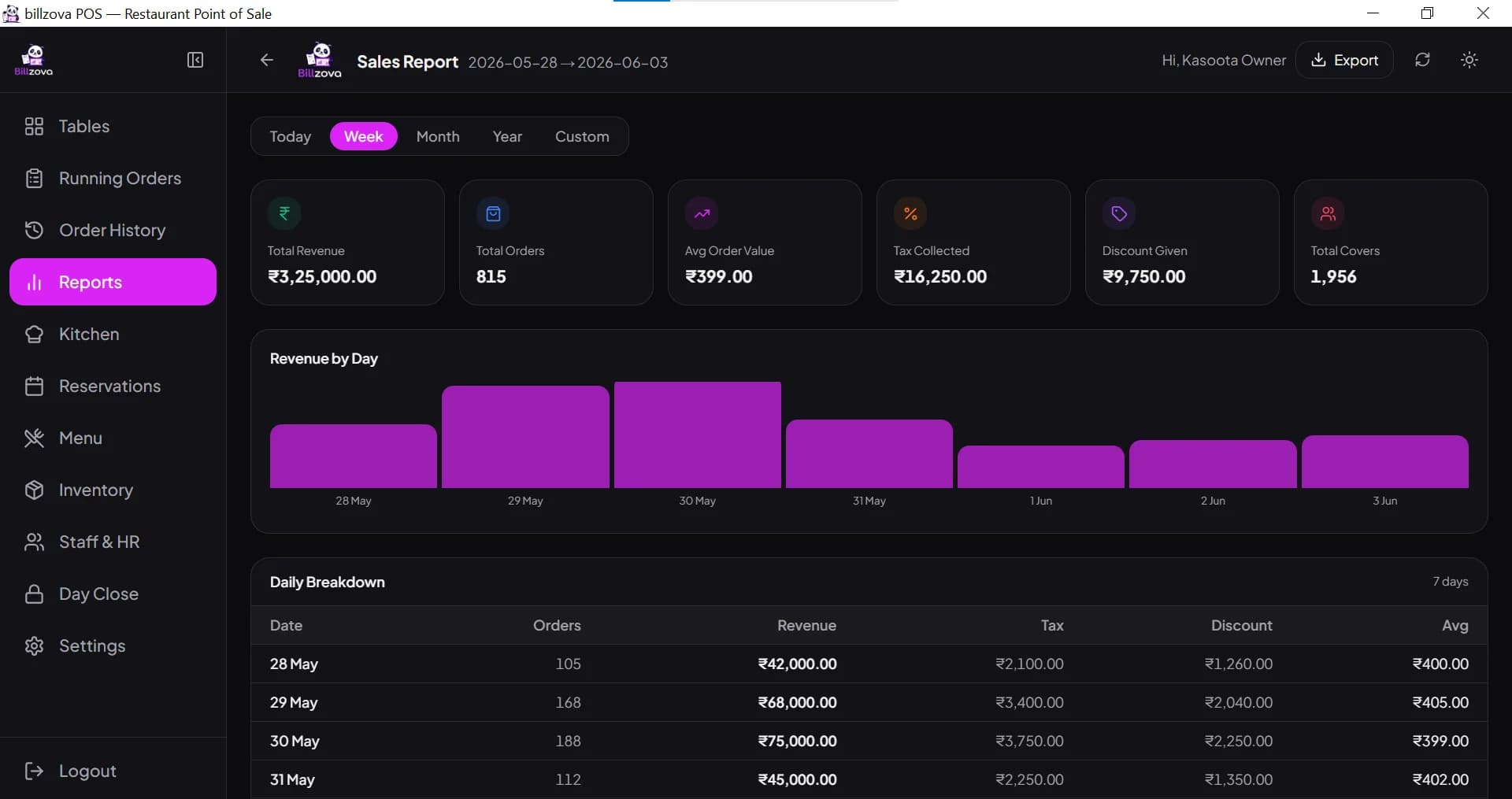
By reason, by stage, by item, by branch
See total waste cost broken down by reason code and by stage, a ranked top-10 list of your highest-cost wasted items, and — for multi-branch restaurants — a branch-by-branch breakdown, for any date range you choose.
- Waste cost broken down by reason and by stage
- Top 10 highest-cost items, ranked
- Branch-wise breakdown for multi-location restaurants
- Any custom date range, up to a full year
- Included standard at ₹399/month
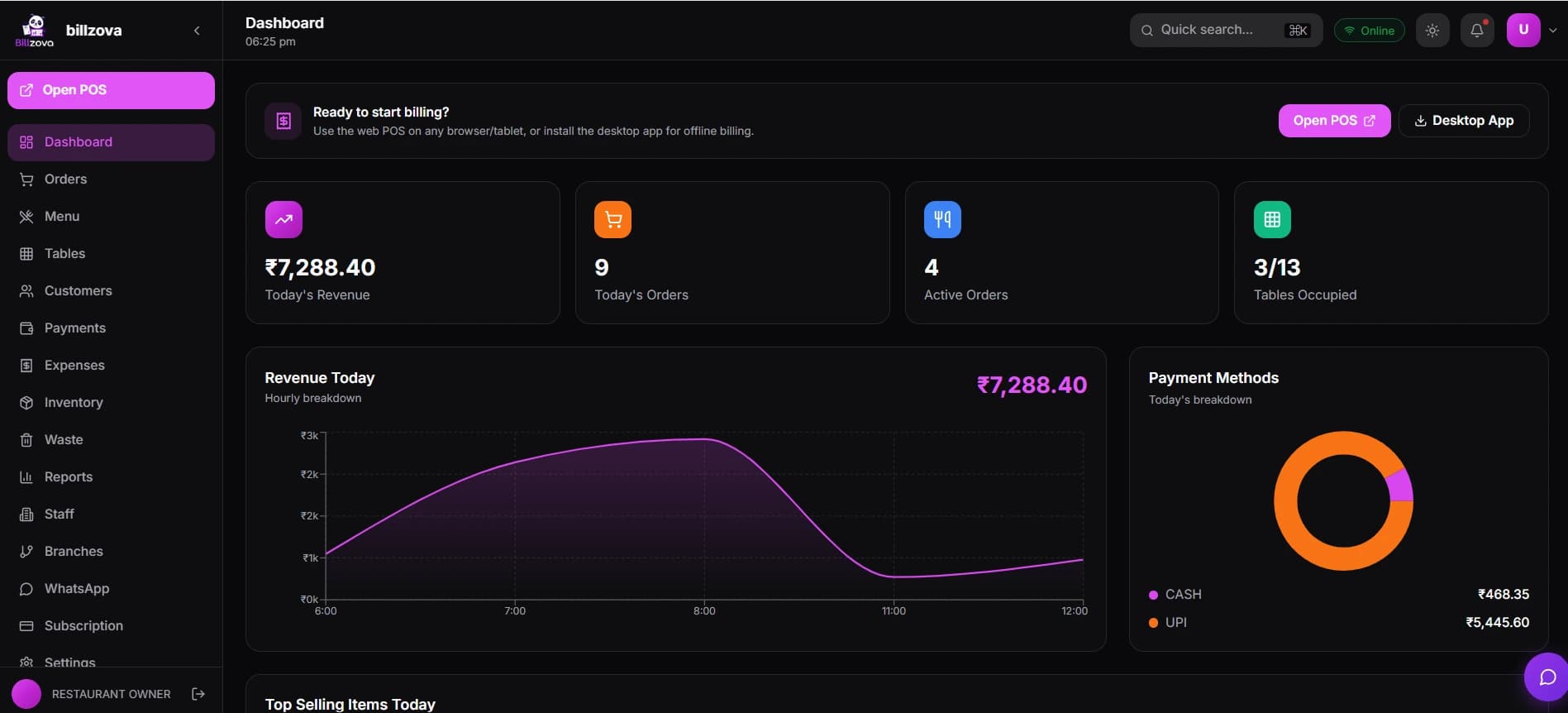
In the product
See every screen
Real product screenshots — not stock illustrations.
Compared
Guessing at month-end vs billzova waste tracking
Estimated at month-end
- No real record of what was wasted, or why
- Reasons for waste never separated or compared
- Wasted dishes hard to cost without manual work
- Large write-offs can go unreviewed
- No way to see which item is the real problem
billzova Waste Tracking
- Every entry logged with reason, stage, and real cost
- 12 reasons and 5 stages, broken down in reports
- Dishes auto-costed from their real recipe data
- Entries above your threshold need manager approval
- Top-10 highest-cost items ranked automatically
FAQ
Frequently asked questions
What is billzova's waste tracking feature?▾
What reasons can I log waste under?▾
What stage of service can waste happen at?▾
Does every waste entry need manager approval?▾
What's the default approval threshold, and can I change it?▾
How is the cost of a wasted entry calculated?▾
Does logging raw-material waste affect my stock count?▾
Does logging a wasted finished dish double-count against my ingredient stock?▾
Can I attach a photo to a waste entry?▾
Can I link a waste entry to a specific order or purchase order?▾
What is the AI insights feature?▾
Does the AI summary run automatically?▾
Can I see waste broken down by reason or by stage?▾
Can I see which specific items are wasted the most?▾
Does it break waste down by branch?▾
Who can log a waste entry today?▾
Who can approve or reject a waste entry?▾
Can staff on the floor log waste directly from the POS terminal?▾
Is there a monthly waste target I can set?▾
Is waste tracking included in the ₹399/month plan?▾
Can I see a full list of every waste entry, not just the summary?▾
Can I delete a waste entry if it was logged by mistake?▾
Can I edit a waste entry after logging it?▾
How far back can I view waste reports?▾
Does the approval threshold apply per branch, or restaurant-wide?▾
Does waste tracking work offline?▾
Is waste tracking connected to recipe costing?▾
What happens if I never set my own approval threshold?▾
Is a waste entry's cost locked in, or does it change if ingredient prices change later?▾
Can I use a monthly waste target to judge how I'm doing?▾
Does the waste feature require setting up recipes first?▾
What's the difference between "unaccounted" and "other" as a reason?▾
Can I track staff meals as a form of waste, or should I ignore them?▾
Does approving or rejecting a waste entry notify anyone?▾
Can I export waste data for my accountant?▾
Does a rejected waste entry still count against my inventory?▾
What restaurant types benefit most from tracking waste by stage as well as reason?▾
Is waste tracking useful for a single-counter restaurant, or only larger operations?▾
Does the AI summary see my whole restaurant's data, or just waste entries?▾
Can I compare this month's waste cost to last month's?▾
Does billzova recommend how much waste is "normal" for a restaurant?▾
Can more than one manager log or approve waste entries?▾
Start billing in 10 minutes.
Full access to every feature. Cancel anytime. ₹399/month after your free trial.