Offline vs Cloud POS Software: Which Is Right for Your Restaurant?
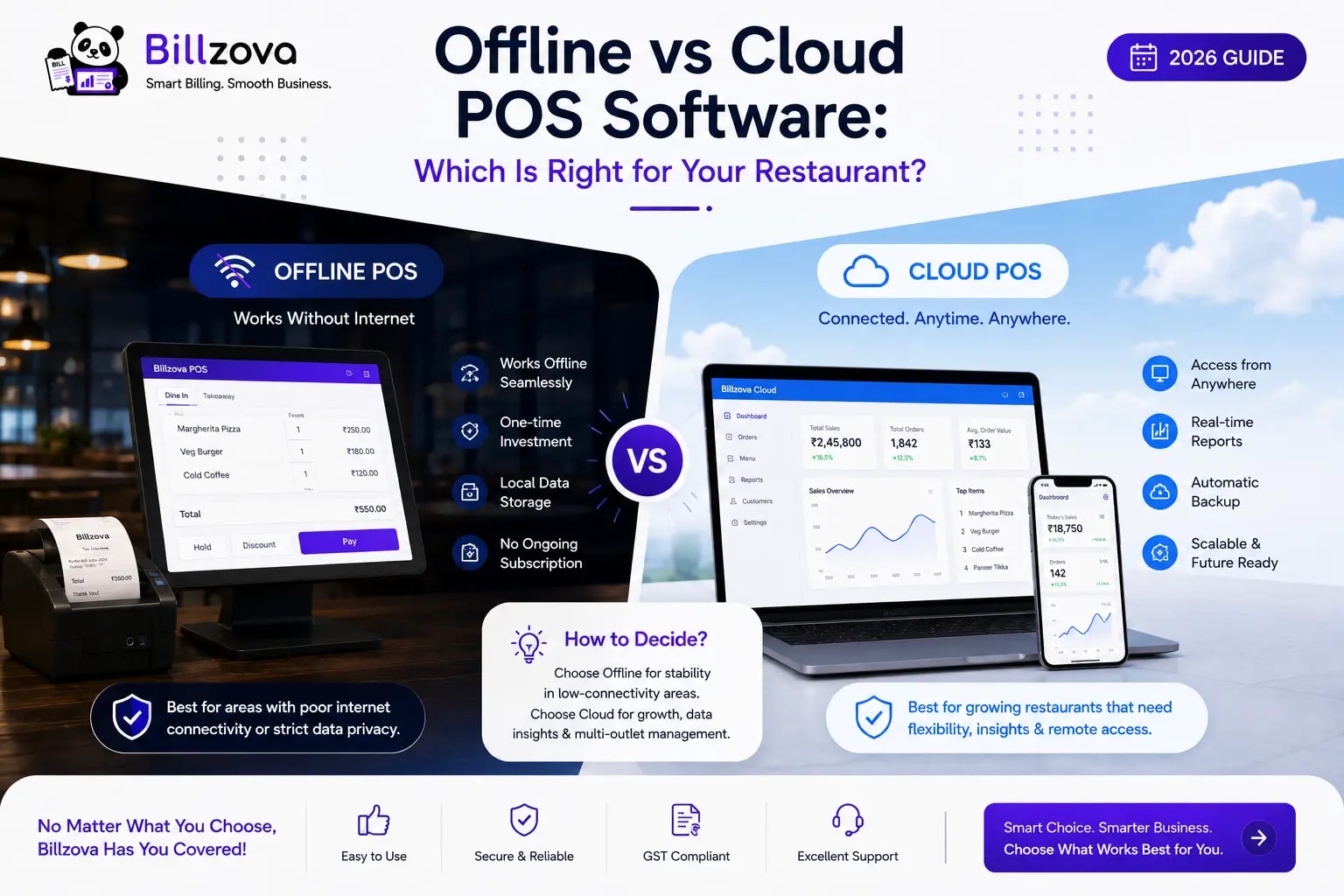
The offline vs cloud POS software question rarely gets the attention it deserves during a software evaluation, because it sounds like a technical detail. It isn't. It decides whether your restaurant keeps billing during a power cut or a busy-hour internet drop — both routine across much of India.
This guide explains how each architecture works under the hood, the real trade-offs, what GST rules mean for billing during an outage, and a practical way to decide what fits your restaurant — without assuming "cloud" is automatically modern and "offline" automatically outdated.
What "Offline" and "Cloud" Actually Mean for POS Software
Cloud-only POS software needs a live internet connection for core functions — billing, KOT and often even order entry — because the logic runs on a remote server, not on the device in front of your staff. Offline-first (or offline-capable) POS software runs billing and order logic on the device itself, and uses the cloud for syncing — reports, dashboards, backup — rather than for the sale itself.
Many systems marketed with an "offline mode" actually mean a degraded backup state: limited features, delayed KOTs, or invoices that can't be generated until you're back online. Finding out which kind of "offline" a vendor means is the most important question in this whole decision.
How Offline-First Architecture Works
In a genuinely offline-capable system, when staff enter an order, the bill calculation, GST invoice and KOT are all created using data stored on the device — no round-trip to a server. The sale is saved locally straight away. Separately, a background sync pushes it to the cloud whenever a connection is available, which is what powers the web dashboard, reports across outlets and backup.
The practical result: staff taking orders during an outage barely notice. The bill completes, the KOT prints, the customer gets their invoice — and the data syncs automatically when the connection returns.
How Cloud-Only Architecture Works
In a cloud-only system, the order screen sends the sale to a remote server, which calculates the bill, creates the invoice and sends back a confirmation — every step needs a live connection. Some cloud systems keep a small local cache that queues orders during a brief outage, but that's different from full offline operation: KOT printing, stock deduction and invoice generation may all wait until you're back online.
This isn't inherently bad. Cloud-only systems can run on lighter hardware (any browser or tablet), update centrally, and are simple to use across many devices. The trade-off is a direct dependency on connectivity, which becomes a real cost the moment that connectivity isn't there.
Side-by-Side Comparison
| Factor | Offline-First | Cloud-Only |
|---|---|---|
| Billing during an internet outage | Continues normally | Stops or severely limited |
| KOT printing without internet | Continues to a connected printer | Often delayed or fails |
| Hardware | Usually a dedicated device (e.g. a Windows PC) | Lighter — any browser or tablet |
| Data sync | Background, automatic on reconnect | Live, needs a constant connection |
| Updates | App updates installed on the device periodically | Updated centrally |
| Features that need the internet anyway | Live dashboards, kitchen screens on other devices, QR/online orders, WhatsApp messages | Everything |
| Best suited for | Variable power/internet | Very reliable, redundant internet |
Pros and Cons of Offline-First POS
Pros: billing doesn't stop because of connectivity; consistent speed regardless of network; no lost sales during outages.
Cons: usually needs a dedicated device rather than any browser; app updates have to be installed on that device; anything that involves other devices or customers (live dashboards, QR orders, kitchen screens elsewhere, WhatsApp bills) still needs the internet to be up.
Pros and Cons of Cloud-Only POS
Pros: flexible, lighter hardware; central updates; often simpler multi-device setup.
Cons: billing depends directly on connectivity; an outage is an immediate disruption; "offline mode" claims often mean degraded rather than full functionality.
What GST Rules Mean for Billing During an Outage
An outage isn't just about lost sales — it can also create GST record-keeping problems if your staff fall back to a paper bill book and then try to fit those bills into the software later.
- Invoice numbers must stay unique and in sequence. Rule 46 of the CGST Rules requires a consecutive serial number, unique for the financial year — but it explicitly allows "one or multiple series". That's how a well-built offline system can give each billing terminal its own series, so two counters billing offline at the same time never produce the same number.
- Every series shows up in GSTR-1. Table 13 of GSTR-1 ("documents issued") lists each invoice series used in the period, and the GST portal's GSTR-1 FAQ says filling it is mandatory once you report any sales. Gaps from abandoned paper bills or clashing numbers are exactly what makes this table messy.
- E-invoicing needs the internet. If your aggregate turnover is ₹5 crore or more, your B2B invoices need an Invoice Reference Number (IRN) from a government Invoice Registration Portal, as the GST portal's e-invoicing overview explains. That step is online by nature, whatever POS you use — plan for it if you're above the threshold. (Normal B2C restaurant bills don't need an IRN.)
The Hybrid Approach: Best of Both
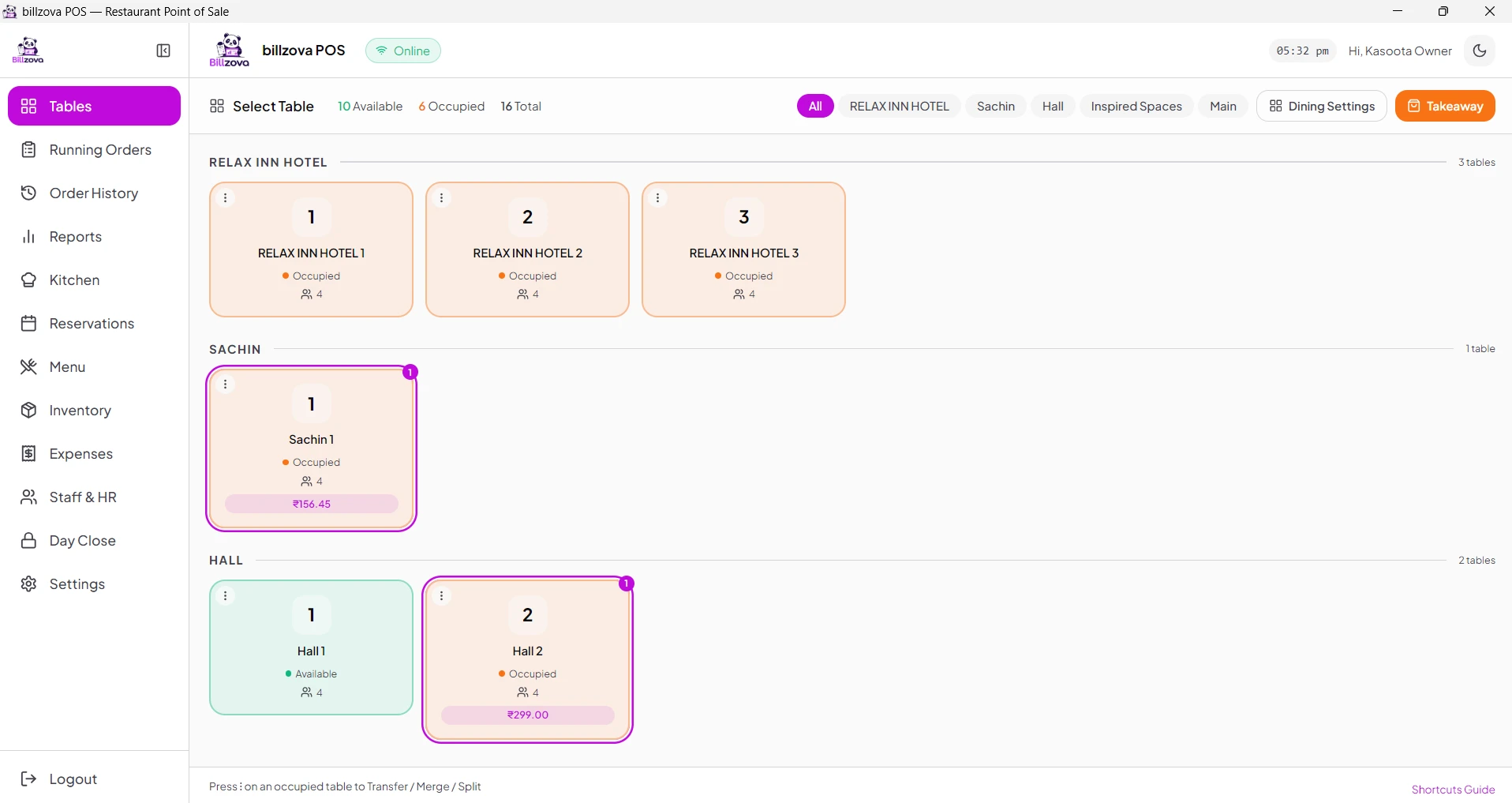
The strongest setup for most restaurants combines offline-capable billing on the counter with cloud sync for everything that benefits from being central — the owner's dashboard, reports across outlets and backup. That's how Billzova works: the Windows desktop app keeps billing, printing KOTs to a connected printer and generating GST invoices when the internet drops, and syncs to the web dashboard once it's back.
To be clear about the limits: Billzova's offline billing is on the Windows desktop app. The Android app and web POS need a connection, and so do the kitchen display board, QR table orders and WhatsApp bills. If those matter during an outage, a phone hotspot as backup internet is a cheap safety net.
The Hardware Side of Offline-First
Because an offline-first POS runs on the counter PC, that PC matters more than it would for a browser-only tool:
- Keep Windows supported. Microsoft ended support for Windows 10 on 14 October 2025 (see Microsoft's support notice), which means no more security updates for it. A billing PC that handles payments and customer data should be on a supported version.
- Put it on a UPS. Offline mode protects you from an internet drop, not from the PC switching off in a power cut. A small UPS for the PC and printer keeps the counter running long enough for the inverter or generator to kick in.
- Let it sync regularly. Offline bills are safe on the device, but the dashboard and reports only update once the PC reconnects. Don't leave a counter offline for days.
How to Test This Before Buying
- Ask for billing with the internet actually disconnected — not a description.
- Check exactly what works offline — billing, KOT printing, GST invoice, reprint, discounts — and what waits.
- Bill on two counters offline at once (if you have two) and check the invoice numbers don't clash.
- Reconnect and watch the sync — is it automatic, and do the offline bills appear in reports without manual work?
- Run a real trial in your own location, where you know your connectivity patterns.
Which Architecture Fits Which Situation
| Situation | Recommended |
|---|---|
| Frequent power cuts or patchy internet | Offline-capable billing, strongly preferred |
| Dense market area with peak-hour congestion | Offline-capable billing, strongly preferred |
| Single outlet with reliable, redundant power and internet | Either can work; offline-capable still removes risk |
| Several outlets needing one view | Hybrid — offline-capable billing per outlet plus a cloud dashboard |
| Delivery-heavy kitchen | Hybrid — online orders need internet anyway, but the counter and KOT shouldn't stop when it blips |
Common Mistakes When Evaluating This
- Accepting "works offline" without seeing it live.
- Assuming cloud means better without weighing the reliability trade-off for your location.
- Not asking what degrades during an outage in a system with partial offline support.
- Falling back to a paper bill book and creating invoice-number gaps your CA has to explain later.
- Forgetting the PC itself — no UPS, or an unsupported version of Windows.
Illustrative Examples
These are made-up scenarios to show the trade-offs — not case studies of real restaurants.
Illustrative: a busy market-area restaurant whose mobile data slows to a crawl every evening rush. With cloud-only billing, each bill hangs for several seconds; with offline-capable billing, bills and KOTs go through at normal speed and sync later.
Illustrative: a sweet shop with regular power cuts. The router goes down with the power, but the billing PC and printer are on a UPS. Offline-capable billing keeps the counter running; once power returns, everything syncs without anyone re-entering bills.
Illustrative: an owner with three outlets. Each outlet bills locally so an outage at one doesn't stop it, while the owner sees all three in one dashboard as each syncs.
Frequently Asked Questions
What's the real difference between offline and cloud POS software?
Offline-first systems run billing and KOT on the device itself, so they don't need a connection for each sale. Cloud-only systems need a live connection to a remote server for the same functions.
Is offline POS software better than cloud POS?
Where power and internet are unreliable — much of India — offline-capable billing is the safer choice. Locations with very reliable, redundant connectivity have more flexibility.
Can a POS be both offline and cloud-connected?
Yes. This hybrid approach — offline-capable billing plus cloud sync for dashboards and backup — is generally the strongest setup.
How do I know if "offline mode" claims are real?
Ask for a live demo with the internet disconnected, and check specifically whether billing, KOT printing and GST invoices continue, or just get queued.
What happens to invoice numbers when billing offline?
They must stay unique and in sequence for the financial year. GST rules allow multiple invoice series, so a good system can give each terminal its own series to avoid clashes. Avoid falling back to handwritten bills.
Do e-invoices work offline?
No. If you're required to e-invoice (aggregate turnover of ₹5 crore or more), B2B invoices need an IRN from a government portal, which needs the internet. Billzova doesn't generate IRNs, so check with your CA if this applies to you.
What happens to my data during an outage?
In an offline-first system it's stored on the device and syncs to the cloud automatically when the connection returns.
Does offline-first POS need special hardware?
Usually a Windows PC rather than any browser. Keep it on a supported Windows version and on a UPS.
How does Billzova handle offline vs cloud?
Billzova's Windows desktop app keeps billing, printing KOTs to a connected printer and generating GST invoices during internet drops, then syncs to the web dashboard. The Android app, web POS, kitchen display board, QR orders and WhatsApp bills need internet.
Can I test offline billing before committing?
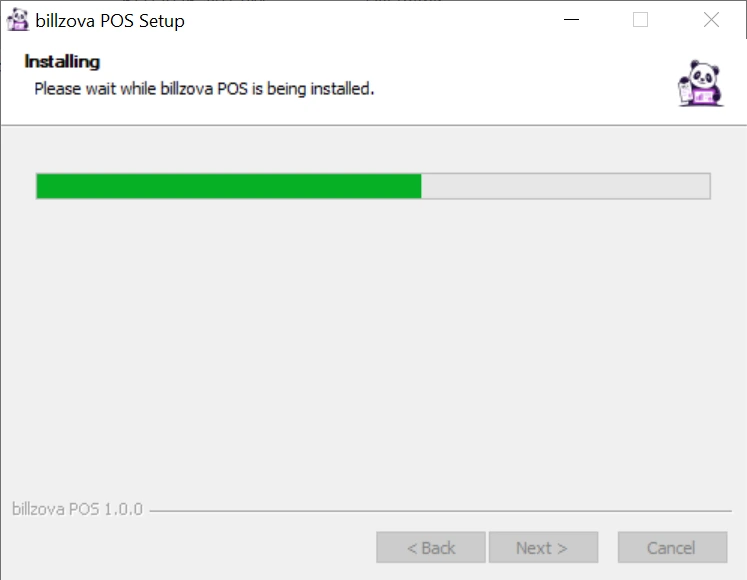
Yes, and you should. Install the desktop app during the 30-day free trial and switch your internet off during a quiet hour.
Conclusion
The offline vs cloud decision directly determines whether your restaurant keeps billing through the outages that are part of running a restaurant in most of India. A hybrid setup — offline-capable billing on the counter, cloud sync for the dashboard — gives you both reliability and remote visibility. Test any vendor's offline claims live, keep your invoice numbering clean, and look after the PC the system runs on.
To see it in practice, start a 30-day free trial, book a demo to watch the offline test directly, or talk to our team about your location's connectivity.
Billzova Team
Restaurant POS & Billing Experts
We build Billzova — GST billing, KOT, offline mode, inventory and reports for Indian restaurants. This team writes from what we see helping real restaurants bill faster every day.
Run your restaurant on billzova
GST billing, KOT, offline mode, inventory & reports in one app. ₹399/month — first month free.