Table management software
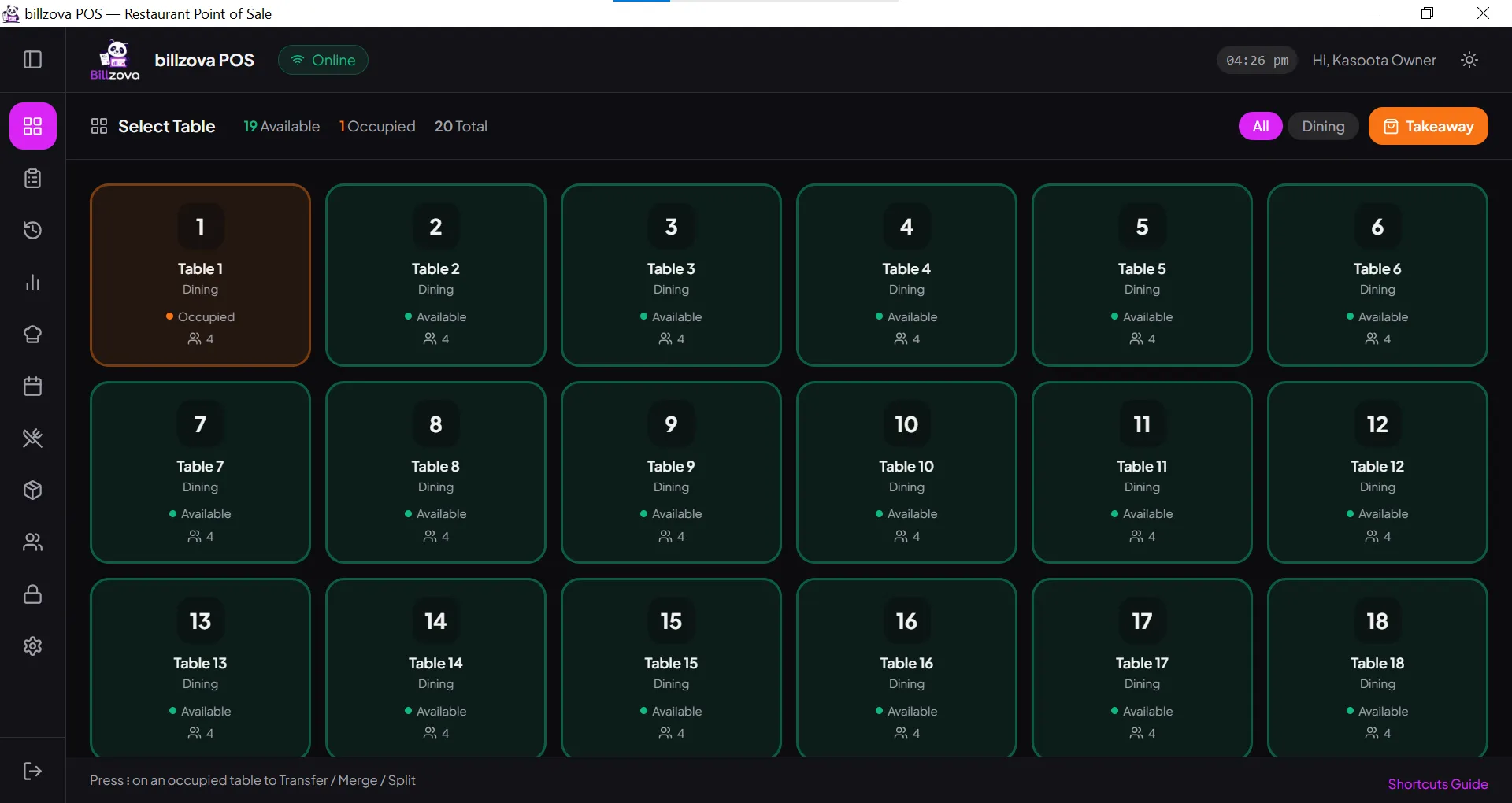
that shows every table’s status at a glance.
billzova's live floor view, merge/split support, and table-tied reservations are built directly into billing — no separate system to maintain. Included at ₹399/month, first month free.
The struggle
Sound familiar?
No real-time view of free tables
Staff rely on walking the floor or asking around, which slows down seating during busy periods.
Reservations not tied to specific tables
A booking can get lost or conflict with a walk-in if it’s just a note rather than mapped to an actual table.
Table status disconnected from billing
Staff have to manually match a bill to a table if the two systems don’t talk to each other.
Reservations, in detail
A booking a busy weekend can actually rely on
Book with the details that matter
Guest name, phone number, party size, date, and time window — plus a free-text note for anything the kitchen or floor staff should know ahead of time.
Tie it to a real table, or leave it flexible
Link a booking to a specific physical table on your floor plan, or just note a table number/section if you'd rather assign the exact table closer to the day.
Get warned before double-booking a slot
If a new booking overlaps an existing one on the same table, billzova flags it before you confirm — you can still go ahead if it's intentional, like planning for an early no-show.
Seating a guest updates the floor automatically
Move a booking to "Seated" and the linked table flips to Occupied immediately — no separate step to remember on a busy night.
Check in walk-ups from the mobile app
Front-of-house staff can pull up today's bookings and confirm a check-in from their phone, without needing to be at the main terminal.
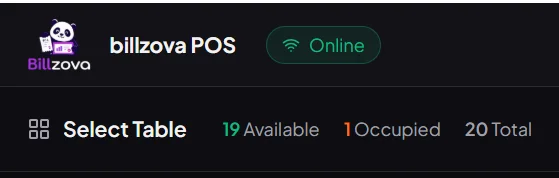
See occupied vs free tables at a glance
Tables organised by floor or section — Garden, Rooftop, AC Hall — with status visible instantly, no walking the room required.
- Live view by floor or section
- Occupied vs free shown clearly
- Updates automatically with billing
- No manual status changes needed
- Useful for multi-section floors
Handle group dining without manual workarounds
Combine tables for larger parties or split them as needed, with the bill following the table arrangement correctly.
- Built-in table merge support
- Built-in table split support
- Bill follows table arrangement
- No manual reconciliation needed
- Smooth handling of larger groups
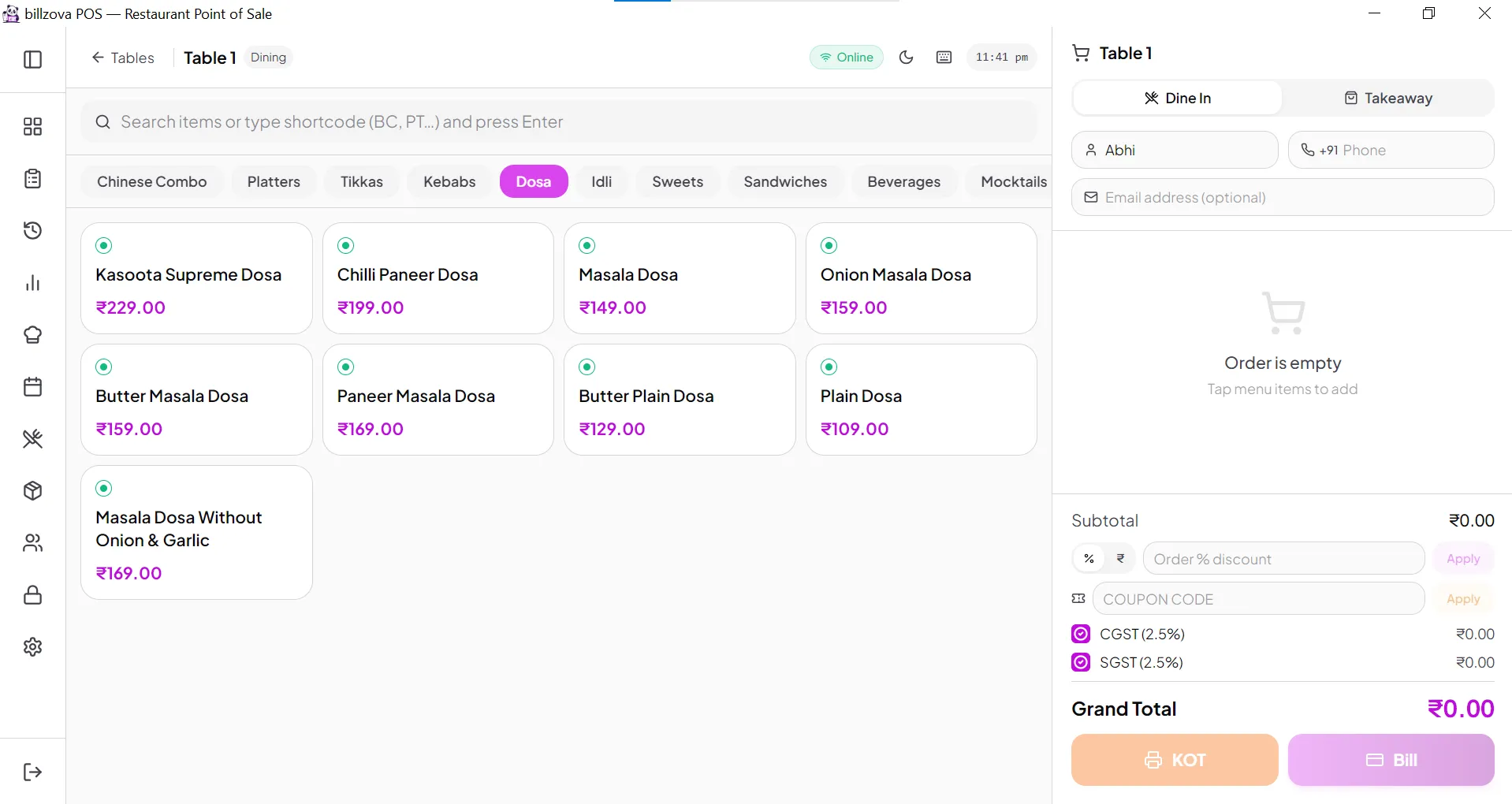
Bookings tied directly to specific tables, with a real status flow
Take a reservation with guest name, phone, party size, and time — tied to an actual table, not just a note on a time slot. Each booking moves through a real status flow (Confirmed → Seated → No-Show/Cancelled), and if a new booking overlaps an existing one, billzova warns your staff before they confirm it — a warning, not a hard block, since a deliberate double-booking is sometimes exactly what a busy night calls for.
- Guest name, phone, party size, and pre-order notes per booking
- Real status flow: Confirmed → Seated → No-Show/Cancelled
- Warns on overlapping bookings — staff can still override
- Seating a guest automatically marks their table Occupied
- Day-of check-in from the mobile app for walk-up confirmations
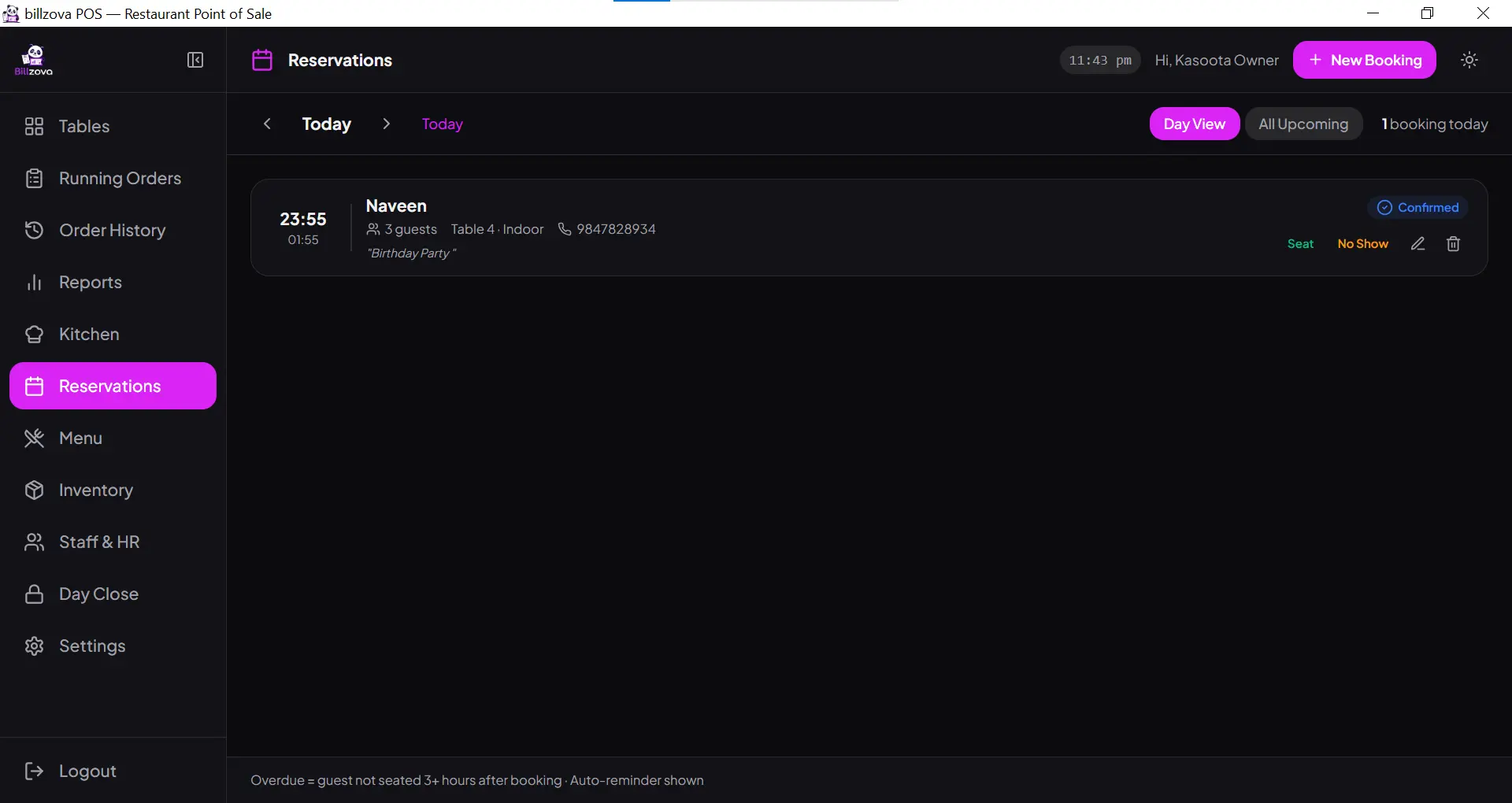
Table status updates automatically with every bill
No separate system to reconcile — the moment an order is placed or settled, the table’s status updates instantly.
- Table status tied directly to billing
- No manual reconciliation
- Feeds into broader sales reports
- Works offline, syncs when reconnected
- Included standard at ₹399/month
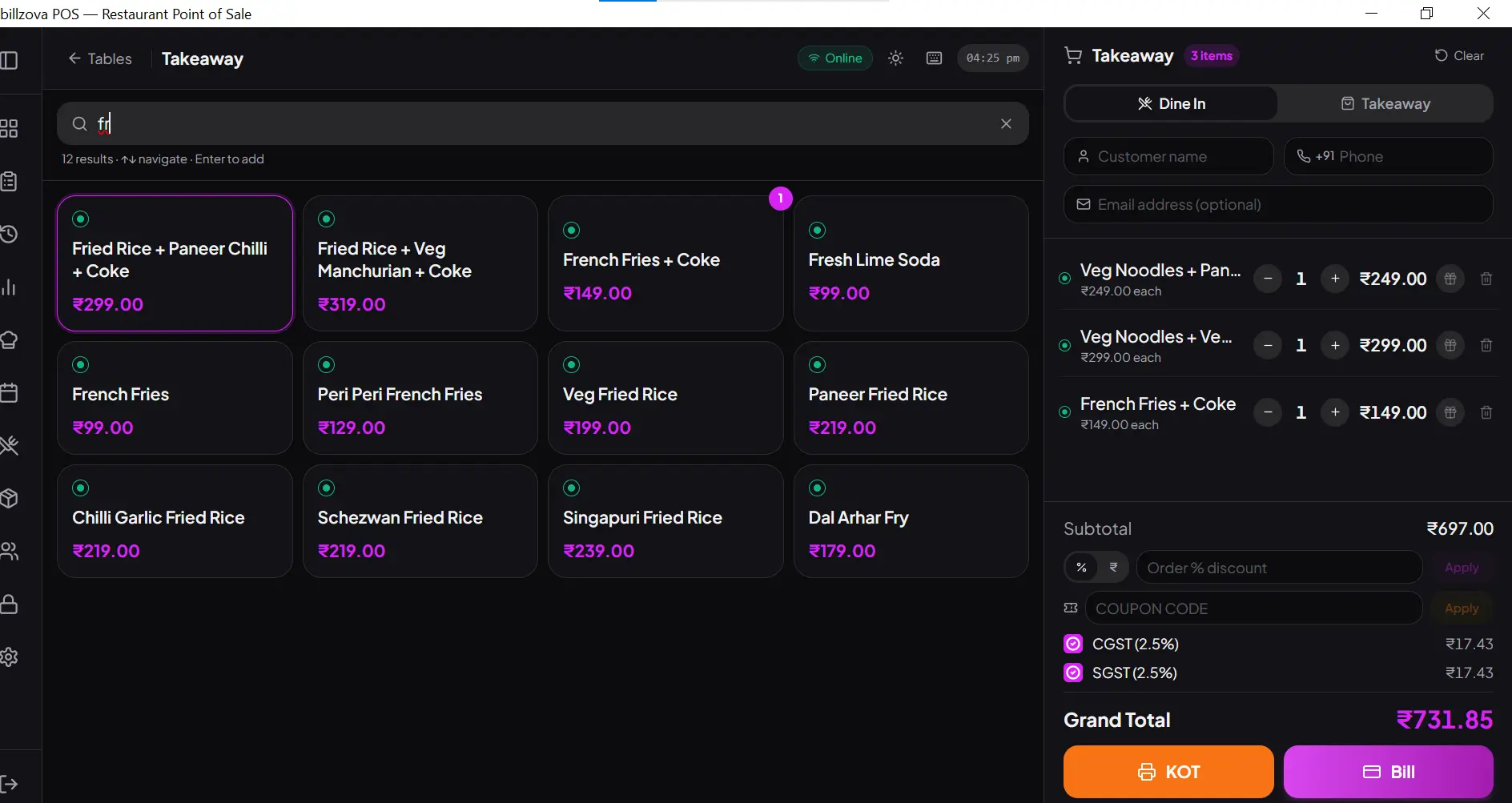
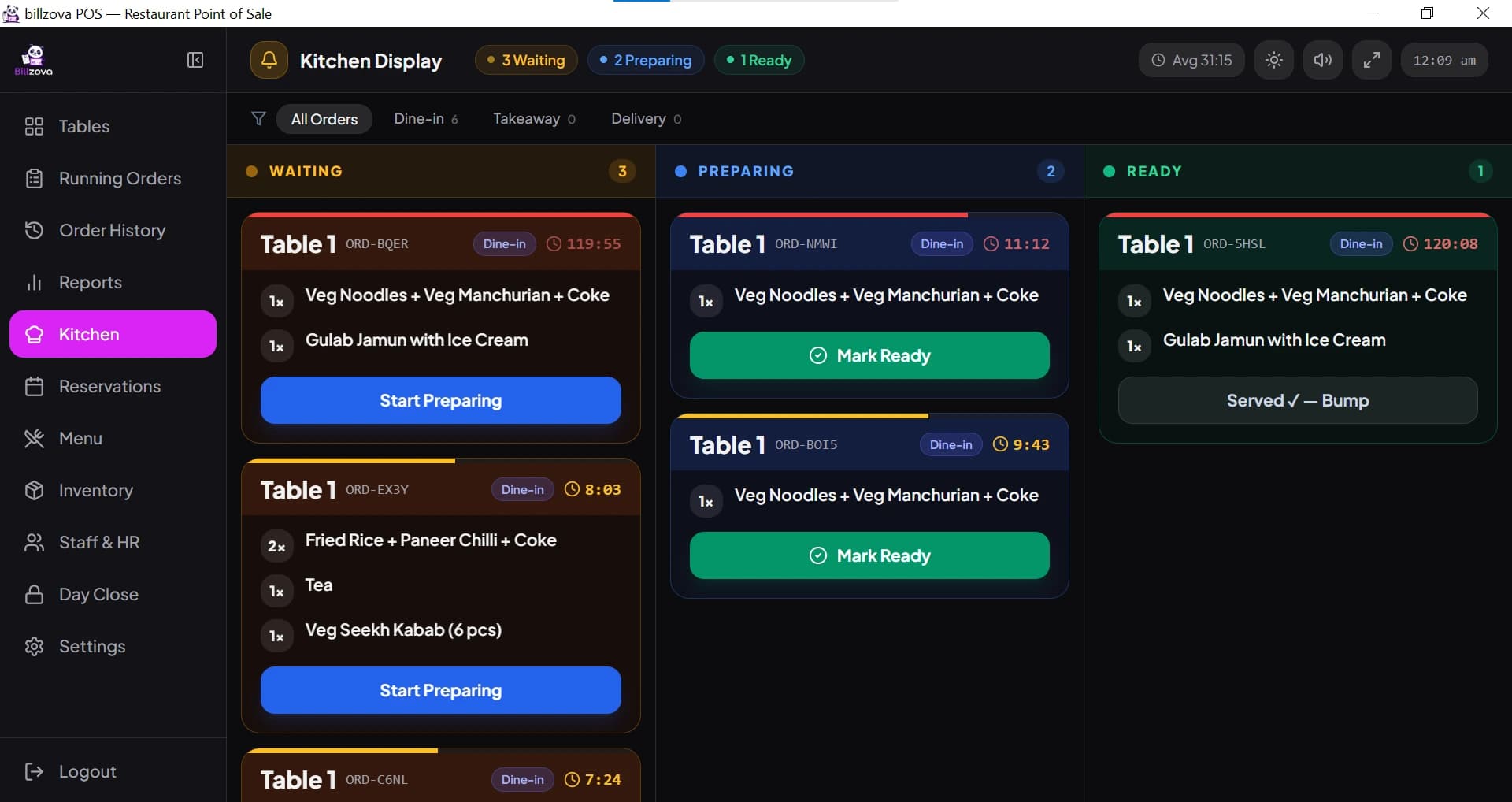
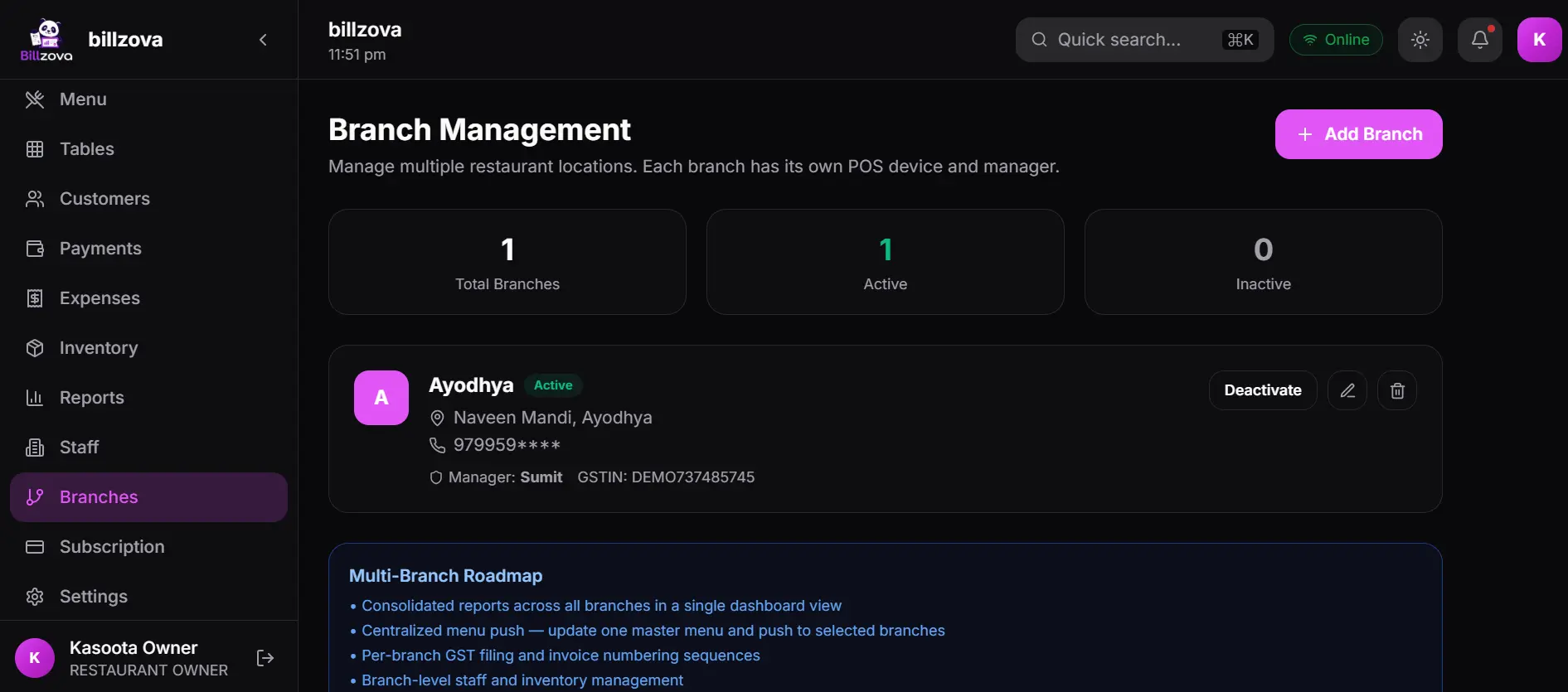
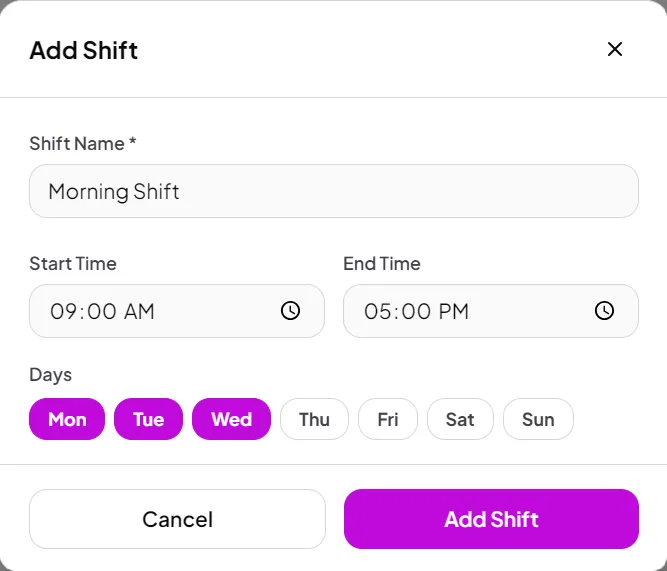
In the product
See every screen
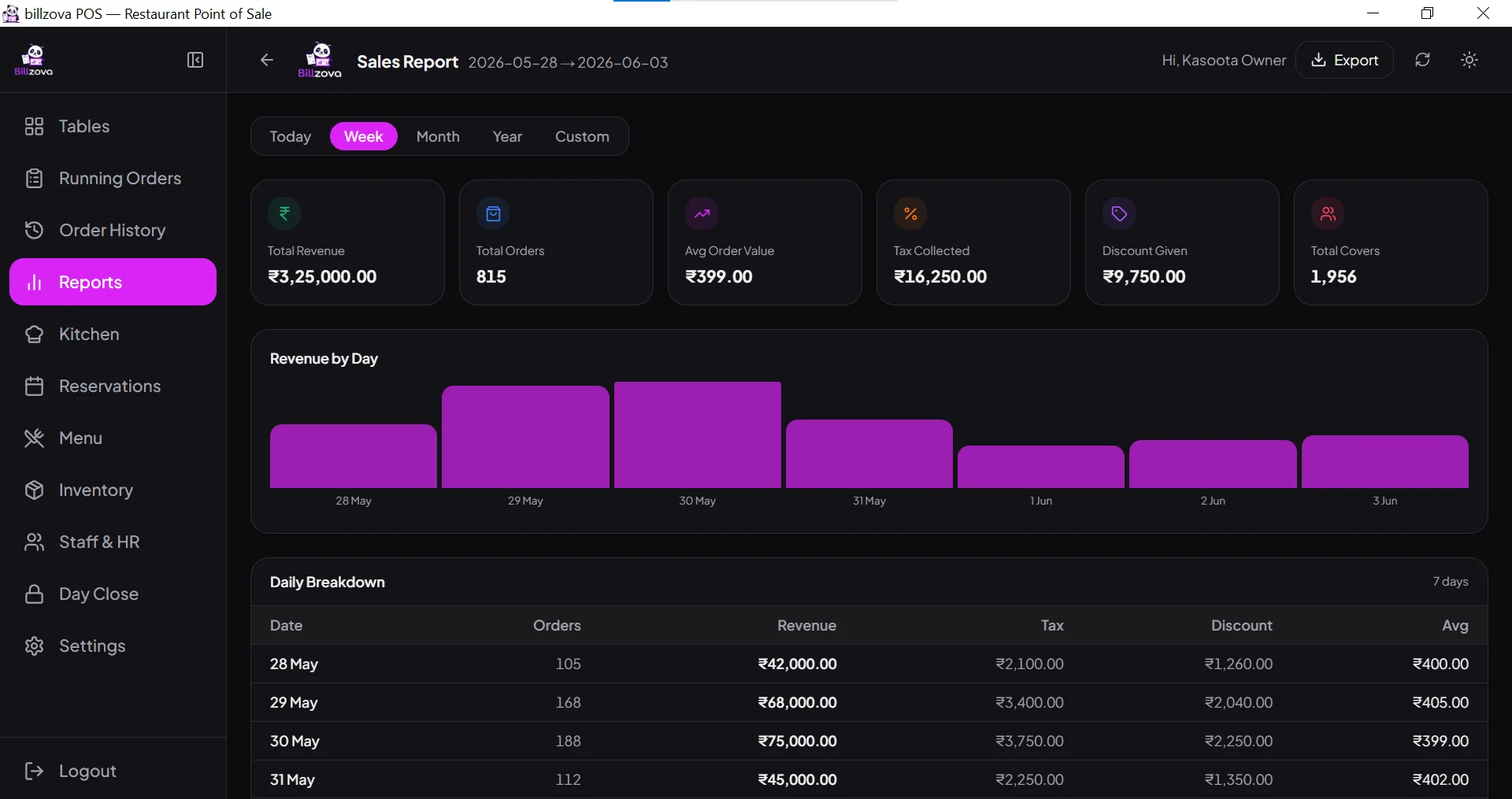
Real product screenshots — not stock illustrations.
Compared
Manual table tracking vs billzova table management
Manual / memory-based tracking
- No real-time view of free tables
- Reservations not tied to tables
- No warning on an accidental double-booking
- Manual merge/split workarounds
- Disconnected from billing
- Multi-section floors tracked by memory
billzova
- Live floor view, updated automatically
- Reservations tied to specific tables
- Warned before confirming an overlapping booking
- Built-in merge/split support
- Connected directly to billing
- Multi-section floors in one view
FAQ
Frequently asked questions
What is the best table management software for restaurants in India?▾
Does table status update automatically when an order is placed?▾
Can I merge or split tables for larger or smaller groups?▾
Is table management a separate paid feature on Billzova?▾
Are reservations tied to specific tables, or just a time slot?▾
What information can I record on a reservation?▾
Does billzova warn me if I'm about to double-book a table?▾
What status does a reservation move through?▾
Can staff check in a reservation from their phone?▾
Does table management work without internet?▾
Start billing in 10 minutes.
Full access to every feature. Cancel anytime. ₹399/month after your free trial.