Kitchen display system that
replaces paper tickets with a live screen.
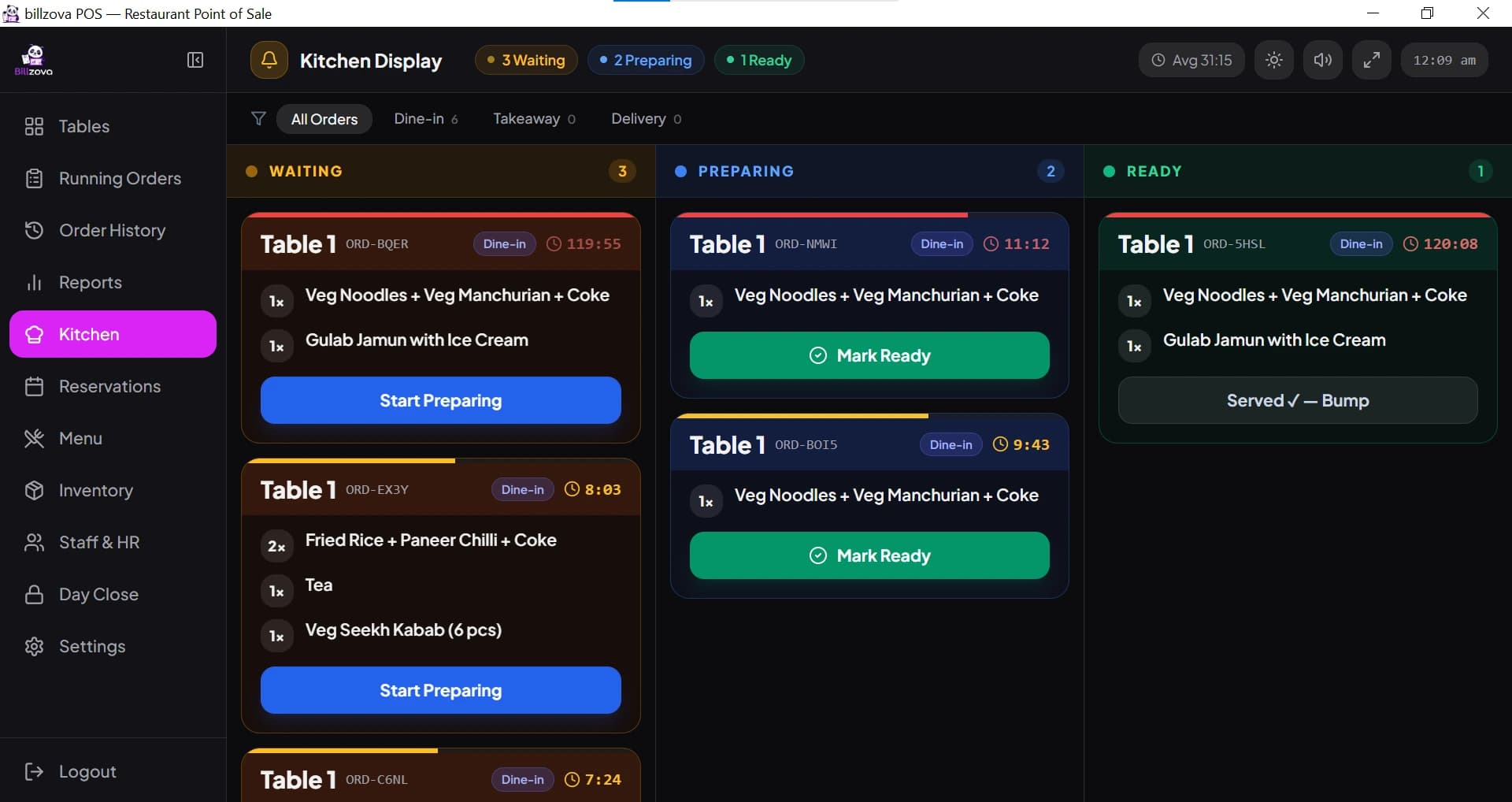
billzova's kitchen display shows every KOT live in Waiting, Preparing and Ready columns, with a running timer on each ticket and updates pushed to every screen the instant an order changes. Use it with or without a KOT printer — included at ₹399/month. First month free.
The struggle
Sound familiar?
Paper tickets show no aging at a glance
A ticket sitting at the bottom of a pile for fifteen minutes looks identical to one just printed, unless someone manually checks.
Lost or misplaced tickets during a rush
A ticket that falls off a rail or gets buried under others can delay or skip an order entirely.
Staff manually re-checking for new orders
Without a live-updating screen, someone has to keep walking over or refreshing to see if a new ticket has come in.
How the kitchen display works
- The cashier or captain taps KOT on the POS (Windows app, Android app or web POS). Only items not yet sent go to the kitchen, and a repeat send for the same table is marked as an add-on.
- The ticket appears in the Waiting column on every open kitchen screen, with the table or token, items, quantities and any notes.
- The chef moves it to Preparing, then Ready. A timer on each ticket turns from green to amber to red as it ages.
- Once served, the ticket is bumped off the board.
Want paper tickets as well, or instead? The same KOT can print on a 58mm or 80mm kitchen thermal printer — see KOT printing and KOT printer setup. Printing also keeps working when the internet is down.
See every pending order on one screen
Orders appear live the moment they’re punched and disappear once marked complete — no physical ticket to manage.
- Live, real-time order screen
- No physical ticket to lose
- Updates instantly as orders progress
- Works alongside printed KOTs if needed
- Runs on a PC, Android tablet or browser
Know which orders are aging before it’s a problem
Colour-coded urgency timers flag orders that have been pending too long, so staff can prioritise without guessing.
- Urgency timers on every order
- Visual flag for aging tickets
- Helps prioritise during a rush
- No manual timestamp checking
- Average wait shown in the top bar
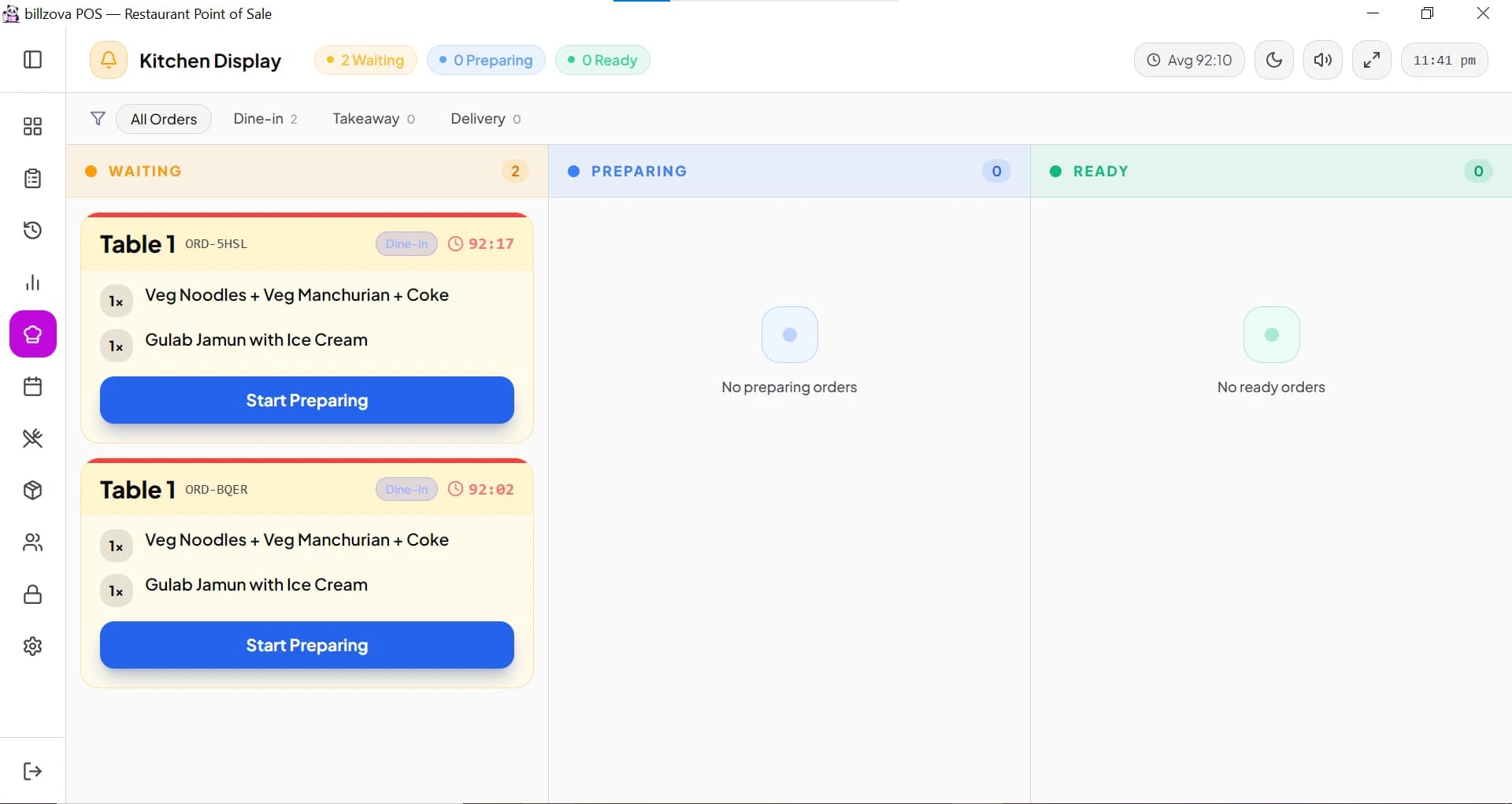
Filter the board by dine-in, takeaway, or delivery
When a kitchen is juggling different order types at once, the display can be filtered to just dine-in, just takeaway, or just delivery — so staff can focus on the queue that matters right now.
- Filter tickets by order type
- Waiting / Preparing / Ready columns
- Useful when order types spike unevenly
- One shared board — no station-wise routing
- Bump a ticket off the board when it’s served
Updates push instantly — no manual refresh
The moment an order is punched, bumped, or its status changes, every connected kitchen screen updates on its own. No one has to refresh a browser tab or walk over to check.
- Live push updates on every status change
- No manual refresh needed
- Automatic fallback refresh if a push is missed
- Multiple screens stay in sync with each other
- Included standard at ₹399/month
In the product
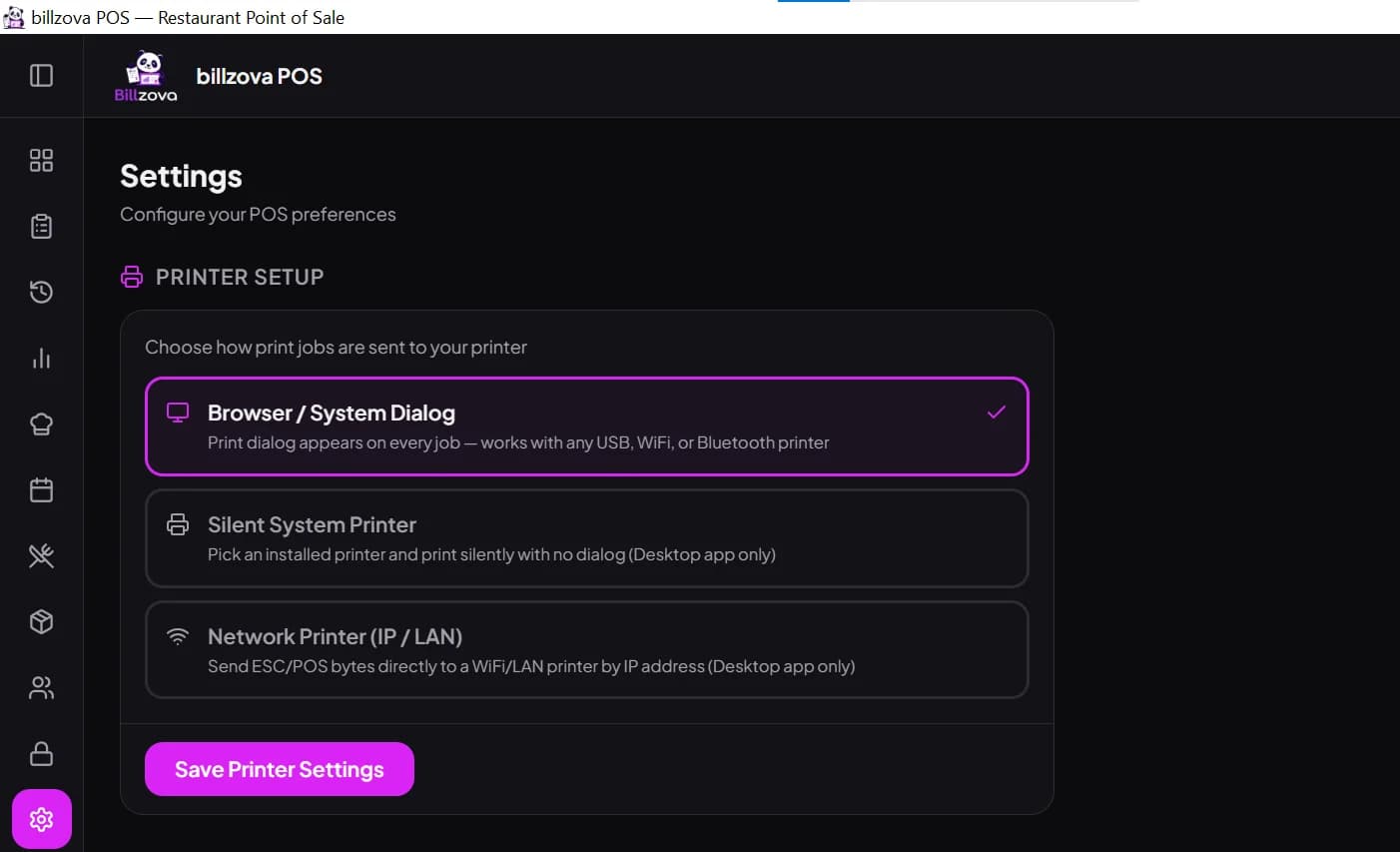
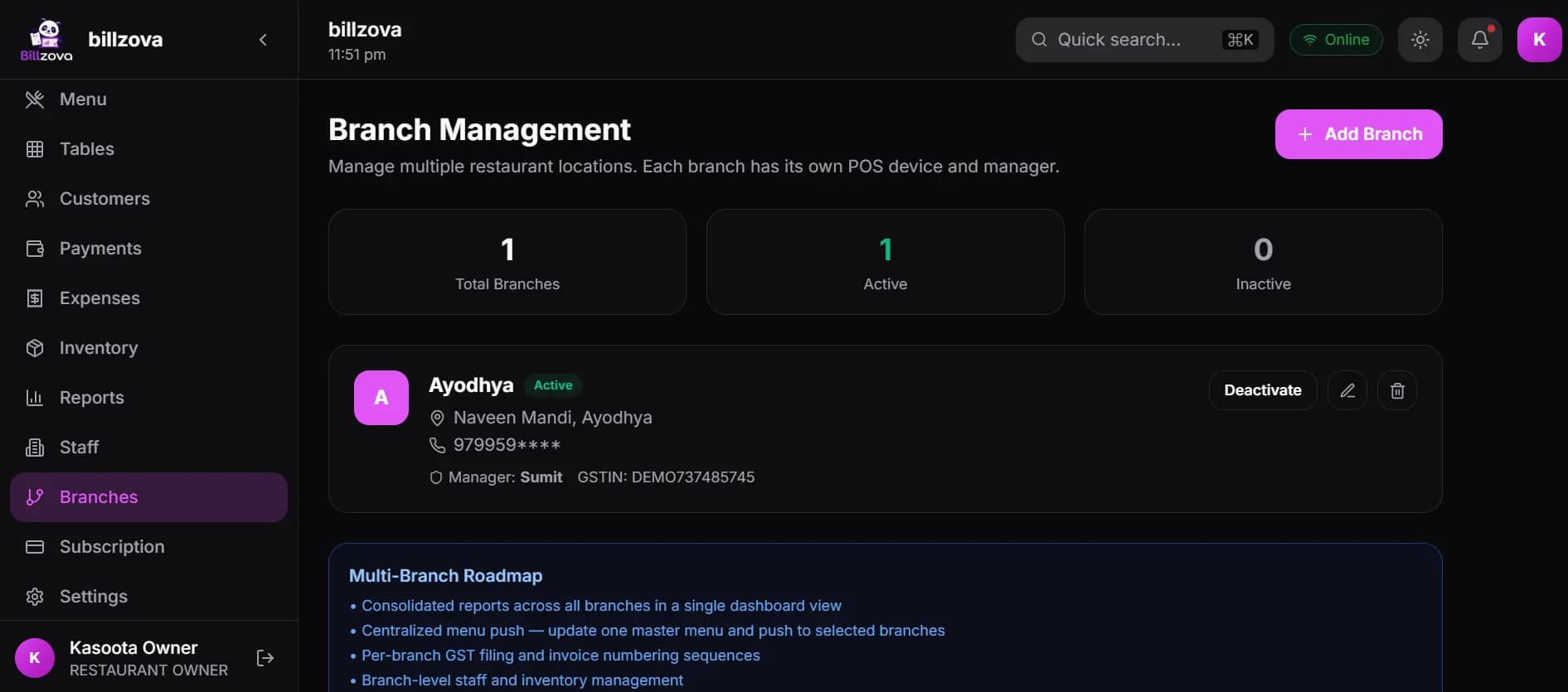
See every screen
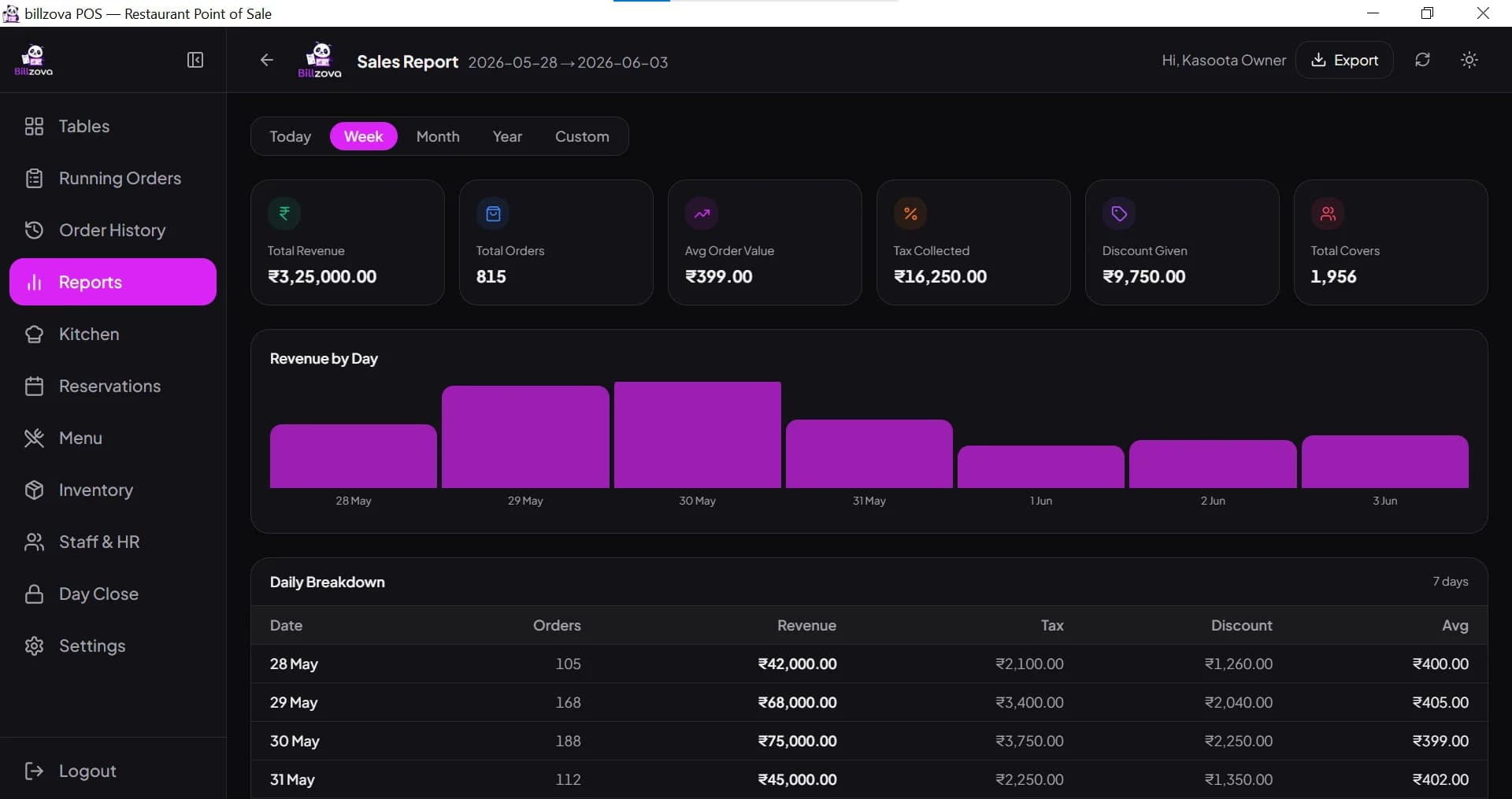
Real product screenshots — not stock illustrations.
Compared
Printed KOT only vs billzova kitchen display system
Printed KOT only
- No aging visibility on tickets
- Tickets can get lost or buried
- Staff manually re-check for new orders
- No filter by order type at a glance
- Workflow stalls if printer jams
- No running wait time per ticket
billzova kitchen display system
- Urgency timers flag aging orders
- No physical ticket to lose
- Live push updates, no manual refresh
- Filter the board by order type
- Works independently of any printer
- Running timer + average wait on screen
FAQ
Frequently asked questions
What is the best kitchen display system for restaurants in India?▾
Does a kitchen display system replace printed KOTs entirely?▾
Does the kitchen display show how long an order has been pending?▾
Can the kitchen display route items to different stations?▾
Is the kitchen display system a separate paid feature?▾
Does the display update automatically, or does staff need to refresh it?▾
Does the kitchen display work without internet?▾
What screen do I need for the kitchen display?▾
Start billing in 10 minutes.
Full access to every feature. Cancel anytime. ₹399/month after your free trial.