Restaurant Sales Reporting Guide: The Metrics That Actually Matter (2026)
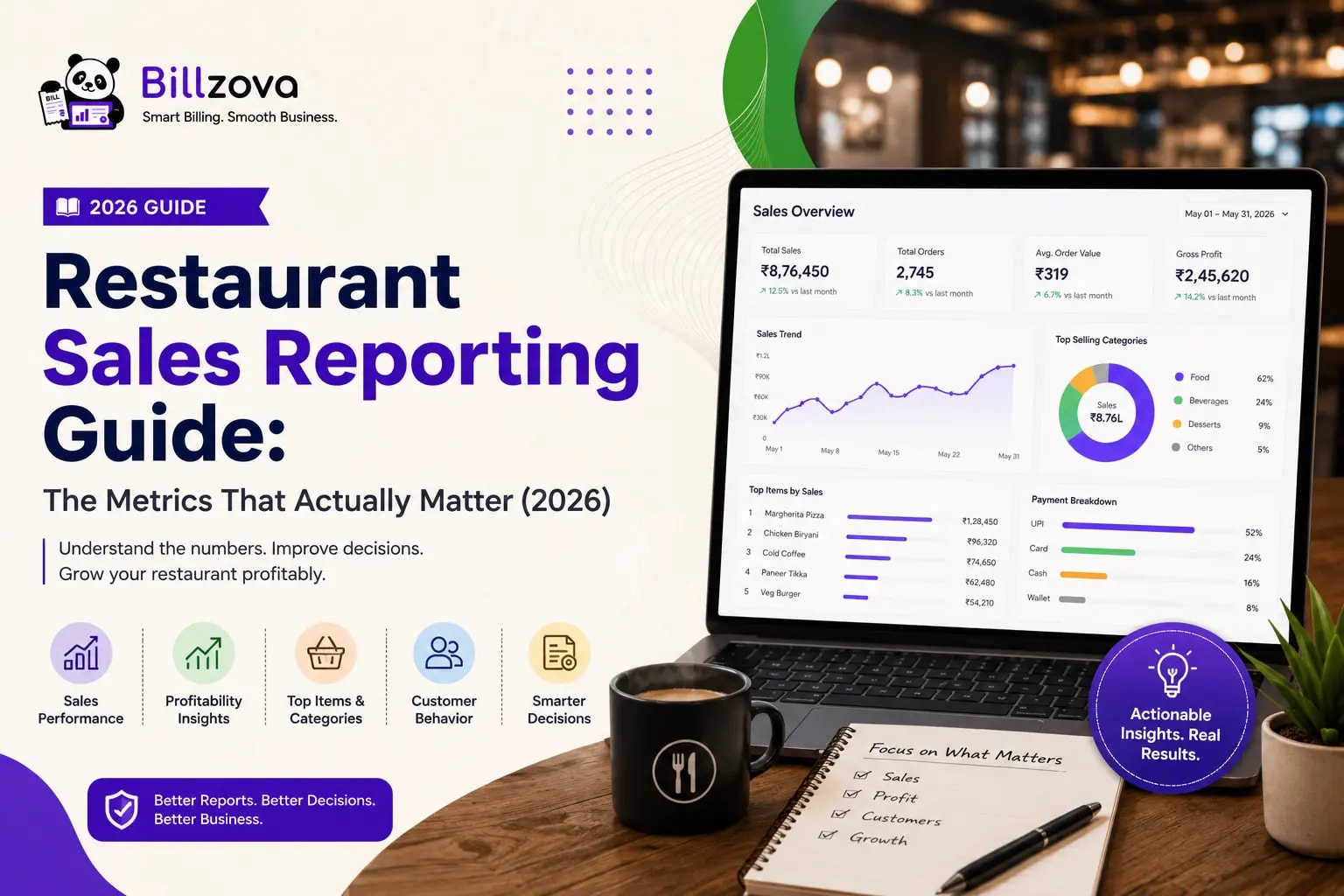
Restaurant Sales Reporting Guide: The Metrics That Actually Matter
Most restaurant owners check one number daily: total sales. It's the easiest figure to glance at, and it feels like it tells you how the day went. The problem is that a daily total is almost useless for actually running the business — it can't tell you which dishes are quietly losing money, whether a specific shift is underperforming, or whether a recent menu change actually helped. Restaurant sales reporting, done properly, answers exactly these questions — but only if you know which metrics to look at and how to read them correctly.
This guide covers the specific sales metrics that matter for running a restaurant well, how to interpret item-wise and shift-wise data correctly, practical decision-making frameworks built on that data, and the reporting mistakes that keep most owners making decisions on instinct rather than evidence.
Table of Contents
- Why a Daily Sales Total Isn't Enough
- The Core Metrics Every Restaurant Should Track
- Reading Item-Wise Reports Correctly
- Understanding Shift-Wise (Z-Report) Data
- Payment Method Breakdown and Day-Close
- Connecting Sales Data to Real Cost and Margin
- A Practical Decision-Making Framework
- Reporting Priorities by Restaurant Type
- Common Reporting Mistakes
- Best Practices for Restaurant Sales Reporting
- Real-World Examples
- Future Trends in Restaurant Analytics
- Frequently Asked Questions
- Conclusion
Why a Daily Sales Total Isn't Enough
A daily total answers one question — did revenue go up or down compared to yesterday — and nothing else. It can't tell you why, which means it can't directly inform any specific decision. Two days with identical totals could represent completely different underlying realities: one with strong margins and efficient staffing, another with heavy discounting and an overstaffed shift quietly eating into profit. Without breaking the total down further, both days look the same.
Restaurant sales reporting becomes useful exactly at the point where it moves past the single total and into the breakdown — by item, by shift, by payment method — because that's where the actual decisions live.
The Core Metrics Every Restaurant Should Track
| Metric | What It Tells You |
|---|---|
| Daily sales by order type | Whether dine-in, takeaway, or delivery is driving growth or decline |
| Item-wise sales volume | True bestsellers vs items that look popular but aren't |
| Item-wise margin (connected to recipe cost) | Which dishes are actually profitable, not just popular |
| Shift-wise revenue and order count | Staffing efficiency and peak-period performance |
| Average order value | Whether upselling or combo strategies are working |
| Payment method split | Cash handling needs and digital payment adoption trends |
| Repeat customer rate | How much revenue depends on returning vs new customers |
You don't need to track everything from day one — but knowing this full list exists means you can prioritise based on what decision you're actually trying to make, rather than only looking at whatever your current system happens to show by default.
Reading Item-Wise Reports Correctly
Item-wise sales volume alone is misleading without connecting it to cost. A dish that sells in high volume but has thin margin after ingredient cost may contribute less to actual profit than a lower-volume dish with strong margin. The correct way to read item-wise data is always alongside recipe cost — not sales count in isolation.
This is also where menu engineering decisions should originate: an item with declining sales and thin margin is a strong candidate for removal or reworking, while an item with strong margin but currently low visibility on the menu might benefit from better placement or staff upselling, rather than removal.
Understanding Shift-Wise (Z-Report) Data
A Z-report breaks sales down by shift, typically showing revenue, order count, and sometimes staff performance for a specific time period. This is the data that actually informs staffing decisions — without it, staffing tends to be based on a general sense of "when we're busy" rather than the actual revenue-per-hour pattern your specific restaurant shows.
It's common for shift-wise data to reveal patterns owners didn't expect — a shift assumed to be quiet that's actually disproportionately profitable, or a "busy-looking" shift that generates high order count but low average value. Neither is visible from a daily total alone.
Payment Method Breakdown and Day-Close
Tracking the split between cash, UPI, and card matters for two practical reasons: cash handling and reconciliation needs differ significantly from digital payments, and the trend in payment method mix over time often reflects broader changes in your customer base worth understanding. A restaurant seeing a steadily rising UPI share, for example, may be serving an increasingly younger or more digitally-active customer base — information that can inform marketing and even menu decisions.
One-click day-close reconciliation, splitting these methods automatically, also removes a significant source of manual error and time cost at the end of each service — a practical benefit independent of the analytical value of the data itself.
Connecting Sales Data to Real Cost and Margin
Sales reporting reaches its full value only when connected to cost data — specifically, recipe-based ingredient cost per item. Without this connection, you can see what's selling, but not what's actually making money. This is the link between sales reporting and inventory management: a properly integrated system uses the same recipe data to deduct stock and calculate true margin, rather than treating these as two disconnected processes. See our restaurant inventory software guide for how this connection works in practice.
A Practical Decision-Making Framework
- Start with item-wise volume and margin together, not sales volume alone — identify your genuine highest-profit items, which may not be your highest-volume items.
- Cross-reference with shift-wise data to understand when your highest-margin items actually sell, informing both staffing and promotional timing.
- Track average order value trends over time, not just a single snapshot, to see whether upselling or menu changes are having a measurable effect.
- Review repeat customer rate alongside sales data to understand how much of your revenue depends on customer retention versus constant new acquisition.
- Make one specific change at a time based on this data, then measure the actual effect before making the next change — rather than changing multiple things simultaneously and being unable to attribute the result.
Reporting Priorities by Restaurant Type
| Restaurant Type | Reporting Priority |
|---|---|
| Cafes | Shift-wise data for peak-hour staffing precision; beverage-vs-food margin split |
| Full-service dine-in | Item-wise margin for menu engineering; average order value trends |
| Cloud kitchens | Brand-wise and item-wise reporting for multi-brand profitability comparison |
| Multi-outlet chains | Consolidated cross-branch reporting to compare location performance |
Common Reporting Mistakes
- Only checking the daily total, missing the breakdown where actual decisions live.
- Reading item-wise volume without connecting it to margin, mistaking popularity for profitability.
- Making staffing decisions on assumption rather than shift-wise revenue data.
- Changing multiple variables at once (menu, pricing, staffing) and being unable to attribute which change drove a result.
- Treating reporting as a monthly or quarterly task rather than reviewing key metrics regularly enough to catch trends early.
Best Practices for Restaurant Sales Reporting
- Review item-wise and shift-wise data weekly at minimum, not just monthly.
- Always read sales volume alongside margin data, never sales volume in isolation.
- Use shift-wise data specifically to inform staffing schedules, not general assumptions about busy periods.
- Make one deliberate change at a time when acting on report data, so you can attribute the actual effect.
- Export and archive reports regularly, both for your own trend analysis and for clean accounting records.
Real-World Examples
A multi-cuisine restaurant in Lucknow discovered through item-wise margin reporting that two long-standing, reasonably popular menu items were actually thin-margin after accounting for ingredient cost. Removing them improved overall profitability without a noticeable customer impact, since neither was genuinely a signature dish.
A cafe in Pune used shift-wise reporting to discover their evening shift consistently outperformed their morning shift in revenue per hour, despite morning being the shift they'd always staffed more heavily based on assumption. Reallocating staffing to match the actual data improved coverage during their genuinely busier period.
A cloud kitchen running three delivery brands used brand-wise reporting to identify that one brand's bestselling item had a notably thinner margin than assumed, leading to a pricing adjustment that improved that brand's overall profitability without affecting order volume meaningfully.
Future Trends in Restaurant Analytics
- AI-assisted anomaly detection, flagging unusual sales patterns automatically rather than requiring manual review to notice.
- Tighter integration between sales reporting and inventory forecasting, using historical patterns to predict purchasing needs more precisely.
- More accessible brand-wise and multi-location comparison tools in mainstream restaurant POS platforms, not just enterprise-tier analytics add-ons.
Frequently Asked Questions
What is restaurant sales reporting?
The practice of breaking down sales data — by item, shift, payment method, and more — beyond a simple daily total, to inform specific operational and menu decisions.
Why isn't a daily sales total enough to run a restaurant well?
It can't explain why revenue changed, which means it can't directly inform a decision. Two days with identical totals can represent very different underlying realities only visible in a breakdown.
What's the most important restaurant sales metric to track?
There isn't a single universally most important metric — item-wise margin (not just volume) and shift-wise revenue are generally the two with the most direct decision-making value for most restaurants.
How do I know if a menu item is actually profitable?
By connecting item-wise sales volume to recipe-based ingredient cost — sales volume alone only shows popularity, not profitability.
What is a Z-report in restaurant terms?
A shift-wise sales report, typically showing revenue, order count, and sometimes staff performance for a specific shift or time period — used primarily for staffing and peak-period analysis.
How often should I review my restaurant's sales reports?
At least weekly for core metrics like item-wise and shift-wise data — reviewing only monthly or quarterly delays catching trends that would be more actionable if spotted earlier.
Can sales reporting help with menu pricing decisions?
Yes — item-wise margin data specifically reveals whether current pricing reflects real ingredient cost, informing whether a price adjustment is justified for a specific dish.
Does sales reporting work differently for cloud kitchens?
The core metrics are the same, but cloud kitchens running multiple brands need brand-wise breakdowns specifically, since combined kitchen-wide totals can mask an underperforming brand being subsidised by others.
How does payment method tracking help my restaurant?
It informs cash handling and reconciliation needs, and tracking the trend over time can reveal shifts in customer behavior or demographics worth understanding for broader business decisions.
What's the biggest mistake restaurants make with sales data?
Only checking the daily total and never looking at item-wise or shift-wise breakdowns, missing the level of detail where actual operational decisions become possible.
Can I export restaurant sales reports for my accountant?
Properly built reporting software should export to Excel or a similar format, ready for an accountant to use directly without manual reformatting from a screen or printed report.
How does sales reporting connect to inventory management?
Through recipe-based cost data — the same recipe definitions used to deduct inventory per sale also calculate true item-wise margin, connecting sales volume to actual profitability rather than treating them as separate.
How does Billzova support restaurant sales reporting?
Billzova's sales analytics generates daily, item-wise, and shift-wise reports automatically from every bill, exportable to Excel — included standard at ₹399/month.
Conclusion
Restaurant sales reporting only becomes genuinely useful once you move past the daily total and into the breakdown — item-wise margin, shift-wise revenue, payment method trends — because that's the level of detail where real decisions actually live. The restaurants making the best use of their sales data aren't necessarily tracking more metrics than everyone else; they're reading the right ones correctly and acting on them deliberately, one change at a time.
If you want this level of reporting built directly into your billing, Billzova's sales analytics is included in the same ₹399/month plan as everything else. Start a free first month, or talk to our team about the specific metrics that matter for your restaurant.
Billzova Team
Restaurant POS & Billing Experts
We build Billzova — GST billing, KOT, offline mode, inventory and reports for Indian restaurants. This team writes from what we see helping real restaurants bill faster every day.
Run your restaurant on billzova
GST billing, KOT, offline mode, inventory & reports in one app. ₹399/month — first month free.