Restaurant Inventory Management Guide | Billzova POS
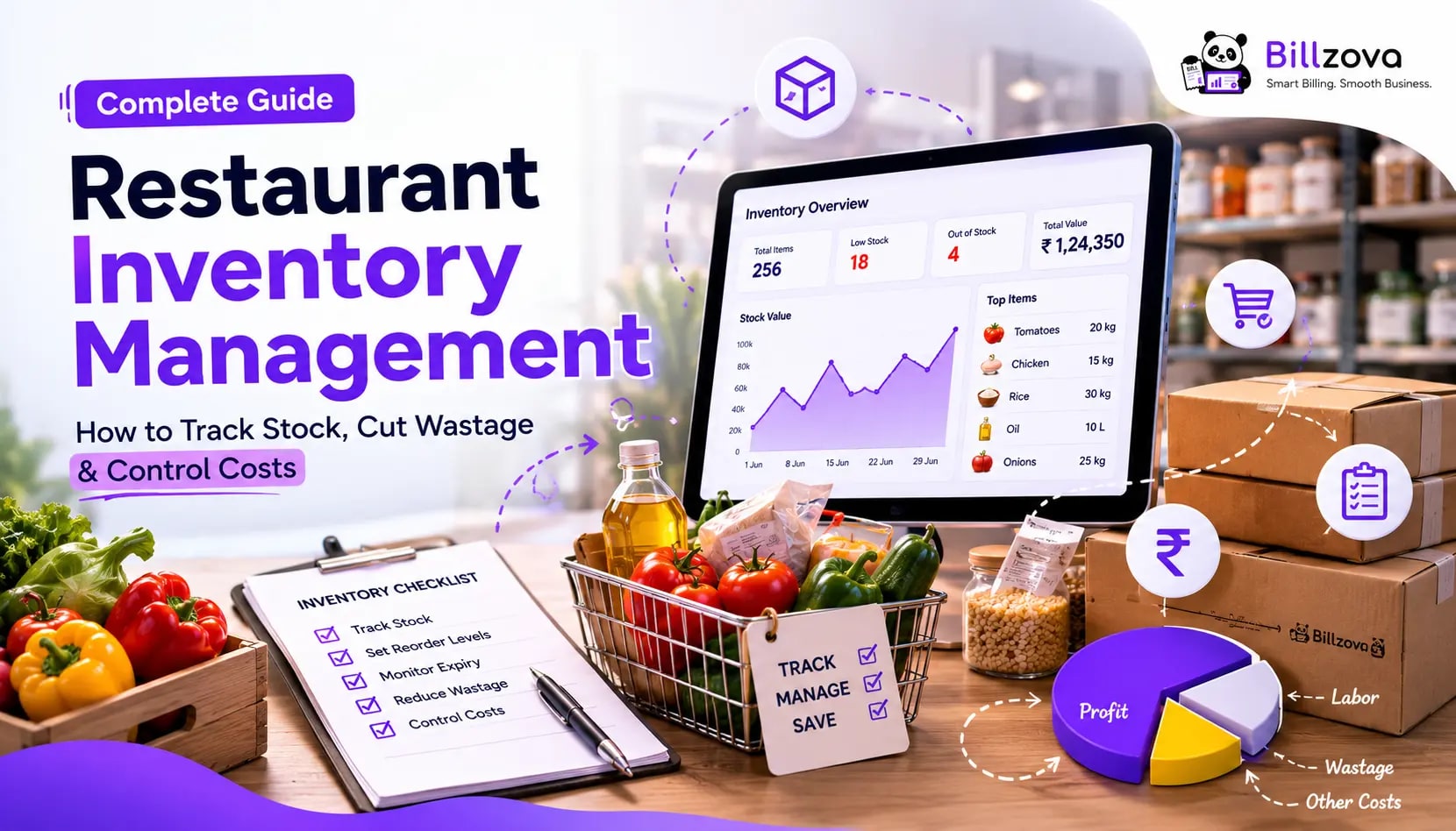
Restaurant Inventory Management Guide: How to Track Stock, Cut Wastage & Control Costs
Most restaurants lose money to inventory problems they never actually see — a few percent of wastage here, a slightly over-portioned dish there, a supplier price increase nobody noticed because nobody was tracking ingredient cost closely enough. None of these show up as a dramatic loss on any single day. They compound quietly, month after month, until margins are thinner than they should be and nobody can point to exactly why.
This guide explains how restaurant inventory management actually works — recipe-based stock tracking, manual vs automated systems, and how our restaurant POS solutions help you gain genuine visibility into ingredient costs.
Table of Contents
- What Restaurant Inventory Management Actually Involves
- How Recipe-Based Stock Tracking Works
- Manual vs Automated Inventory Tracking
- Wastage vs Shrinkage: Knowing the Difference
- Recipe Costing: Knowing What Each Dish Actually Costs
- Why Low-Stock Alerts Matter More Than They Seem
- Common Inventory Mistakes Restaurants Make
- Best Practices for Real Inventory Control
- How to Evaluate Inventory Software
- Where Restaurant Inventory Technology Is Headed
- Frequently Asked Questions
- Conclusion
What Restaurant Inventory Management Actually Involves
Restaurant inventory management is the process of tracking raw materials — from the moment they're purchased to the moment they're consumed in a dish — so an owner always has an accurate picture of what's in stock, what it cost, and where it's actually going. Done properly, it covers:
- Stock levels for every raw ingredient, updated as purchases come in and sales go out
- Recipe definitions linking each menu item to the specific ingredients and quantities it consumes
- Purchase order tracking, recording what's been bought, from which supplier, and at what price
- Wastage and shrinkage visibility, surfacing the gap between what should be in stock and what actually is
- Recipe costing, showing the real cost behind every dish, not just its menu price
The common thread across all five is connection to actual sales data. Inventory tracking that exists separately from billing — a notebook, a disconnected spreadsheet — can describe what should theoretically be true, but only inventory tied directly to real transactions reflects what's actually happening in the kitchen.
How Recipe-Based Stock Tracking Works
The mechanism that makes automated inventory tracking possible is the recipe — a defined mapping between a menu item and the specific quantities of raw ingredients it consumes. Once that mapping exists, the system can do the rest automatically:
- A dish is defined with its recipe — for example, a specific pasta dish might consume 150g of pasta, 80g of sauce, and 20g of cheese per order.
- When that dish sells, the system looks up its recipe and deducts those exact quantities from the corresponding raw ingredient stock.
- Stock levels update in real time, reflecting the deduction immediately — not at the next manual stock count.
- If stock for any ingredient drops below a configured threshold, a low-stock alert triggers.
This is what separates real inventory management from a static stock list that someone updates occasionally. The recipe is the connective tissue between a sale and its actual ingredient impact, and without it, inventory data only ever reflects manual counts taken at arbitrary points in time.
Manual vs Automated Inventory Tracking
| Factor | Manual Tracking | Automated (Recipe-Based) Tracking |
|---|---|---|
| Accuracy | Snapshot, accurate only at count time | Real-time, updates with every sale |
| Time investment | Regular physical counting required | Minimal — auto-tracked through billing |
| Stock-out prevention | Discovered mid-service, often too late | Low-stock alerts before running out |
| Cost visibility per dish | Rarely calculated, or done infrequently | Available continuously via recipe costing |
| Wastage/shrinkage detection | Difficult without a clear expected baseline | Surfaces gaps between expected and actual stock |
Manual tracking isn't inherently wrong for a very small operation with minimal menu complexity — but it scales poorly. As order volume and menu size grow, the gap between manual snapshots and real-time reality widens, and that gap is exactly where wastage and shrinkage hide unnoticed.
Wastage vs Shrinkage: Knowing the Difference
Wastage refers to ingredients lost to spoilage, over-preparation, or kitchen error — food that was bought correctly but never made it into a sold dish. Shrinkage typically refers to a gap between recorded stock and actual physical stock that isn't explained by recorded wastage — which can stem from portioning inconsistency, measurement error, or in some cases, pilferage.
Both matter, but they require different responses. Wastage is usually addressed through better preparation planning, portion control, and matching purchasing to actual demand. Shrinkage requires comparing expected stock (based on recipe deductions) against physical counts regularly, to identify where and when the gap is occurring — which is only possible if you have an accurate "expected" baseline to compare against in the first place.
Recipe Costing: Knowing What Each Dish Actually Costs
Recipe costing takes the same recipe data used for stock deduction and applies ingredient pricing to calculate the actual cost of producing each dish. This is different from — and often more revealing than — simply looking at a dish's menu price.
A dish that sells well isn't automatically a profitable one. If ingredient costs have crept up since the menu price was last reviewed, or if a recipe consistently uses slightly more of an expensive ingredient than intended, a "popular" item can quietly be a low-margin or even loss-making one. Recipe costing is the only reliable way to know this — guessing based on intuition or sales volume alone misses it entirely.
Why Low-Stock Alerts Matter More Than They Seem
A low-stock alert sounds like a minor convenience, but its actual value is preventing a specific, recurring operational failure: discovering you're out of a key ingredient only when a customer's order depends on it. At that point, your options are a delayed order, an awkward substitution, or an outright lost sale — and all three damage the customer experience in a way that's entirely avoidable with advance warning.
Properly configured alerts should trigger early enough to allow a reorder before stock actually runs out, accounting for your typical supplier lead time — not just flag the problem the moment it happens.
Common Inventory Mistakes Restaurants Make
- Treating inventory as a once-a-week task rather than a continuous, automatically updated record.
- Setting up recipes once and never revisiting them as actual kitchen practice drifts from the originally defined quantities.
- Ignoring recipe costing and pricing the menu purely on competitor pricing or intuition rather than actual ingredient cost.
- Not distinguishing wastage from shrinkage, and therefore not addressing either with the right corrective action.
- Running inventory in a tool disconnected from billing, which guarantees the data drifts out of sync with reality over time.
- Setting low-stock thresholds too low to actually allow time for reordering before running out.
Best Practices for Real Inventory Control
- Define recipes accurately at setup, including realistic portion sizes — not idealized ones that don't match actual kitchen practice.
- Review recipe costing periodically, especially after supplier price changes, not just once at menu launch.
- Set low-stock thresholds based on your actual supplier lead time, not an arbitrary round number.
- Reconcile expected stock against physical counts on a regular schedule, even if infrequent, to catch shrinkage early.
- Keep purchase order records consistently, so you can compare supplier pricing over time rather than relying on memory.
- Make sure every sale actually goes through the system that deducts inventory — using a KOT printing software ensures all orders are logged in real-time.
How to Evaluate Inventory Software
- Confirm it's connected to billing, not a standalone tool requiring manual sync.
- Check recipe costing is included, not just stock-level tracking.
- Test low-stock alert configuration — can you set thresholds per ingredient, accounting for different reorder lead times?
- Ask about purchase order tracking and whether supplier history is recorded.
- Confirm offline behavior — does inventory still deduct correctly if the internet drops during service?
- Check if it's included in the base price or sold as a separate inventory module, since this affects real total cost.
For a deeper look at what genuinely automated inventory tracking should include, see our restaurant inventory software guide.
Where Restaurant Inventory Technology Is Headed
- AI-assisted demand forecasting, predicting reorder timing based on historical sales patterns rather than fixed thresholds alone.
- Tighter supplier integration, automating purchase order creation when stock approaches reorder points.
- More granular shrinkage detection, isolating which specific recipes or time periods correlate with unexplained stock gaps.
Frequently Asked Questions
What is restaurant inventory management?
The process of tracking raw ingredient stock from purchase through consumption, ideally connected directly to sales data so stock levels update automatically as dishes are sold.
How does recipe-based inventory tracking work?
Each menu item has a defined recipe specifying the exact ingredient quantities it uses. When the dish sells, those quantities deduct automatically from stock — no manual update required.
What's the difference between wastage and shrinkage?
Wastage is ingredient loss from spoilage or preparation error. Shrinkage is an unexplained gap between expected and actual stock, often from portioning inconsistency or, in some cases, pilferage.
Do I need software for inventory management, or can I track it manually?
Manual tracking can work at very small scale, but accuracy degrades as order volume and menu complexity grow, since manual counts are only ever a snapshot rather than a continuous record.
What is recipe costing, and why does it matter?
Recipe costing calculates the actual ingredient cost of producing a dish. It matters because a popular dish isn't automatically a profitable one — without recipe costing, you're pricing based on intuition rather than real cost data.
How do low-stock alerts work?
You configure a threshold per ingredient; when stock falls below it, the system notifies you, ideally with enough lead time to reorder before actually running out.
Can inventory tracking work without internet?
It should, in a well-built system — stock deduction should happen locally as orders are billed, syncing to the cloud once connectivity returns, rather than depending on a live connection to function at all.
Does inventory software help reduce food wastage?
Indirectly, yes — by giving you accurate cost and consumption data, it helps you spot over-ordering patterns and recipes that consistently use more than intended, both of which contribute to wastage. See our dedicated guide on reducing food wastage in restaurants for specific tactics.
How often should I reconcile expected stock against actual physical counts?
This depends on your operation's size and risk tolerance, but doing it on a consistent, regular schedule — rather than only when something seems wrong — catches shrinkage earlier.
Can inventory management help with multi-branch restaurants?
Yes, when properly built — each branch should track its own stock independently, while the owner gets a consolidated view across every location for comparison.
Is inventory management included in restaurant POS software, or is it always separate?
It varies by vendor — some include it as a core module, others sell it as a separate add-on. Our GST billing software integrates it directly to avoid extra costs.
Is inventory tracking included in Billzova's pricing?
Yes — Billzova's inventory management, including recipe costing and low-stock alerts, is included standard in the ₹399/month plan, not sold separately.
Conclusion
Restaurant inventory management only delivers real value when it's connected directly to actual sales — recipe-based deduction, real-time stock levels, and recipe costing that reflects true ingredient cost, not a manually updated snapshot that's only ever accurate at the moment someone counted it. The mistakes that drain margin quietly — unnoticed wastage, recipes that drift from their original definition, pricing based on guesswork — are exactly the ones automated, billing-connected inventory tracking is built to catch.
Billzova's inventory management auto-deducts stock from the same order entry as billing, includes recipe costing and low-stock alerts standard, and works fully offline. Try the first month free to set up your own recipes and see real stock data build from day one, or talk to our team about your specific menu structure.
Billzova Team
Restaurant POS & Billing Experts
We build Billzova — GST billing, KOT, offline mode, inventory and reports for Indian restaurants. This team writes from what we see helping real restaurants bill faster every day.
Run your restaurant on billzova
GST billing, KOT, offline mode, inventory & reports in one app. ₹399/month — first month free.