Cloud Kitchen Management Guide India | Billzova POS
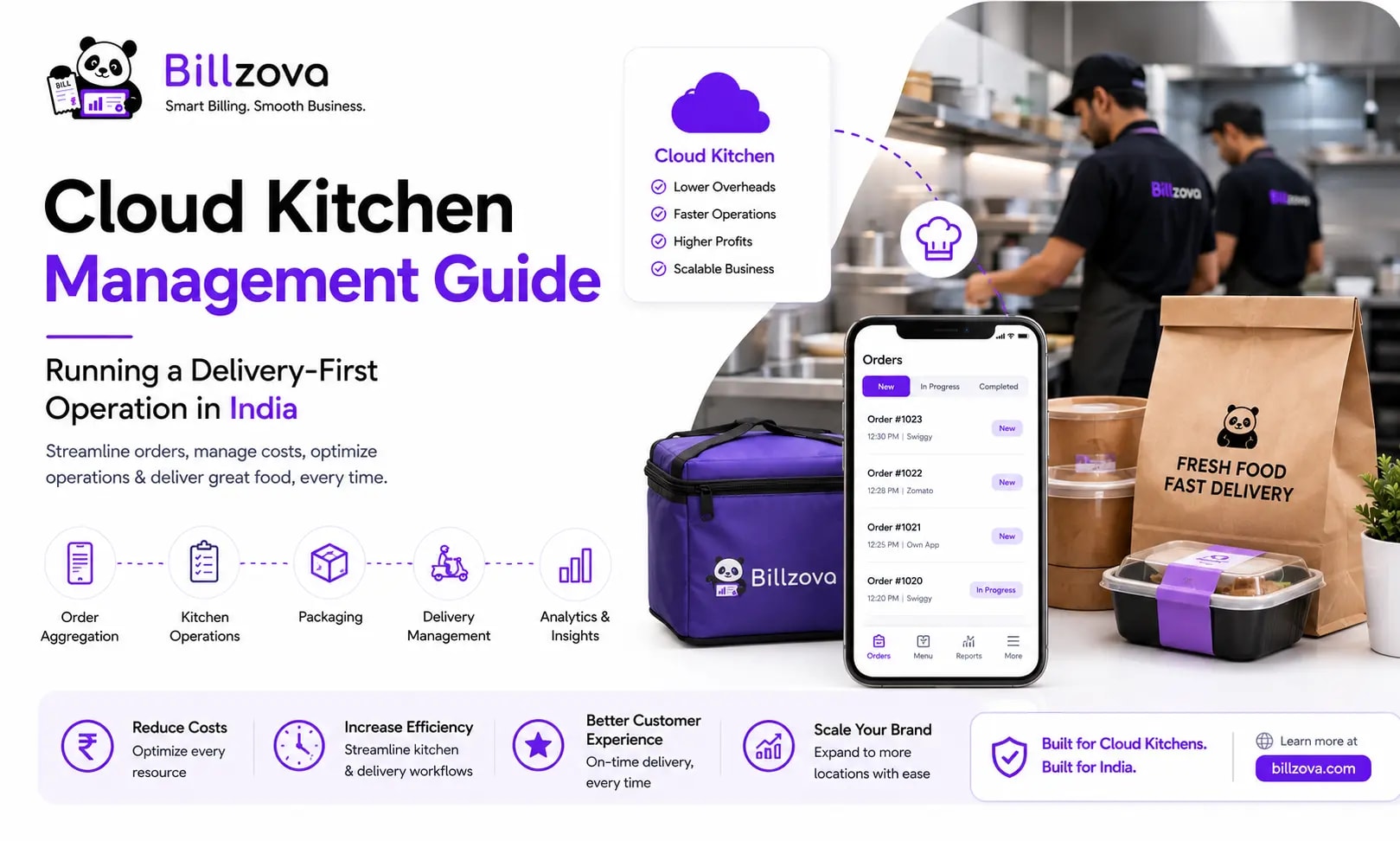
Cloud Kitchen Management Guide: Running a Delivery-First Operation in India
Cloud kitchens solve a specific economic problem — running a food business without the cost of a dine-in space — but they introduce operational problems traditional restaurants rarely face. Orders arrive through several delivery platforms simultaneously, there's zero direct customer interaction to catch and correct mistakes in real time, and packaging has to substitute entirely for what a server would normally notice and fix on the spot.
This guide covers the specific operational realities of running a cloud kitchen in India — order aggregation, kitchen ticket flow, food costing, and the mistakes that are unique to this format rather than carried over from traditional restaurant operations.
Table of Contents
- What Makes Cloud Kitchen Management Different
- Managing Orders Across Multiple Delivery Platforms
- Ticket Aging Without a Paper Trail
- Inventory and Food Costing for a Delivery-Only Menu
- Packaging and Quality Control Without Customer Feedback
- GST Billing Across Every Order Channel
- Common Mistakes Cloud Kitchen Operators Make
- Best Practices for Cloud Kitchen Operations
- Where Cloud Kitchen Operations Are Headed
- Frequently Asked Questions
- Conclusion
What Makes Cloud Kitchen Management Different
A cloud kitchen (sometimes called a dark kitchen or ghost kitchen) operates without a dine-in space, fulfilling orders exclusively through delivery and takeaway. This removes rent and front-of-house staffing costs associated with a dining room, but it shifts operational complexity elsewhere — specifically into order aggregation across channels, ticket-aging visibility with no floor staff to notice a delay, and a near-total dependence on third-party delivery platforms for customer reach.
The management skills that matter most also shift accordingly: less about table turnover and floor service, more about kitchen throughput, order accuracy across multiple simultaneous order sources, and packaging quality that has to substitute entirely for any in-person service recovery. It's also worth noting that many cloud kitchen operators run more than one restaurant concept out of the same physical space — different cuisines listed as separate "restaurants" on delivery apps to reach different customer segments. Since each concept is typically its own registered brand with its own GSTIN and FSSAI license, this is usually handled as fully separate operations sharing a kitchen, rather than one blended system trying to track several brands at once.
Managing Orders Across Multiple Delivery Platforms
Most cloud kitchens receive orders through multiple aggregator platforms simultaneously, plus potentially direct ordering channels — phone, WhatsApp, Instagram DMs. Managing this well means having a consolidated view of every incoming order regardless of source, rather than staff having to monitor several separate platform tablets or apps independently — which is both error-prone and slow during a busy period.
Direct API integration with aggregator platforms is a feature many cloud kitchen POS systems, including billzova, are still building toward — it's not something to assume is available today without checking. In practice, most kitchens enter aggregator orders into their POS once, by hand, as they come in. That extra step still pays off: it means every order, regardless of where it originated, flows through the same kitchen ticket, inventory deduction, and GST billing — instead of living only inside a delivery app's own dashboard where it's invisible to your reporting.
Ticket Aging Without a Paper Trail
A busy cloud kitchen printing paper KOTs has a specific failure mode: a ticket sitting at the bottom of the rail for fifteen minutes looks identical to one just printed. Nothing about a paper ticket tells you it's aging, so a delayed order is usually only caught when a customer complains or a delivery rating drops — well after it could have been fixed.
A live kitchen display screen solves this directly. Instead of a physical ticket, the order appears on a screen the moment it's punched, and stays visible — with a colour-coded timer — until a cook marks it done. That single visual cue (an order that's been sitting orange or red instead of green) is enough for kitchen staff to reprioritise without anyone having to check timestamps manually. See our deeper breakdown in how a kitchen display system works, and our full cloud kitchen POS overview.
Inventory and Food Costing for a Delivery-Only Menu
Delivery-only economics run thinner than dine-in — aggregator commissions, packaging cost, and delivery-specific portioning all eat into margin before you've accounted for raw ingredient cost. That makes accurate, ingredient-level food costing more important for a cloud kitchen than for a comparable dine-in restaurant, not less.
The mechanism that makes this possible is linking every dish to its recipe — the specific raw materials and quantities it consumes — so that stock deducts automatically at the ingredient level the instant an order bills, and a real food-cost percentage can be calculated per dish rather than guessed. This is one of the more technically demanding aspects of cloud kitchen operations, and it's where generic tools fall short compared to specialized inventory management software built around recipe costing.
Packaging and Quality Control Without Customer Feedback
A dine-in restaurant gets immediate signal when something's wrong — a server notices a customer's reaction, or a complaint happens on the spot. A cloud kitchen has none of that immediate feedback loop. The packaging itself becomes the entire quality and brand experience, and any error only surfaces after the fact, through a delivery platform rating or a refund request, by which point the specific order is long gone.
This makes packaging consistency and a clear quality-check step before an order leaves the kitchen meaningfully more important than in a dine-in context, where a similar error might be caught and corrected before the customer is affected.
GST Billing Across Every Order Channel
The core GST mechanics don't change for a cloud kitchen — CGST/SGST split, GSTIN, sequential invoice numbering are the same requirements any GST-registered restaurant follows. What does matter operationally is that this is applied consistently across every order channel — dine-in-style counter pickup, takeaway, and delivery alike — rather than only for orders billed through one specific flow while others slip through informally.
A GST-compliant invoice generated automatically at the point of billing, regardless of which order type it is, removes the risk of an aggregator-sourced order never getting a proper invoice at all. Our GST billing software automates this for every order type.
Common Mistakes Cloud Kitchen Operators Make
- Not tracking food cost at the dish level, pricing the menu on instinct instead of a real cost percentage.
- No aging visibility on kitchen tickets, so a delayed order is only caught when a customer complains.
- Underestimating aggregator commission costs when calculating actual margin per order.
- Inconsistent packaging quality control, given there's no in-person feedback loop to catch errors before the customer does.
- Manually monitoring multiple platform apps separately instead of consolidating order entry into one system.
Best Practices for Cloud Kitchen Operations
- Link every dish to its recipe so food cost is a real, calculated number, not a guess.
- Run kitchen tickets through a live display with aging timers, not just paper, so a delayed order gets caught before the customer does.
- Build a consistent pre-dispatch quality check into the workflow, since there's no service recovery opportunity after the order leaves.
- Review dish-level and category-level profitability regularly, not just total kitchen revenue.
- Enter every order — aggregator or direct — into one system, even if that means one extra manual step per aggregator order today.
Where Cloud Kitchen Operations Are Headed
- Increased use of dish-level and category-level profitability data to decide which items to push, reprice, or drop from the menu.
- Tighter direct-ordering integration alongside aggregator platforms, reducing commission cost reliance over time.
- Growing emphasis on packaging quality systems as a competitive differentiator in delivery-only formats.
Frequently Asked Questions
What is cloud kitchen management?
The operational practice of running a delivery-only food business — order aggregation, kitchen ticket flow, inventory, and quality control — without a traditional dine-in space or front-of-house service.
Why do cloud kitchens often run multiple brands from one location?
It improves kitchen utilisation and lets one physical location reach different customer segments or cuisines, sharing fixed costs like rent and some staff across concepts. Because each concept is usually its own registered brand with its own GST and FSSAI registration, though, this is typically run as separate operations sharing a kitchen rather than one blended system.
How do you avoid order mix-ups when running multiple concepts from one kitchen?
Most operators handle this physically rather than relying on software to do it for them — distinct packaging per concept, a separate order-entry device or account per brand, and staff trained to treat each concept as a fully separate operation even though the kitchen space is shared.
How is inventory tracked when the same ingredient goes into multiple recipes?
Consumption needs to be attributed to the specific recipe that used it, at the ingredient level, so cost and profitability data per dish stays accurate even when several dishes on the menu share a common raw ingredient.
What's the biggest operational challenge specific to cloud kitchens?
Managing orders and quality without any in-person customer feedback loop — packaging and consistency have to substitute entirely for what a dine-in restaurant could catch and correct on the spot.
How do delivery aggregator commissions affect cloud kitchen margin?
Commission costs can be substantial and are easy to underestimate when calculating per-order profitability — they should be factored explicitly into margin calculations, not treated as a minor overhead.
Can one cloud kitchen POS system handle multiple delivery platforms at once?
It can consolidate orders from multiple platforms into one operational view for kitchen tickets, inventory, and reporting — though today that typically still means entering each aggregator order into the POS once by hand, since direct aggregator API integration isn't something to assume is available without checking with your specific provider.
How do you know if a specific dish is actually profitable?
Through dish-level food-cost and sales reporting specifically — a combined total across the whole kitchen can mask a popular item that's actually losing money once ingredient cost and aggregator commission are accounted for.
Does kitchen ticket handling work differently for cloud kitchens compared to dine-in restaurants?
The core flow is the same, but the stakes around ticket-aging visibility are higher — a dine-in kitchen has floor staff who'll notice a slow ticket, while a cloud kitchen's only signal that something's delayed is often the customer's rating after the fact. That's why a live kitchen display with aging timers matters more here than in a dine-in-only setup.
What quality control steps matter most for cloud kitchens?
A consistent pre-dispatch check — confirming the correct items, correct packaging, and correct order details — since there's no opportunity to catch an error after the order leaves.
Is GST billing different for cloud kitchens compared to dine-in restaurants?
The core GST mechanics (CGST/SGST split, GSTIN, invoice numbering) are the same, but cloud kitchens need this applied consistently across every order channel — counter pickup, takeaway, and delivery alike. Our GST billing software automates this for all order types.
How does Billzova support cloud kitchen operations specifically?
Billzova's cloud kitchen support includes a live kitchen display with aging timers, recipe-linked inventory with ingredient-level auto-deduction, and GST-compliant billing across dine-in, takeaway and delivery order types — included standard at ₹399/month.
Conclusion
Cloud kitchen management trades the costs and complexity of a dine-in space for a different set of operational challenges — order aggregation across platforms, ticket-aging visibility with no floor staff to catch a delay, and quality control with zero in-person feedback loop. The kitchens that manage this well aren't necessarily doing anything more complicated than a traditional restaurant; they're just tracking the right data — dish-wise, not just kitchen-wide — to actually see what's working.
If you're running or planning a cloud kitchen, Billzova's cloud kitchen POS is built around a live kitchen display, recipe-linked inventory, and consistent GST billing across every order channel. Try the first month free, or talk to our team about your specific kitchen setup.
Billzova Team
Restaurant POS & Billing Experts
We build Billzova — GST billing, KOT, offline mode, inventory and reports for Indian restaurants. This team writes from what we see helping real restaurants bill faster every day.
Run your restaurant on billzova
GST billing, KOT, offline mode, inventory & reports in one app. ₹399/month — first month free.