Restaurant POS Software Guide: Complete Buying Guide
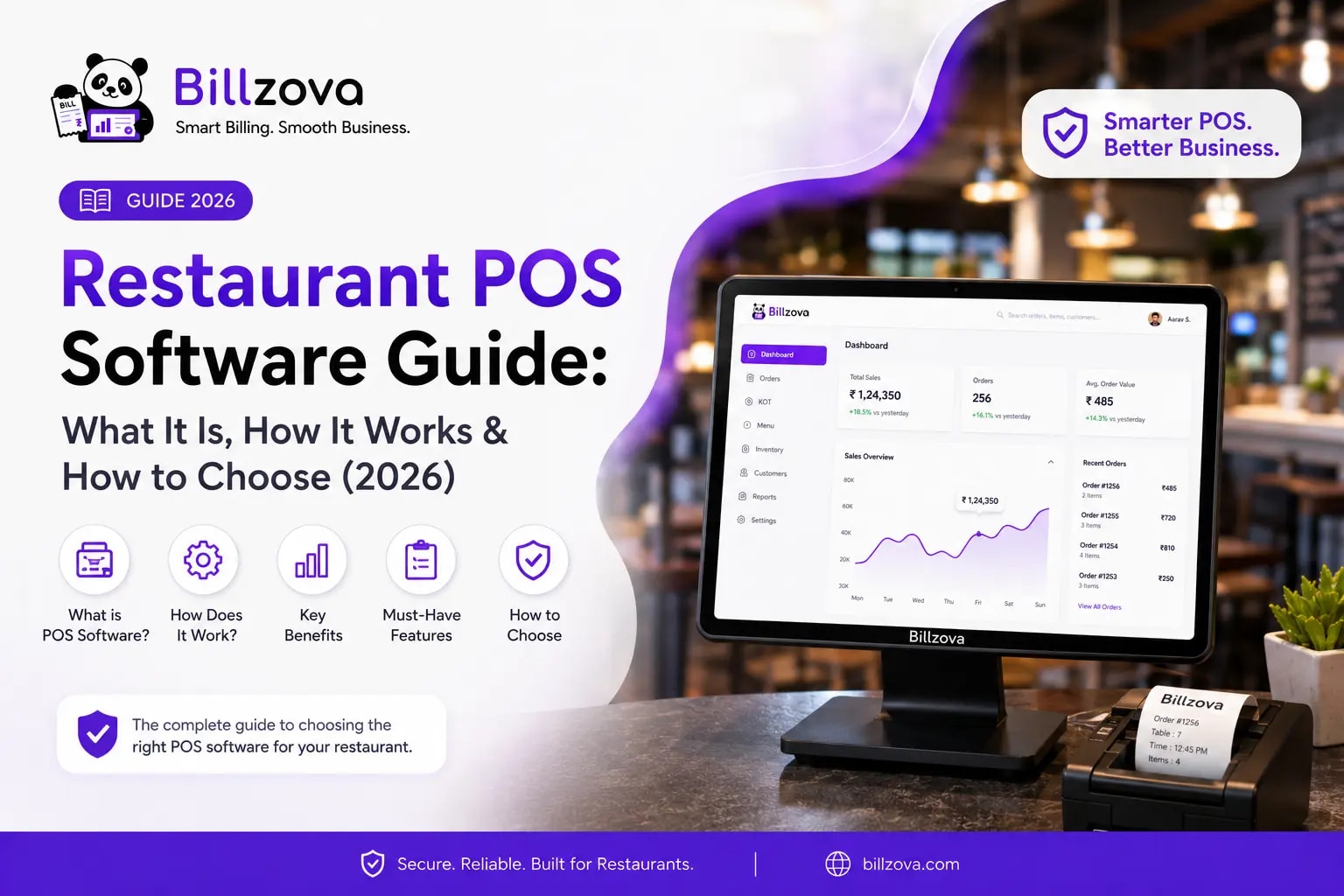
Restaurant POS Software Guide: What It Is, How It Works & How to Choose
If you've never bought restaurant POS software before, the category can feel deliberately confusing. Every vendor claims to do "everything," every demo looks impressive, and every pricing page reads slightly differently from the last. This guide cuts through that — explaining what restaurant POS software actually is, how its core pieces connect to each other, the real decisions you'll face when choosing one, and the mistakes that cost restaurant owners time and money after they've already signed up.
By the end, you should be able to walk into any sales call or demo and ask the right questions instead of just nodding along to a feature list.
Table of Contents
- What Is Restaurant POS Software, Really?
- How the Pieces Actually Connect
- The Core Modules, Explained
- Cloud-Only vs Offline-First: The Decision That Matters Most
- A Step-by-Step Framework for Choosing
- How Restaurant POS Pricing Actually Works
- Common Mistakes Restaurant Owners Make
- Best Practices for a Smooth Rollout
- Where Restaurant POS Software Is Headed
- Frequently Asked Questions
- Conclusion
What Is Restaurant POS Software, Really?
Restaurant POS software is the system that records an order, calculates what's owed (including tax), takes payment, and stores that transaction for later use — reporting, inventory deduction, customer tracking. That's the "point of sale" part: the literal point where a sale happens.
But that definition undersells what a restaurant actually needs. A calculator with a UPI QR code technically processes a sale too. What separates real restaurant POS software from a glorified billing app is what happens around that transaction:
- Does the kitchen know about the order the instant it's placed, or does someone have to walk over and tell them?
- Does the tax come out correctly structured — CGST and SGST split, not a single combined number — every single time?
- Does selling a dish reduce the ingredients in stock automatically, or do you find out you're out of paneer when a customer's already waiting?
- Can you tell, at the end of the week, which dishes are actually making you money?
A genuine restaurant POS system answers yes to all four. If you're evaluating a tool that only handles the first part — taking the payment — you're looking at a billing calculator, not a POS system, regardless of what the marketing copy says.
How the Pieces Actually Connect
Here's the part most comparison articles skip: how data actually flows through a restaurant POS system from the moment an order is placed to the moment it shows up in a report.
- Order entry. A staff member selects items on a billing screen — for a table, a counter walk-in, or a delivery order.
- KOT generation. The system immediately creates a Kitchen Order Ticket from that order and sends it to the kitchen — either as a printed slip or on a kitchen display screen.
- Inventory deduction. Behind the scenes, the system looks up the recipe for each item ordered and deducts the corresponding raw material quantities from stock.
- Billing & tax calculation. When the order is settled, the system calculates the bill total, splits GST into CGST and SGST, and generates a compliant tax invoice.
- Payment recording. Cash, UPI, or card payment is logged against that bill, including split payments across multiple methods.
- Reporting. The transaction feeds into daily, item-wise, and shift-wise reports automatically — no manual re-entry.
This is the entire point of an integrated POS system: every one of those six steps happens from a single order entry, without anyone re-typing data into a second tool. If your current setup — or one you're evaluating — requires manually updating inventory in a spreadsheet after billing, or separately logging GST totals for your accountant, you don't have an integrated system. You have a billing tool plus several disconnected workarounds.
The Core Modules, Explained
Billing & GST Invoicing
The non-negotiable core. A restaurant-grade system calculates CGST and SGST automatically, applies the correct rate per item, includes your GSTIN, and generates sequential invoice numbers — formatted correctly for filing, not just "looks like a bill." See our deeper breakdown in the GST billing software for restaurants guide.
KOT (Kitchen Order Ticket) Management
The mechanism that gets an order from the counter to the kitchen instantly, either printed or on a live screen, with routing to the correct station for kitchens with multiple sections. See our KOT printing feature guide for the full workflow.
Inventory Management
Tracks raw material stock and auto-deducts it as orders are billed, based on defined recipes. This is what tells you you're running low on chicken before a customer's order forces the issue. More detail in our restaurant inventory software guide.
Customer CRM
Ties every order to a phone number automatically, building a visit history without manual entry — the foundation for any loyalty program or repeat-customer tracking. See how Billzova's customer CRM tools turn that history into repeat business.
Staff Management
Role-based logins, PINs, shift tracking, and permissions — so a cashier doesn't have the same access as a manager, and you can see who did what during a shift. Full breakdown in our staff management feature guide.
Sales Analytics & Reporting
Daily totals, item-wise breakdowns, and shift-wise (Z-report) summaries, ideally exportable to Excel without manual reformatting. More in our reporting and analytics feature guide.
Multi-Branch Management
For more than one outlet, a consolidated dashboard showing performance across every location, rather than separate logins per branch that you have to manually compare. See the full multi-branch management feature guide.
Cloud-Only vs Offline-First: The Decision That Matters Most
This is the single most consequential technical decision in choosing restaurant POS software, and it's the one most owners don't ask about until it's already cost them sales.
| Factor | Cloud-Only POS | Offline-First POS |
|---|---|---|
| Billing during an internet outage | Stops entirely | Continues normally |
| KOT printing without internet | Fails | Works as normal |
| Data sync | Real-time, requires connection | Syncs once reconnected |
| Hardware requirement | Tablet/browser, often lighter | Usually a Windows desktop app |
| Best suited for | Areas with very reliable, fast internet | Most of India, where power and connectivity vary |
India's internet infrastructure has improved dramatically, but it is still not uniformly reliable — especially during peak hours when an entire commercial building's WiFi is under load simultaneously, or during a power cut that takes a router down with it. A cloud-only POS treats that moment as a failure state. An offline-first POS treats it as Tuesday.
If you're evaluating any restaurant POS software, ask this directly: "What happens to billing if the internet drops right now?" If the honest answer involves the word "degraded" or "limited," you're looking at a cloud-dependent system with an offline excuse bolted on, not a genuinely offline-first one.
A Step-by-Step Framework for Choosing
- List what you actually need, not what sounds impressive. A single-counter cafe doesn't need enterprise multi-brand aggregator integrations. A 12-outlet chain probably does. Match the tool to your actual operation, not a hypothetical future one.
- Test the offline behavior directly. Don't take "works offline" as a claim — ask for it to be demonstrated, with the internet actually disconnected, during a demo.
- Check the real total cost. Get the published price, then ask explicitly: "Is inventory included? Is multi-branch included? Are there any per-feature add-ons?" A cheap starting price with paid modules can cost more than a transparent flat price.
- Have your actual staff try it, not just you. The person who'll use this daily during a rush should be the one judging whether it's fast enough, not just the owner evaluating the dashboard.
- Confirm GST compliance specifically. Ask to see a sample invoice. Does it split CGST and SGST as separate lines, or show one combined "GST" figure? The latter isn't compliant.
- Ask about support response time, not just channels. "We have support" means nothing. "We respond on WhatsApp within X minutes" means something.
- Run a real trial before committing long-term. Most reputable vendors, including Billzova, offer a free first month specifically so you can test this on your own menu before paying anything.
How Restaurant POS Pricing Actually Works
Restaurant POS pricing in India generally falls into three patterns, and recognising which one you're looking at saves real money:
- Flat, published pricing. One number, shown on the website, with every feature included. Predictable, easy to compare. Billzova's pricing works this way — ₹399/month or ₹3,999/year, everything included.
- Modular / add-on pricing. A low base price that excludes inventory, staff accounts, or multi-branch — each sold separately. The advertised price is rarely the real price.
- Quoted / enterprise pricing. No public price at all — a sales call determines cost based on outlet count and modules. Common for large enterprise platforms, but a poor fit for an independent restaurant trying to budget in advance.
None of these is inherently wrong — a large multi-outlet enterprise chain often does need the third model's depth. But for most independent restaurants and small chains, flat published pricing is the only model where the number you see is the number you actually pay.
Common Mistakes Restaurant Owners Make
- Choosing based on the demo, not the daily reality. A polished sales demo on a fast office WiFi connection tells you nothing about how the system behaves on your actual restaurant's connection during a Saturday rush.
- Ignoring staff training time. A system that looks simple to an owner reviewing it alone can still take a new hire days to learn — multiply that by every staff turnover.
- Not checking GST invoice structure before switching. Migrating, discovering the new system's invoices aren't properly compliant, and only finding out at filing time is a genuinely costly mistake.
- Underestimating the value of inventory integration. Treating inventory as optional, then realising months later how much wastage and shrinkage went untracked.
- Signing a long contract before a real trial. Committing to annual billing before confirming day-to-day fit removes your ability to course-correct cheaply.
Best Practices for a Smooth Rollout
- Run the new system in parallel with your old process for a day or two before fully switching over, if your volume allows it.
- Train staff on the actual busy-hour workflow, not just the basic happy-path order.
- Set up your menu and recipes (for inventory) before going live, not during the first week of real service.
- Test offline mode deliberately once, by disconnecting the internet yourself, so you know exactly what to expect if it happens for real.
- Export a sample report and a sample GST invoice early, and check both with your accountant before you're relying on a full month of data.
Where Restaurant POS Software Is Headed
A few trends are shaping where restaurant POS software is going in India over the next few years:
- Deeper WhatsApp integration — invoices, order confirmations, and even ordering itself increasingly happening through WhatsApp rather than separate apps.
- AI-assisted demand forecasting — using historical sales data to predict inventory needs more precisely than manual reordering.
- Tighter cloud kitchen and multi-brand support — as delivery-first operations running several brands from one kitchen become more common.
- Continued emphasis on offline reliability — despite improving connectivity, the operational cost of downtime keeps offline-first architecture relevant, not obsolete.
Frequently Asked Questions
What is restaurant POS software in simple terms?
It's software that handles the full cycle of a restaurant sale — taking the order, billing it with correct tax, sending it to the kitchen, updating inventory, and recording it for reports — rather than just calculating a total.
Do small restaurants and cafes actually need POS software, or is it overkill?
Even a small single-counter restaurant benefits from correct GST billing, basic KOT routing, and simple reporting. The complexity should match the restaurant's size, but the core functions are useful at almost any scale.
What's the difference between a POS system and a billing app?
A billing app calculates a total and prints a receipt. A POS system connects billing to the kitchen, inventory, and reporting — the operational backbone, not just the cash register.
Is cloud-based or offline-first POS better for Indian restaurants?
For most Indian restaurants, offline-first is the safer choice given variable power and internet reliability — it keeps billing working through outages that would stop a cloud-only system entirely.
How much does restaurant POS software cost in India?
Pricing varies widely — from roughly ₹399/month for flat, all-inclusive plans to several thousand rupees monthly for enterprise-scoped platforms with deep integrations. The right price depends on your restaurant's actual size and needs.
Can restaurant POS software handle GST billing automatically?
A properly built one should — calculating and splitting CGST/SGST automatically, including your GSTIN, and generating sequential invoice numbers without manual tax entry.
Does restaurant POS software track inventory automatically?
Yes, when properly integrated — it should auto-deduct ingredient quantities the moment an order is billed, based on a defined recipe, rather than requiring a separate manual update.
How long does it take to set up restaurant POS software?
Installation itself often takes minutes. The bigger time investment is menu and recipe setup, plus staff training — typically a few hours to a day for a single outlet.
Can I switch restaurant POS software without losing my data?
Most reputable systems let you export your data before leaving, and many support importing a menu from a spreadsheet when starting fresh — but always confirm this explicitly before committing to switch.
What should I check before signing up for restaurant POS software?
The real total cost (not just the starting price), whether offline mode is genuinely demonstrated, GST invoice structure, support responsiveness, and whether your actual staff find it usable — not just whether the sales demo looked good.
Is restaurant POS software worth it for a single small restaurant?
Generally yes — even basic correct GST billing and instant KOT routing reduce errors and save time daily, and the cost of a flat-priced plan is usually small relative to the time and error reduction it provides.
Do I need separate software for inventory, or does POS software include it?
A well-built restaurant POS system includes inventory natively, connected directly to billing. Standalone inventory tools that don't connect to your POS tend to drift out of sync, since nobody has time to update two systems during service.
Conclusion
Restaurant POS software is genuinely useful when it connects billing, KOT, inventory, and reporting into one continuous flow — and genuinely disappointing when it's just a billing calculator wearing a bigger feature list. The questions that actually matter when choosing one are rarely about the flashiest feature; they're about whether it keeps working during a power cut, whether the GST invoice is actually compliant, and whether your real total cost matches the number on the homepage.
If you're currently evaluating options, Billzova's restaurant POS software is built around exactly the principles covered in this guide — offline-first billing, GST compliance included standard, and one flat ₹399/month price with every module included. Start a free first month to see it on your own menu, or talk to our team if you have specific questions before deciding.
Billzova Team
Restaurant POS & Billing Experts
We build Billzova — GST billing, KOT, offline mode, inventory and reports for Indian restaurants. This team writes from what we see helping real restaurants bill faster every day.
Run your restaurant on billzova
GST billing, KOT, offline mode, inventory & reports in one app. ₹399/month — first month free.