Your restaurant in one tab.
Manage from any device, anywhere.
The billzova web dashboard gives you full control of your restaurant from any browser — phone, tablet, or laptop. View live sales, update your menu, manage staff, and track stock without installing anything. ₹399/month, first month from ₹1.
The struggle
Sound familiar?
Tied to the billing counter
You need to check today's sales but you're not at the restaurant. The only way to know is to call staff and hope they read the numbers right.
Menu updates take an IT visit
Adding a seasonal dish or changing a price means physically going to the POS terminal — or calling someone in just to type two words.
No remote oversight
You run two outlets. No way to see if counter staff opened on time, what the current cash balance is, or whether stock is low — without being there.
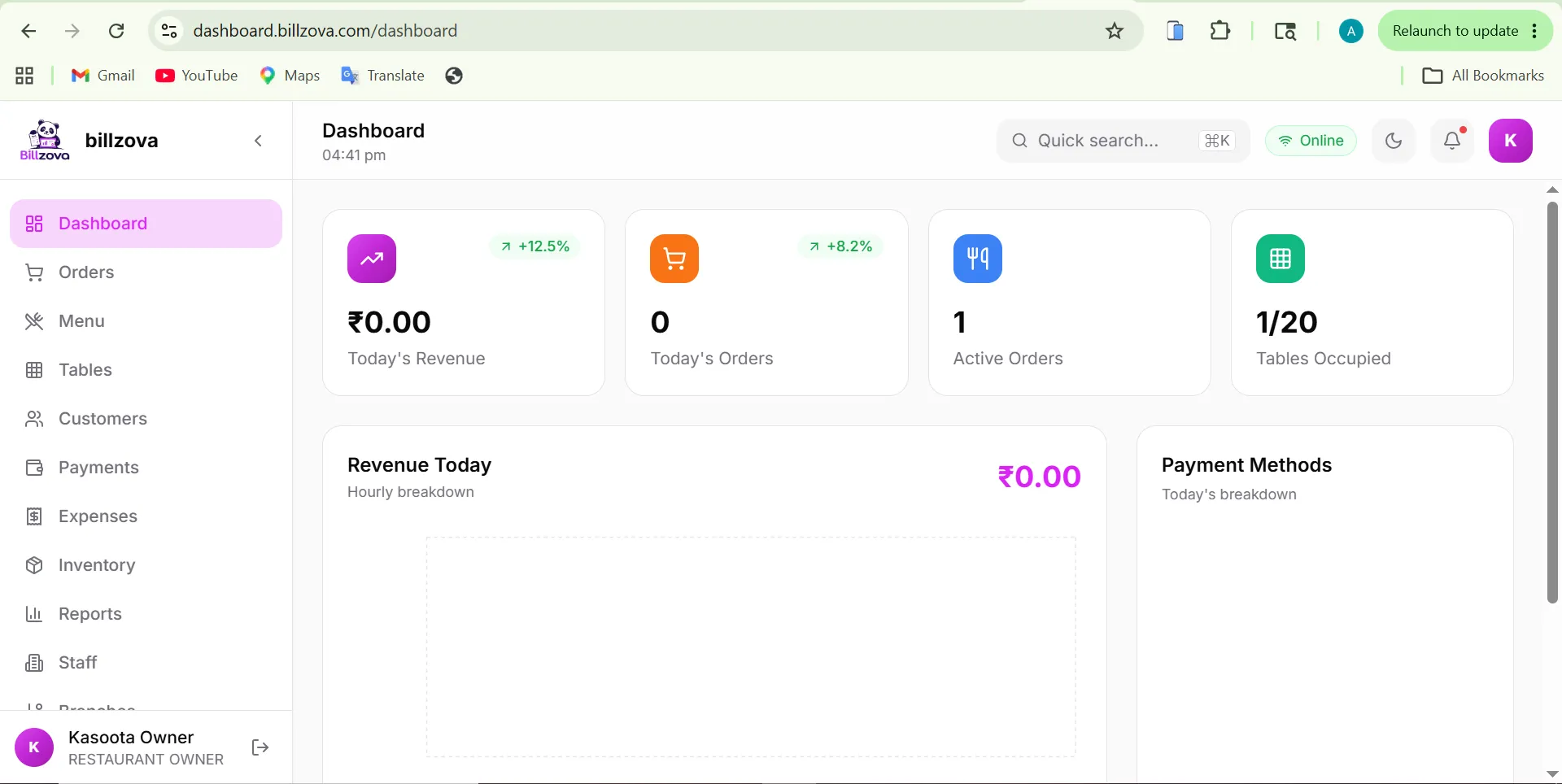
See today's revenue in real time — from your phone
The dashboard home shows gross sales, order count, average order value, and payment-mode breakdown for the current day. Refresh or keep it open — it updates live as orders come in.
- Real-time gross sales and order count
- Payment breakdown: UPI, cash, card
- Today vs yesterday quick comparison
- Item-wise top sellers for the day
- Works on any browser, no app needed
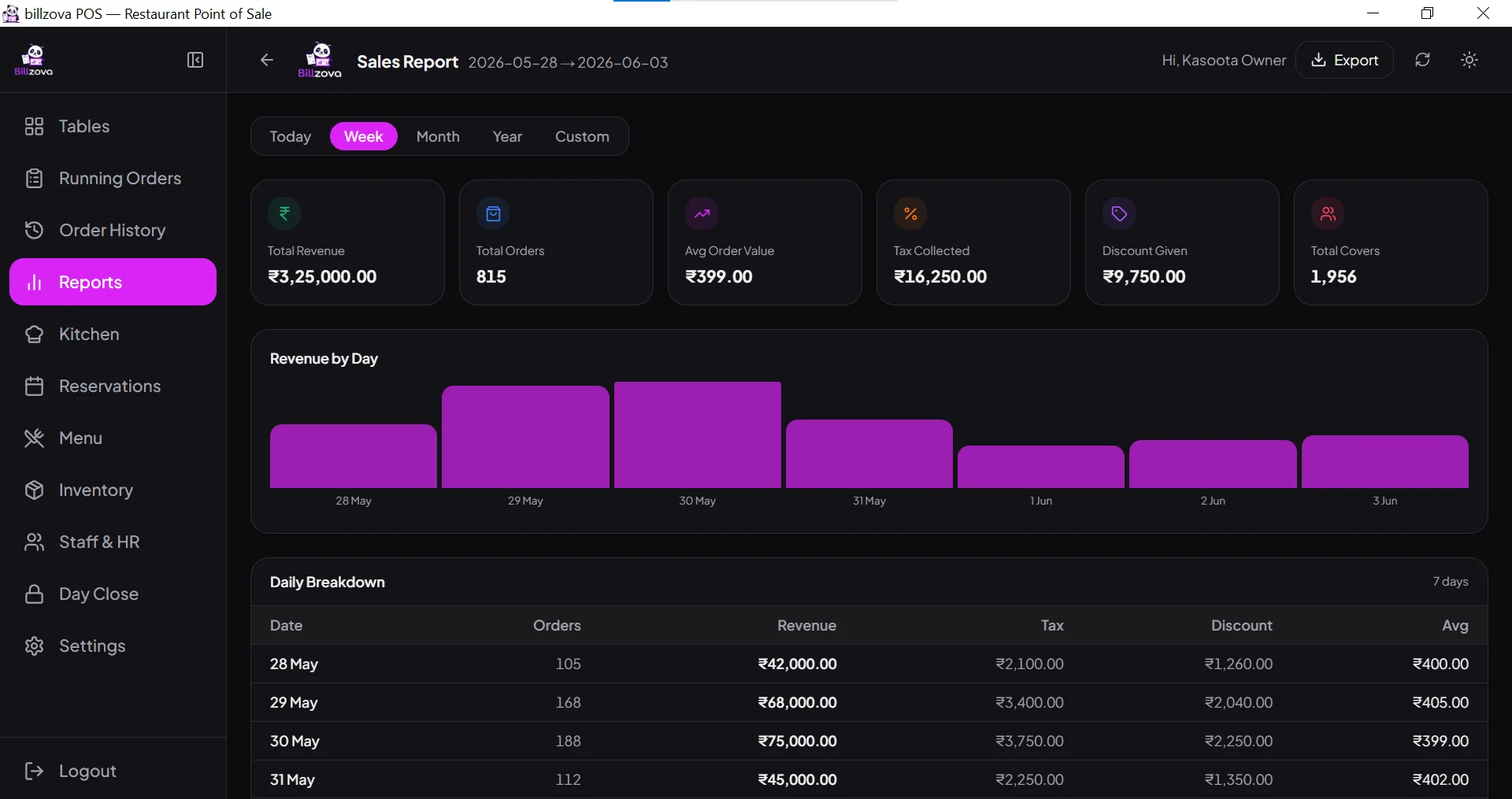
Add items, change prices, mark unavailable — remotely
Update your entire menu from the web dashboard. Add new dishes, set GST rates, create categories, and mark items out of stock so the POS counter automatically stops taking those orders.
- Add / edit / delete menu items remotely
- Set CGST/SGST rate per item
- Mark items out of stock from phone
- Bulk import from Excel
- Changes reflect on POS instantly
Add staff, set roles, control who sees what
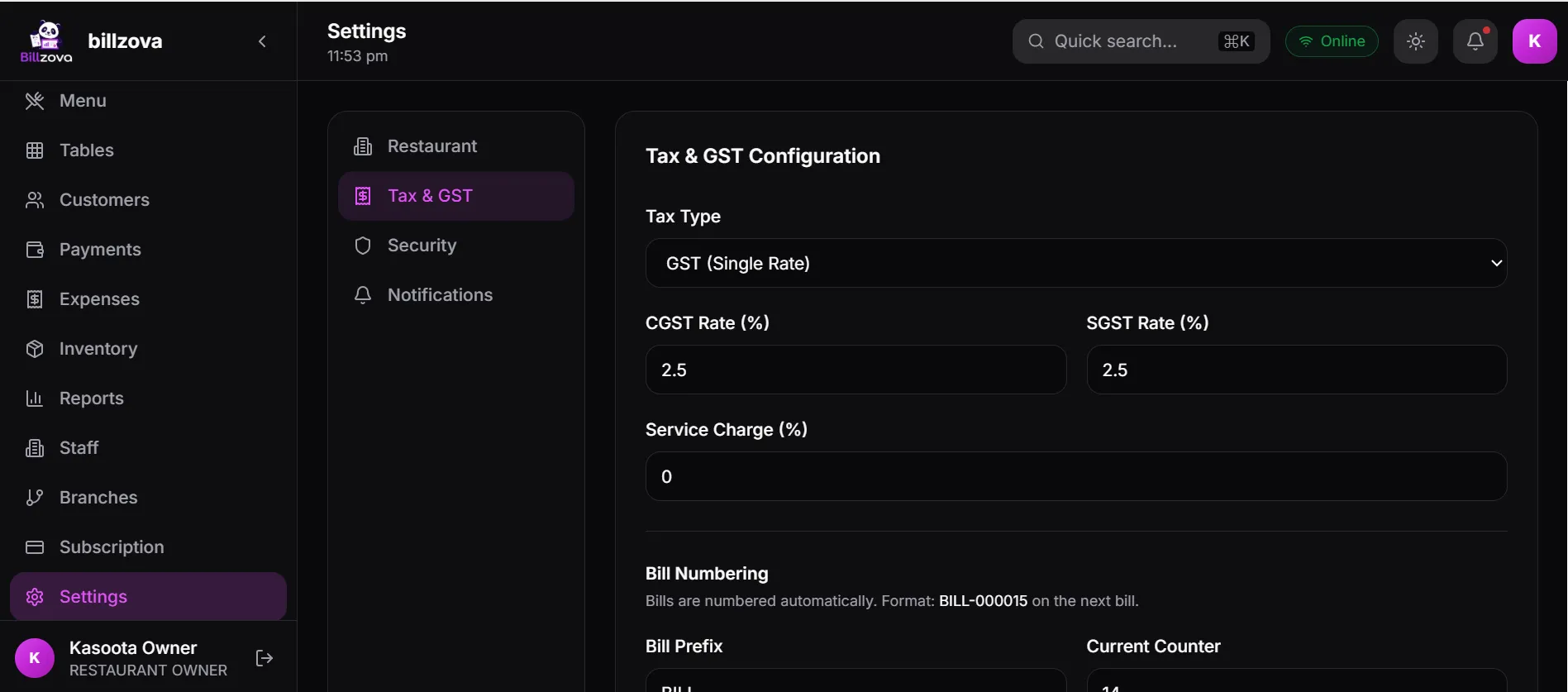
Create staff accounts, assign roles (manager, cashier, kitchen, waiter), set PIN-based login, and define exactly which modules each role can access — all from the web dashboard.
- Create / disable staff accounts remotely
- Role-based access: cashier, manager, kitchen
- Set 4-digit PIN login for POS counter
- View staff shift logs remotely
- Restrict reports access by role
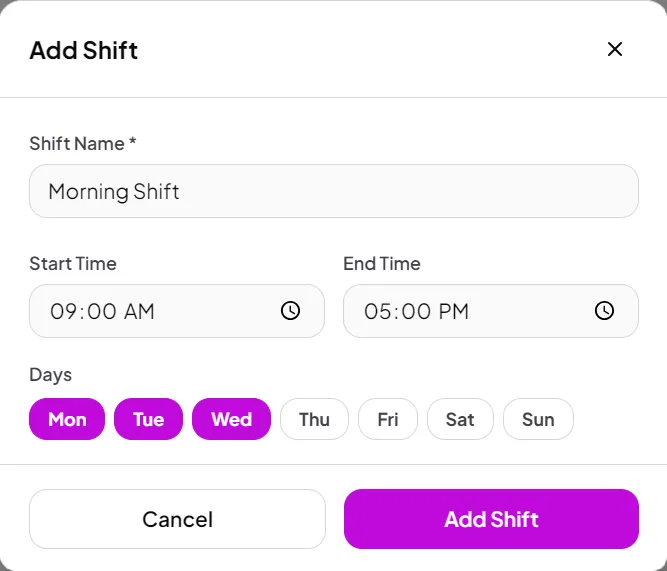
Manage your plan, billing, and all settings online
Renew your subscription, update GST registration details, configure printer settings, manage branches, and control which features are active — all without touching the POS terminal.
- View and renew subscription status
- Configure GSTIN and business details
- Manage branch settings and names
- Turn features on / off per branch
- Download invoices for your subscription
In the product
See every screen
Real product screenshots — not stock illustrations.
Compared
No dashboard vs billzova web dashboard
Without a Web Dashboard
- Must physically be at the restaurant to check sales
- Menu changes require visiting the POS terminal
- No visibility into stock or staff from outside
- Calling staff for daily totals every evening
- No remote oversight for multi-outlet owners
billzova Web Dashboard
- Live sales visible from any browser, anywhere
- Menu updates in 30 seconds from your phone
- Full stock and staff visibility remotely
- Reports available 24/7 without calling anyone
- Perfect for owners managing multiple outlets
FAQ
Frequently asked questions
Does the billzova web dashboard need any installation?▾
Can I access the dashboard on my mobile phone?▾
Does the dashboard work when the POS is offline?▾
Can I see live orders on the web dashboard?▾
Can I use the web dashboard to manage multiple branches?▾
Is the web dashboard included in the ₹399/month plan?▾
Start billing in 10 minutes.
Full access to every feature. Cancel anytime. ₹399/month after your free trial.