Your team, your rules.
Full control over who does what.
Create staff accounts, set roles and POS permissions, track shifts and attendance — all from one dashboard. billzova keeps your restaurant running smoothly even when you're not there. ₹399/month, first month from ₹1.
The struggle
Sound familiar?
Everyone has full POS access
Any staff member can apply discounts, void orders, or see reports. You only find out after a bad month that someone was misusing access.
Paper attendance registers
Manually signing in and out on a notebook that you can't search, can't export, and gets torn or lost every few months.
No shift visibility when away
Did the morning staff open on time? Who closed last night? You have no way to check without calling someone.
Control exactly what each staff member can do
Define roles — cashier, waiter, manager, kitchen — and set granular permissions for each. Choose which menu items, reports, discounts, and settings each role can access. Changes take effect instantly.
- Pre-set roles: cashier, manager, kitchen, waiter
- Custom roles with granular permissions
- Discount application permission per role
- Report access restricted by role
- Void / refund permission control
4-digit PIN — staff switch in seconds
Each staff member has a unique 4-digit PIN to log in to the POS. Quick to type, unique per person, and you can disable a PIN instantly if a staff member leaves.
- Unique 4-digit PIN per staff
- Instant PIN login at the POS counter
- Manager PIN required for sensitive actions
- Disable PIN immediately on staff exit
- PIN change from web dashboard
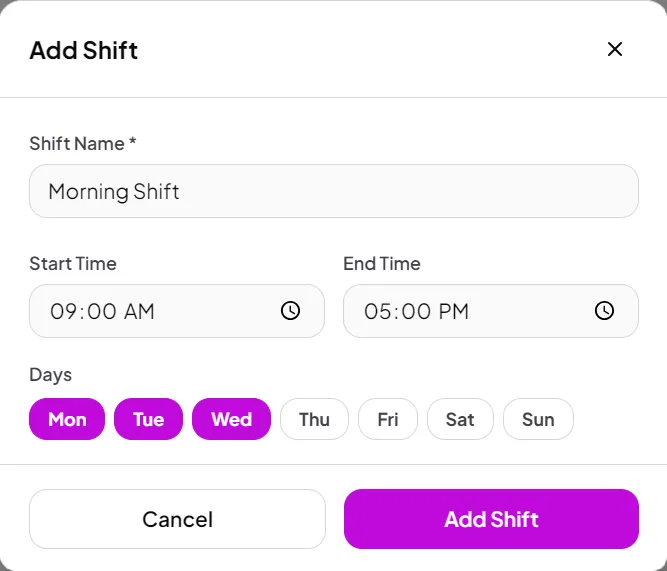
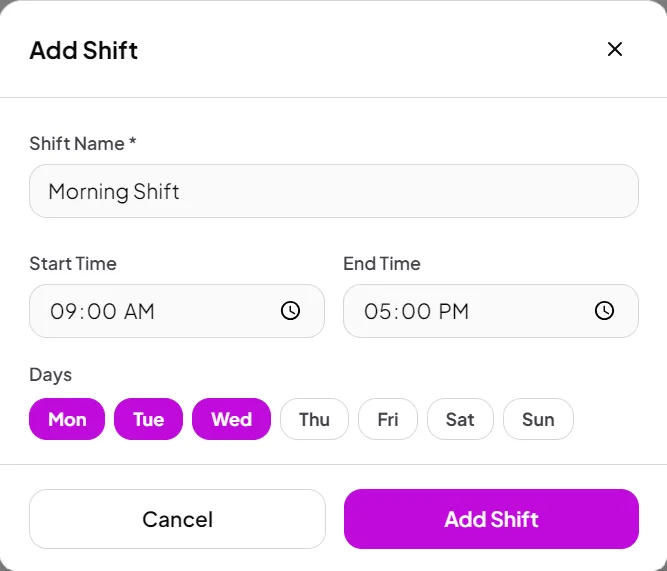
Shift open, shift close — logged automatically
Every POS session is tied to a staff login. When a shift starts, the opening cash balance is recorded. When it closes, the Z-report captures that session's sales — tied to that staff member.
- Shift open/close tied to staff login
- Opening cash balance per shift
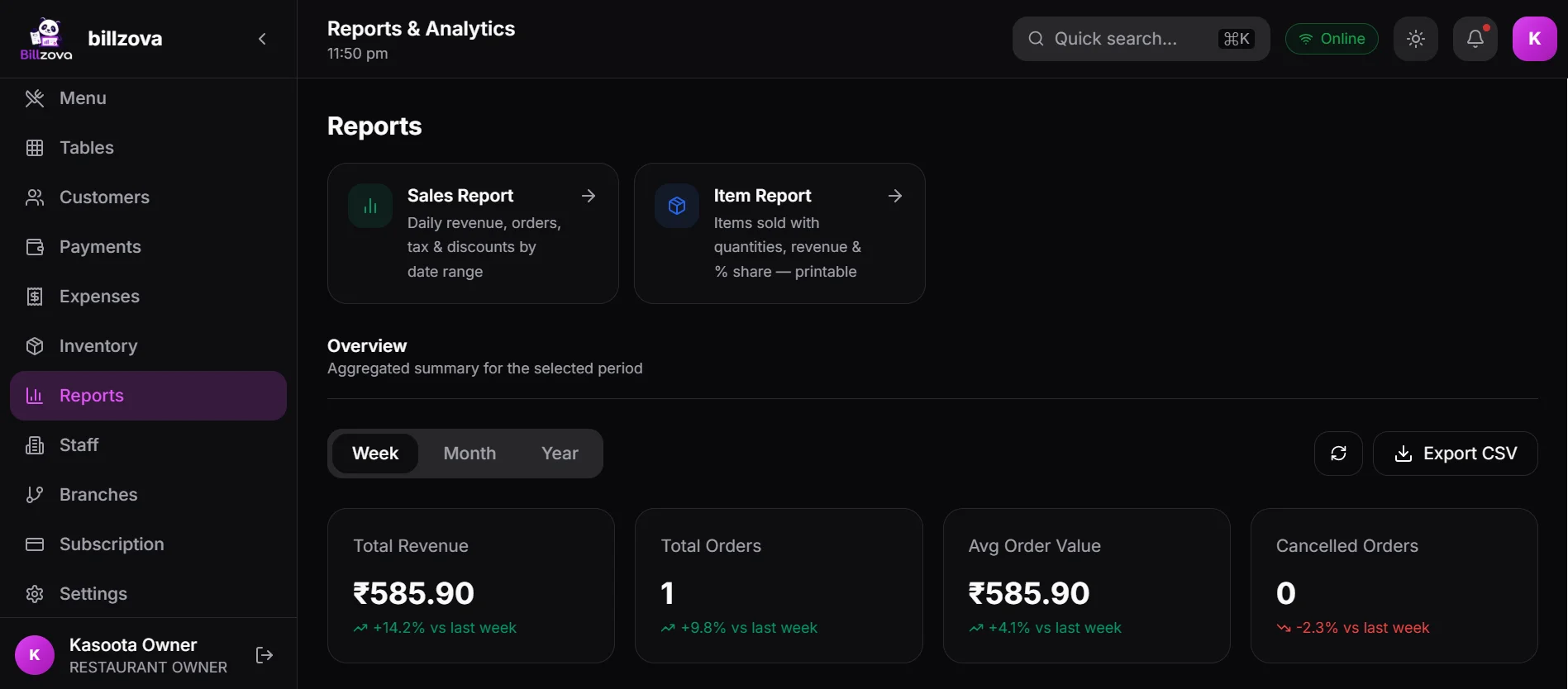
- Sales per staff member per shift
- Z-report per shift for cash reconciliation
- Shift log exportable to Excel
Digital attendance — no more paper registers
Staff clock-in and clock-out is recorded digitally via POS login and logout. View attendance for any date range, export to Excel for payroll, and spot late arrivals or absences at a glance.
- Clock-in / out via POS session
- Attendance log per staff per day
- Date-range view and export
- Late clock-in flagged in report
- Exportable for payroll processing
In the product
See every screen
Real product screenshots — not stock illustrations.
Compared
No access control vs billzova staff management
Without Staff Management
- Everyone has full access to everything
- Paper attendance easily manipulated
- No record of who did what on the POS
- Can't restrict discounts or voids
- No shift sales data per staff
billzova Staff Management
- Role-based permissions per feature
- Digital attendance via POS login
- Full audit trail — who did what, when
- Discount and void requires manager PIN
- Per-staff shift sales for accountability
FAQ
Frequently asked questions
How do staff log in to the billzova POS?▾
Can I stop cashiers from giving discounts without manager approval?▾
How does billzova track staff attendance?▾
Can I see how much each staff member billed during a shift?▾
How many staff accounts can I create in billzova?▾
Is staff management included in the ₹399/month plan?▾
Start billing in 10 minutes.
Full access to every feature. Cancel anytime. ₹399/month after your free trial.