Reports that actually tell you
what's working in your restaurant.
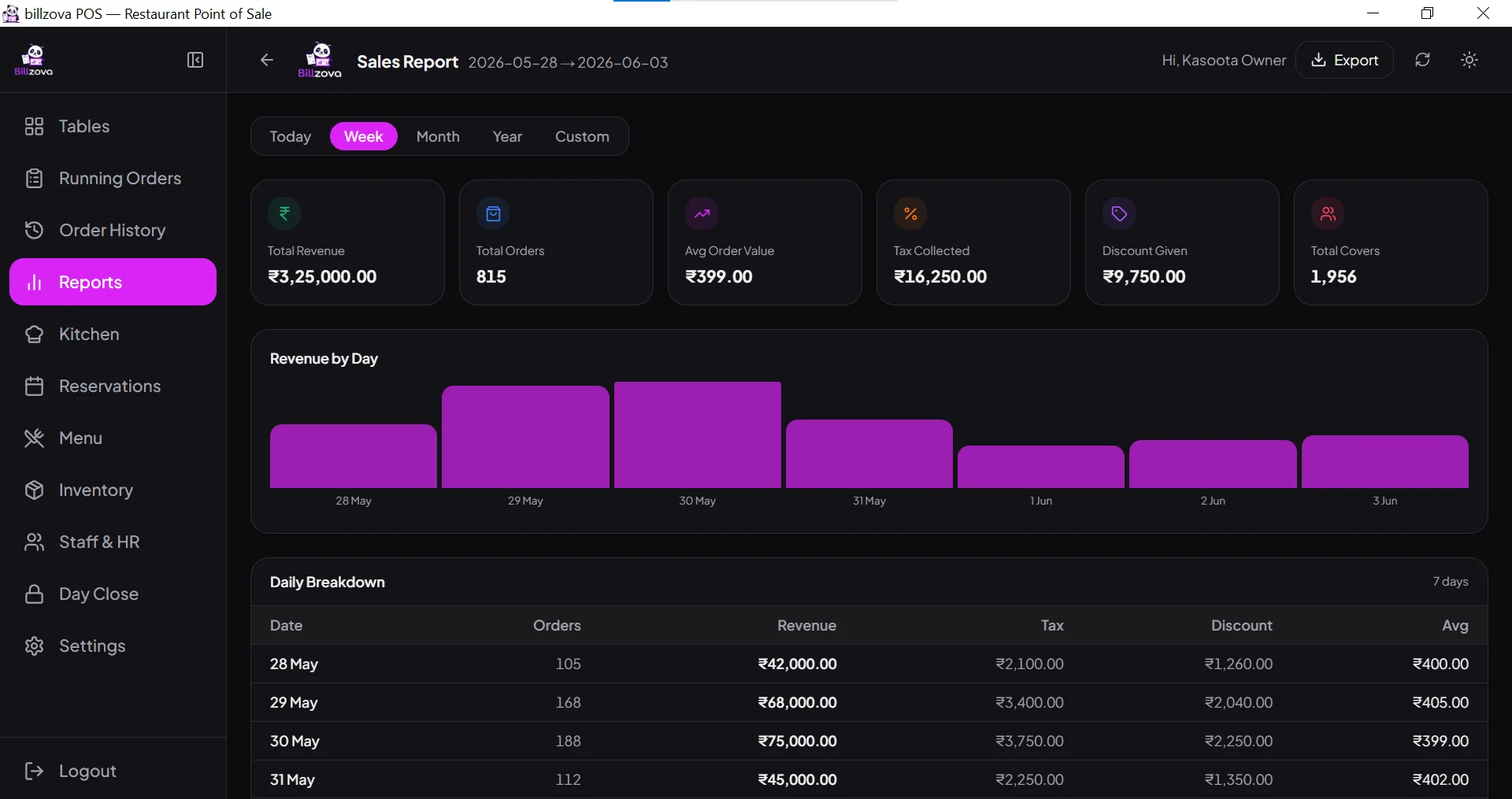
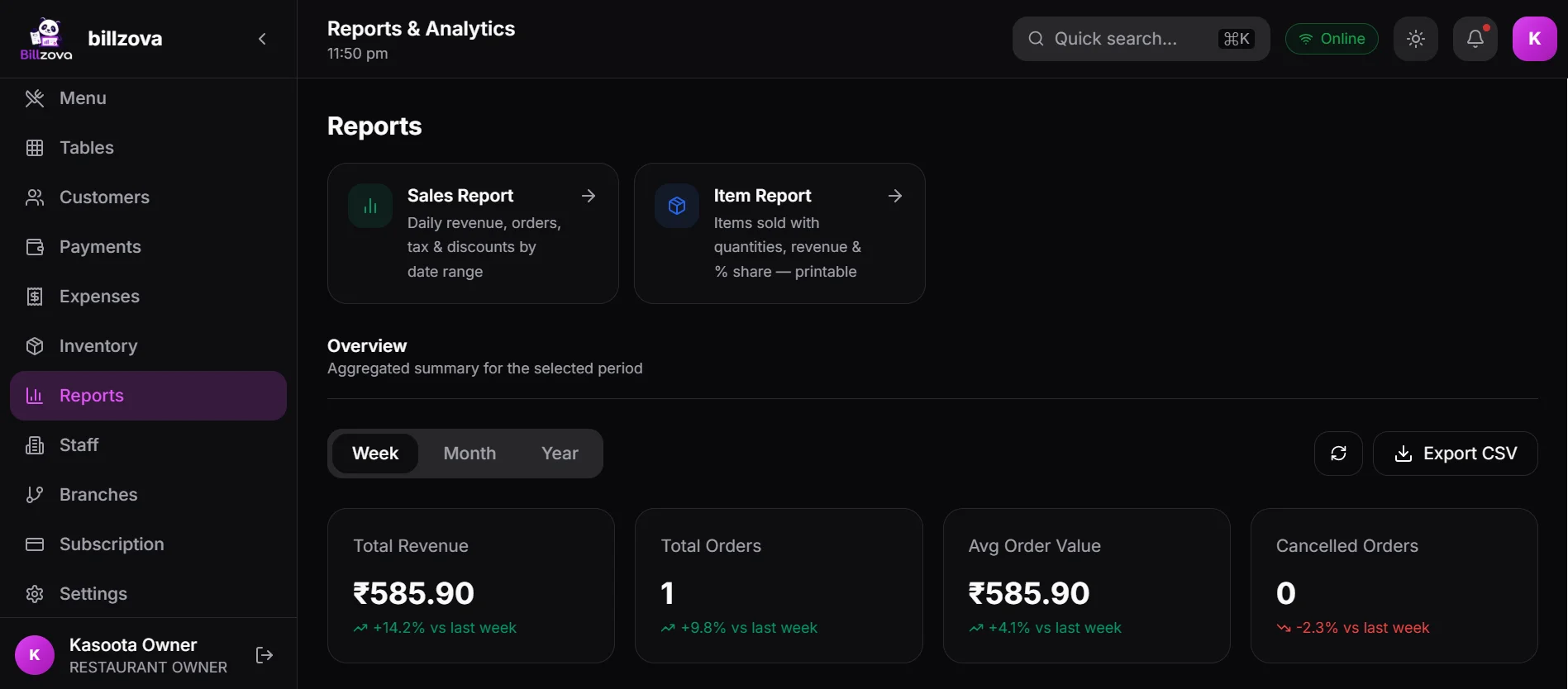
billzova gives you daily sales summaries, item-wise analysis, shift Z-reports, payment breakdowns, and staff performance — all in real time, all exportable to Excel. Know your numbers without a CA visit. ₹399/month, first month from ₹1.
The struggle
Sound familiar?
End-of-day maths on a calculator
Every night you manually tally cash, card, and UPI from receipts, then write it in a register. One missed bill means the numbers never add up.
No idea which dishes are profitable
You have 80 items on the menu. You suspect 10 of them are losers. But without item-wise data, you can't act on it.
Accountant asks for data — you panic
Month-end. Your CA needs sales figures, GST collected, and payment breakdowns. You're searching through a paper register and WhatsApp receipts.
Today's numbers — at a glance, any time
The dashboard shows gross sales, order count, average order value, and payment mode breakdown for the current day — live. View historical summaries for any date or range without digging through receipts.
- Gross sales, orders, AOV — live
- Payment breakdown: UPI, cash, card, split
- Daily report for any date in history
- Week and month comparison built-in
- Peak hour analysis per day
Know which dishes drive revenue — and which don't
Sort every menu item by quantity sold, gross revenue, or gross margin. Identify your top 10 performers and your bottom 10. Use real data to simplify your menu and raise prices where you can.
- Quantity sold per item per date range
- Gross revenue per item
- Category-wise breakdown
- Best-sellers and slow-movers
- Item-wise data exportable to Excel
Close every shift cleanly with a Z-report
At end of shift, run the day-close Z-report. It shows opening cash, total cash collected, UPI and card totals, discounts given, voids, and net expected cash — so cash reconciliation takes 60 seconds.
- Opening balance vs closing reconciliation
- Total UPI, card, cash per shift
- Discount and void detail per shift
- Printable Z-report on 80mm paper
- Shift-wise archive for any date
One-click export — bills, orders, reports, everything
Export any report — daily sales, item-wise, customer list, staff attendance, inventory — to Excel in one click. Hand it to your accountant, import into Tally, or keep for your own records.
- All reports export to Excel (.xlsx)
- Bill-wise detail for any date range
- GST summary for CA / Tally import
- Customer records with spend history
- No data lock-in — your data, always
In the product
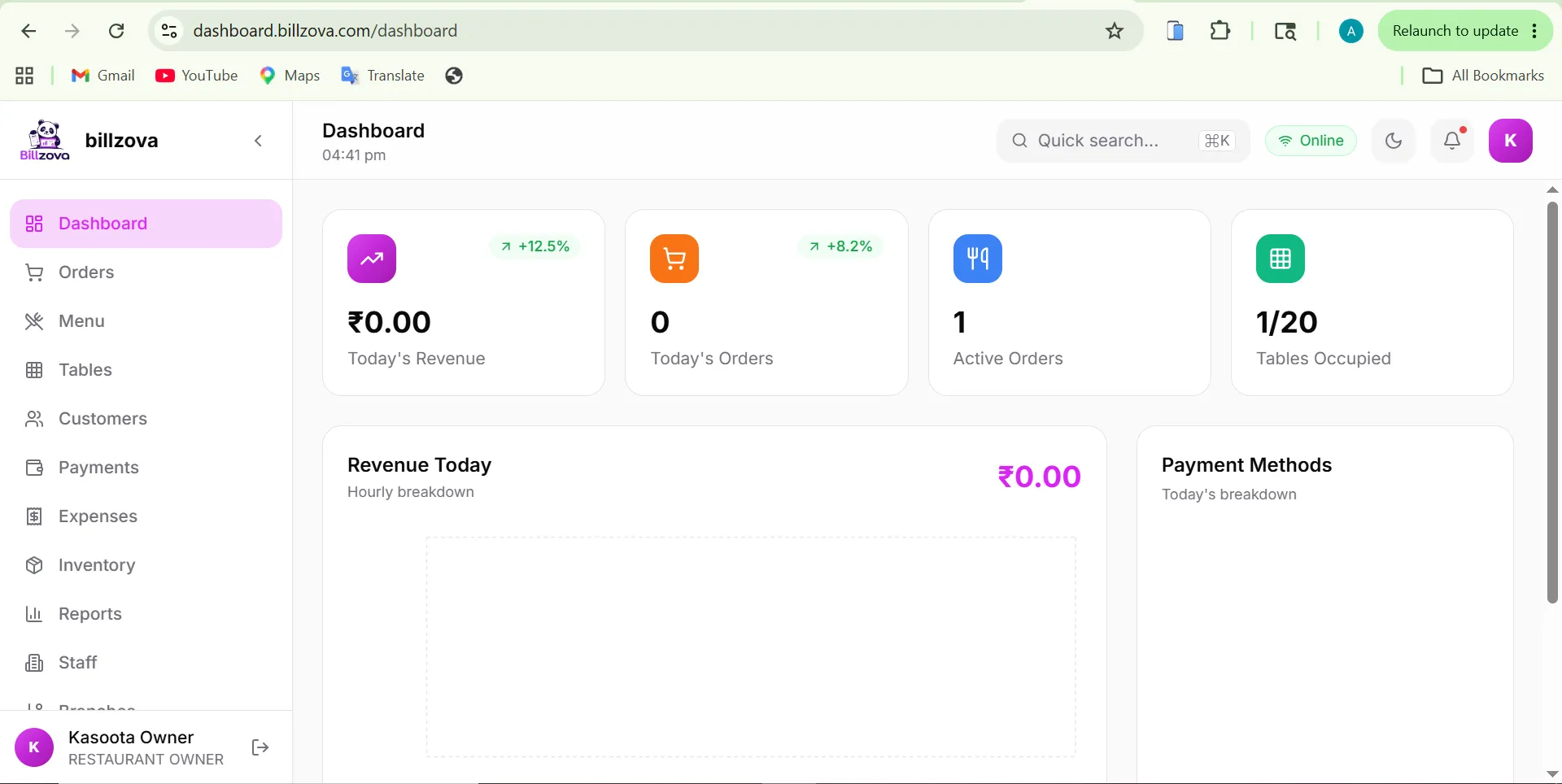
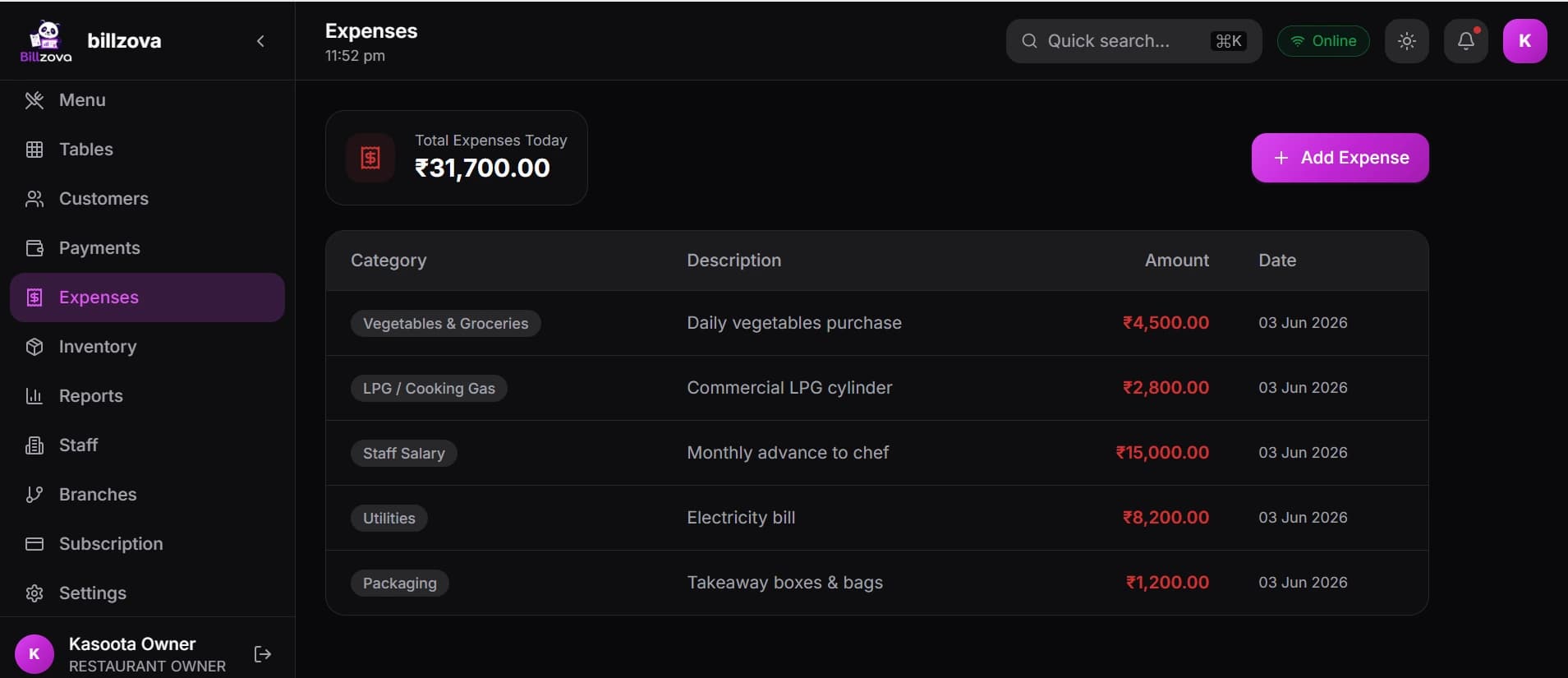
See every screen
Real product screenshots — not stock illustrations.
Compared
Paper register vs billzova analytics
Paper Register / No Reports
- Manual tally every night
- No idea which dishes sell best
- Discounts and voids go untracked
- Month-end CA prep takes hours
- No way to compare weeks or months
billzova Analytics
- Live sales dashboard, always current
- Item-wise breakdown for any date range
- Discount and void report per shift
- One-click Excel for accountant
- Trend comparison — week, month, custom
FAQ
Frequently asked questions
What daily reports does billzova provide?▾
What is a Z-report in billzova?▾
Can I export restaurant data to Excel?▾
Can my accountant access reports directly?▾
Is the analytics available on the web dashboard?▾
Is analytics included in the ₹399/month plan?▾
Start billing in 10 minutes.
Full access to every feature. Cancel anytime. ₹399/month after your free trial.