Online offline restaurant POS software
that never stops billing, either way.
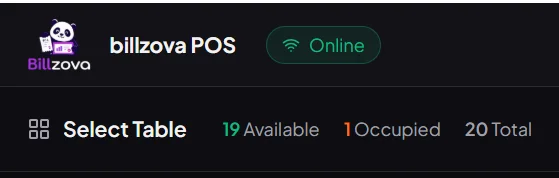
billzova isn't an offline-only POS, and it isn't cloud-only either. It works fully online day to day, and switches to offline mode automatically the instant your connection drops — billing, KOT, and GST invoicing keep running, with everything syncing once you're back. ₹399/month, first month free.
The struggle
Sound familiar?
Cloud-only POS stops billing the moment WiFi drops
Every action routes through a remote server — when the connection fails, billing fails with it, immediately and totally.
Offline-only systems have no remote visibility
No live sales from home, no multi-branch consolidation, no automatic cloud backup — a real trade-off most restaurants can’t accept.
"Offline mode" often means degraded, not full
Many cloud POS systems disable KOT printing and inventory deduction during an outage — a gap that only surfaces when you actually need it.
One billing engine, identical online or offline
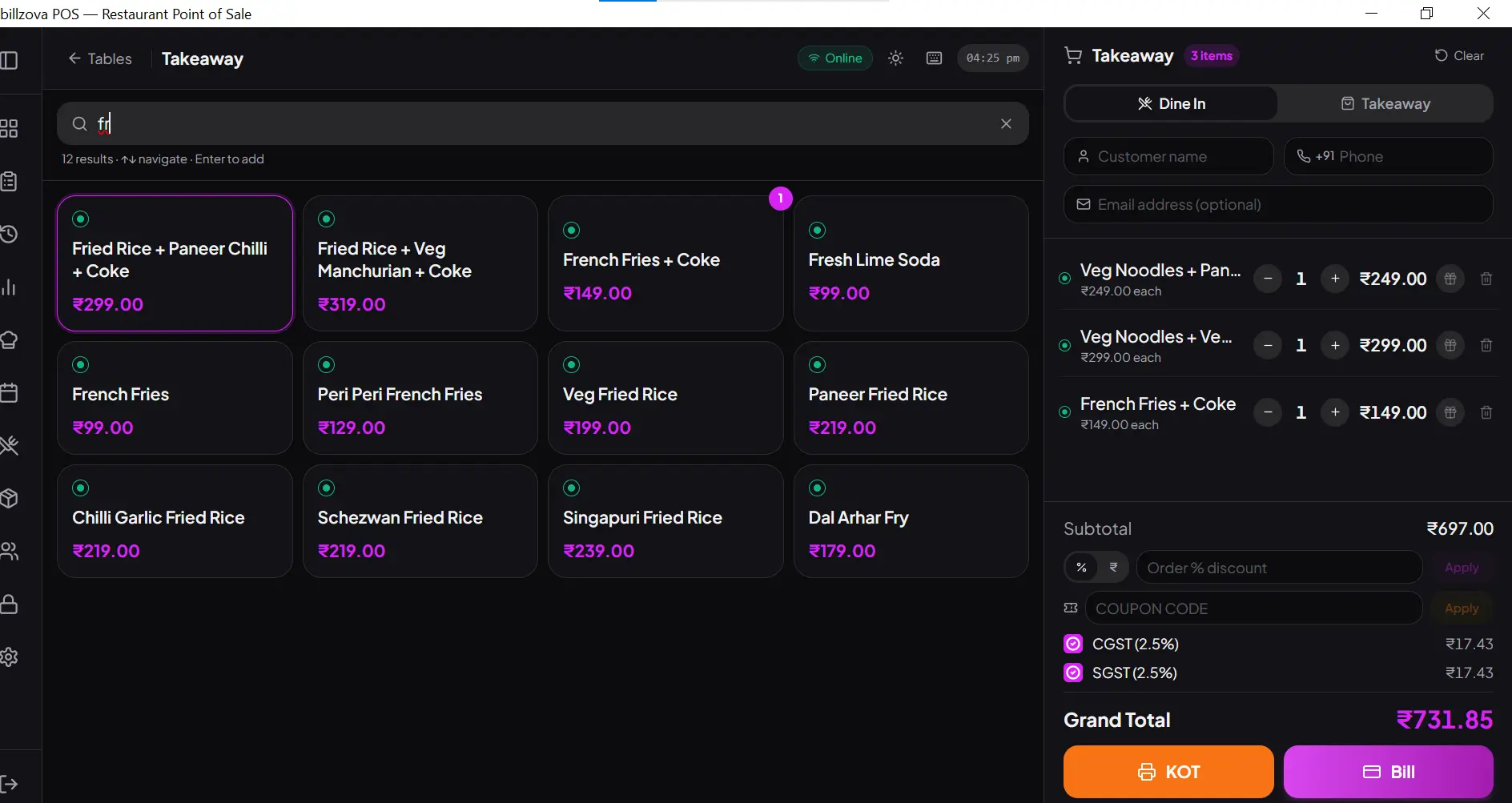
Billing logic runs locally on the device, so it works the same way regardless of connectivity — no separate offline module, no degraded fallback.
- Same interface, online or offline
- No manual mode switch, ever
- Zero downtime during outages
- Works across dine-in, takeaway & delivery
- No dependency on a live connection
GST compliance never depends on connectivity
CGST/SGST auto-split, GSTIN, and sequential invoice numbering work identically whether you’re online or offline — compliance is never the casualty of an outage.
- CGST + SGST auto-split, both states
- GSTIN included automatically
- Sequential invoice numbers preserved
- No compliance gap during outages
- Same invoice quality, online or offline
Every offline transaction syncs automatically, in order
Bills, KOTs, payments, and stock changes queue locally with their sequence preserved, replaying to the cloud the instant your connection returns.
- Automatic sync, no manual trigger
- Correct order preserved, always
- Typically completes within seconds
- No data loss, ever
- No manual reconciliation afterward
Full remote visibility — nothing traded away
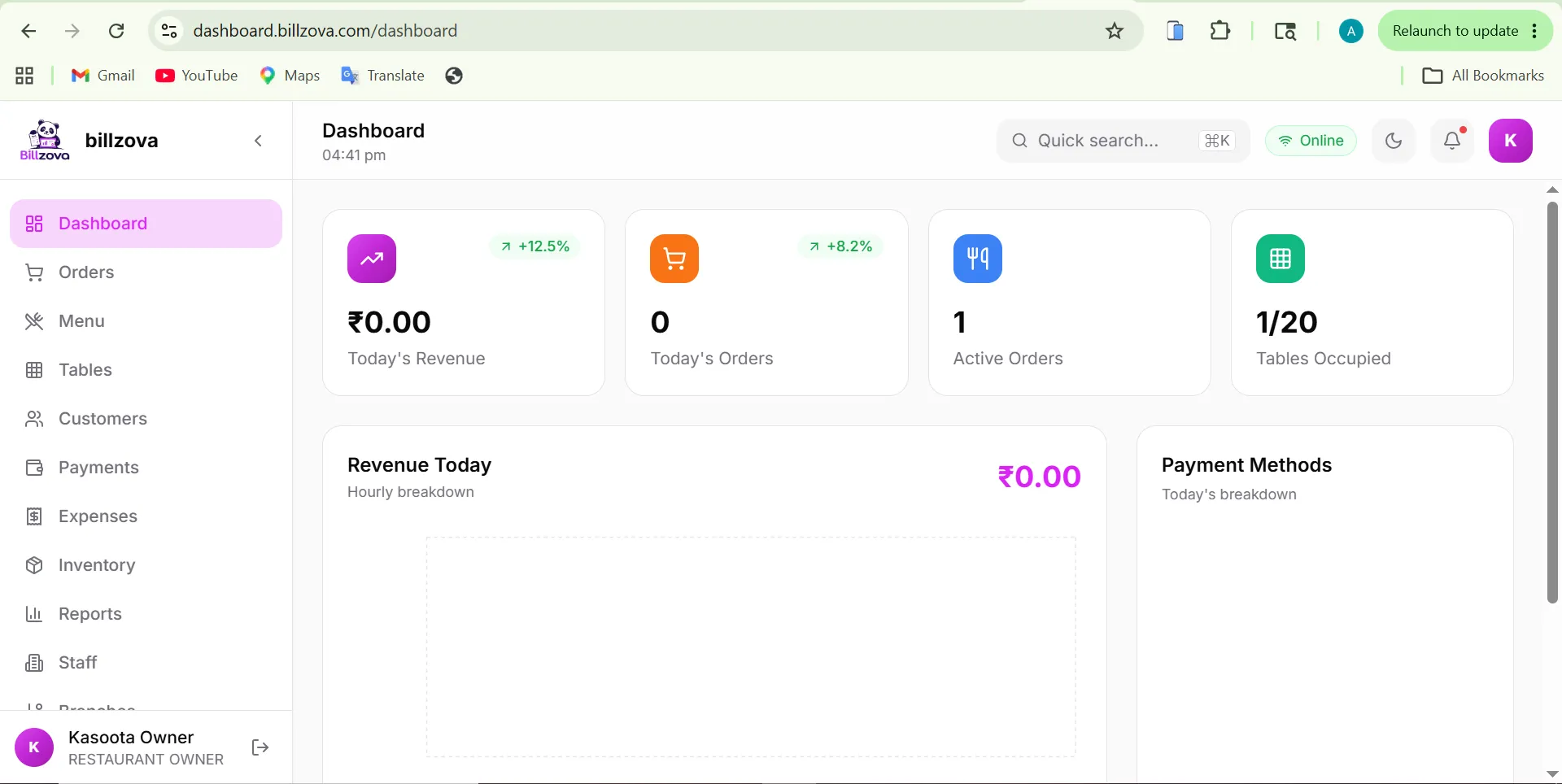
Live sales, multi-branch dashboards, and remote access work exactly like a cloud-only system whenever you’re connected — hybrid architecture doesn’t sacrifice this for offline reliability.
- Web dashboard from any browser
- Multi-branch consolidated reporting
- Automatic cloud backup
- Built for real Indian connectivity
- No architecture trade-off required
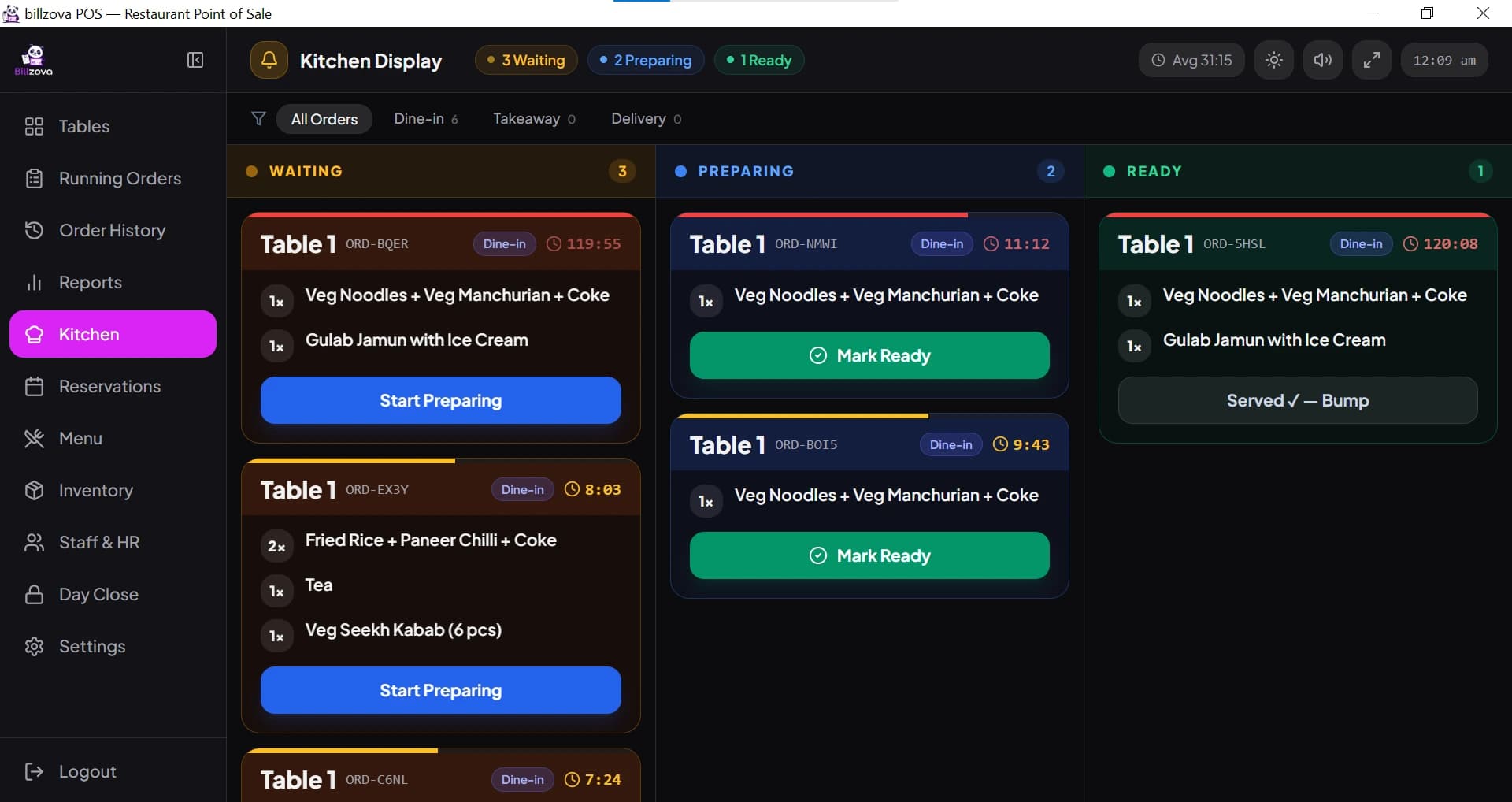
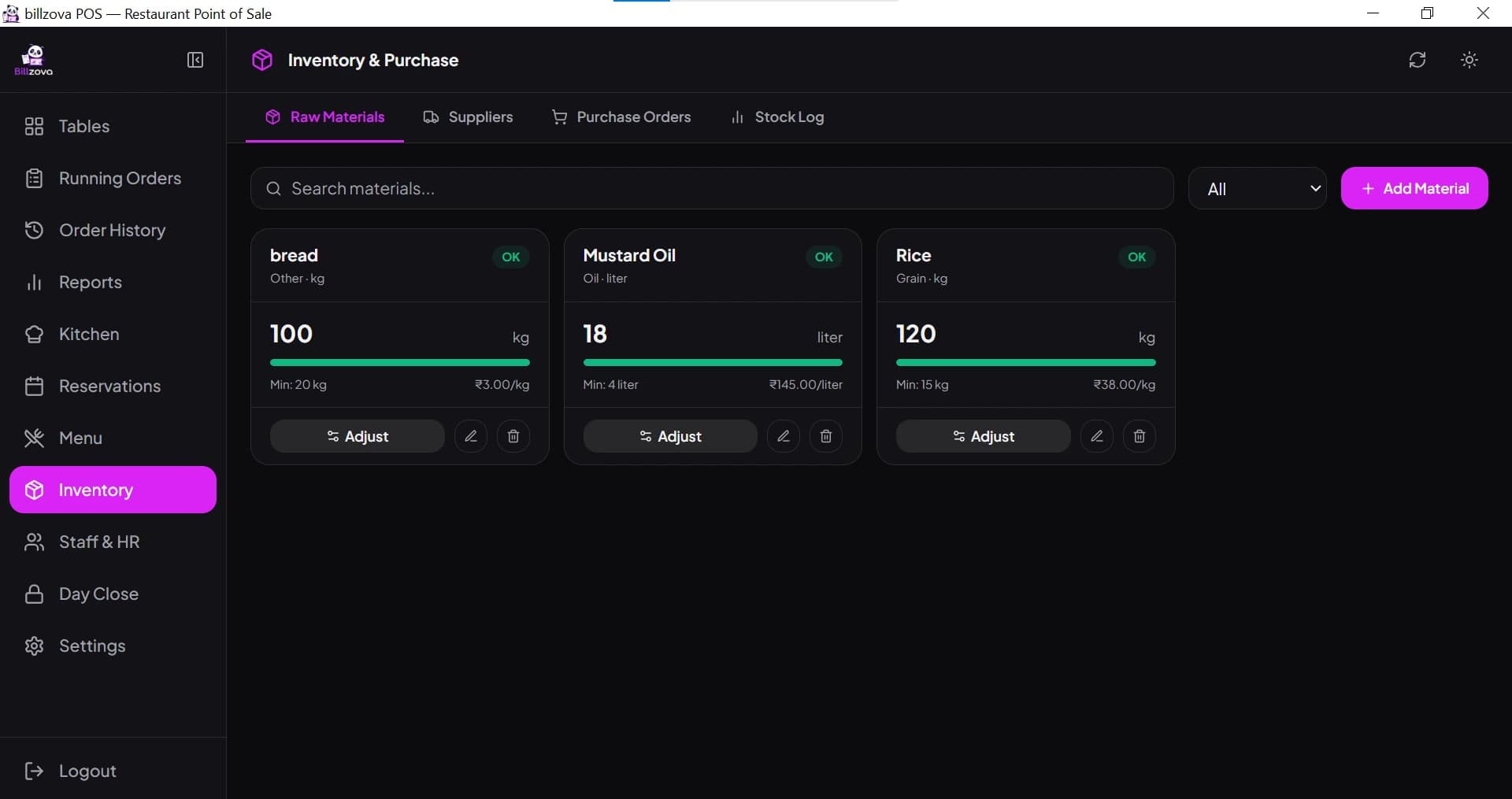
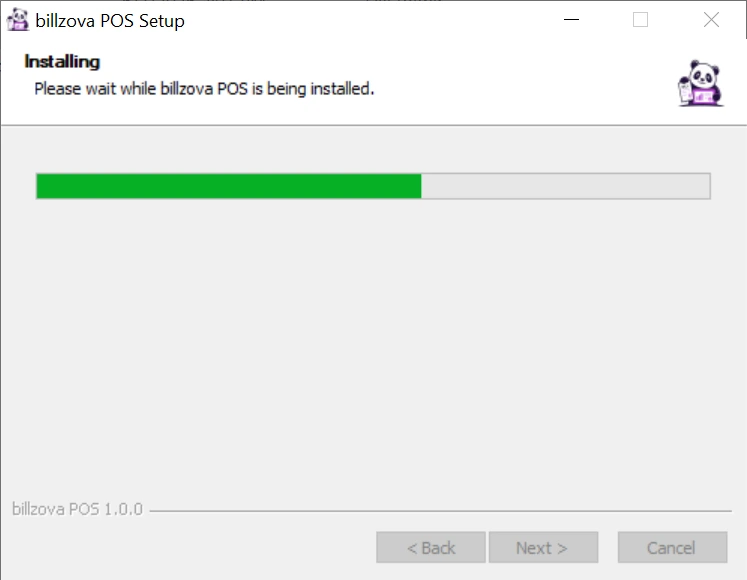
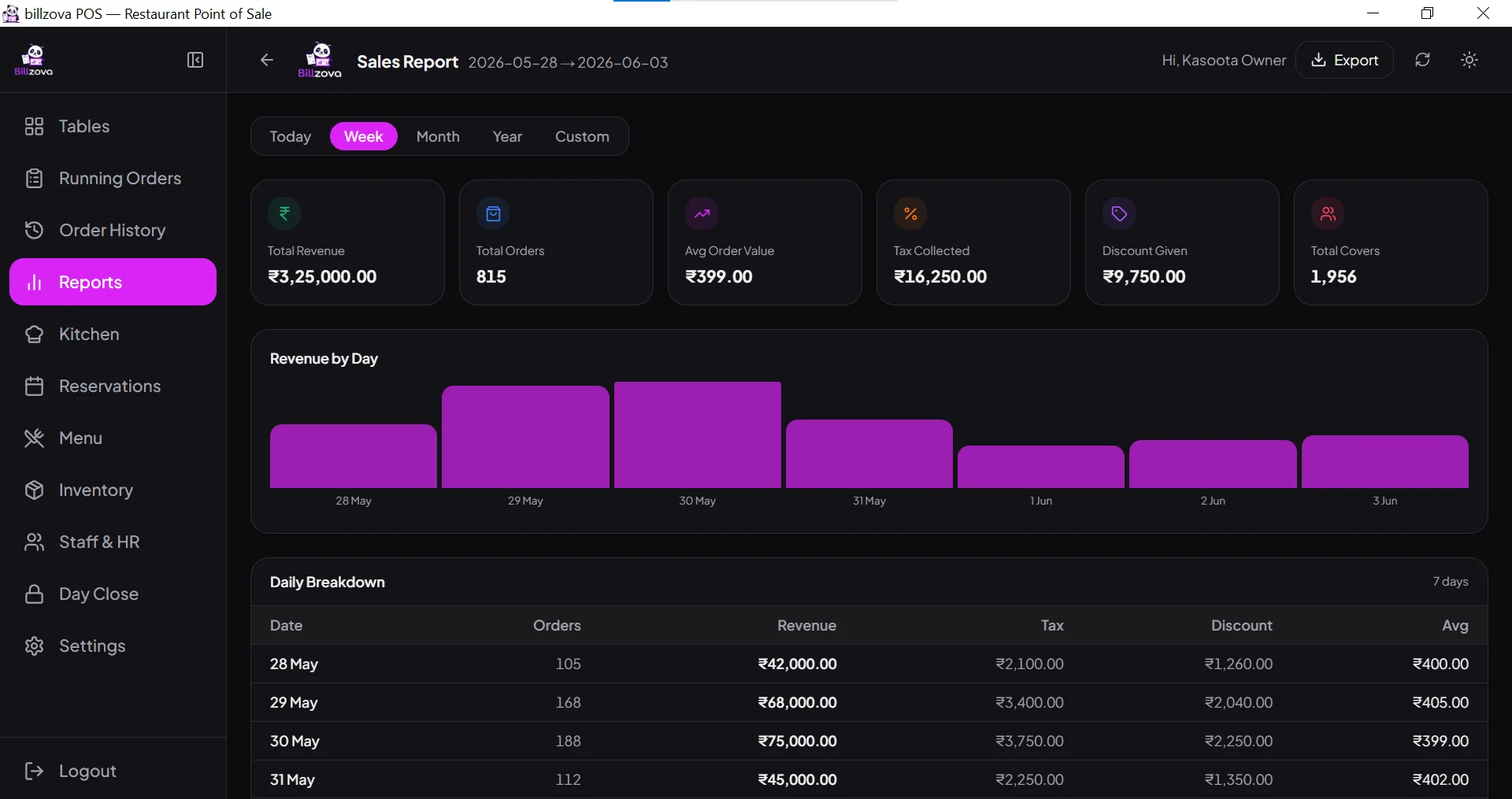
In the product
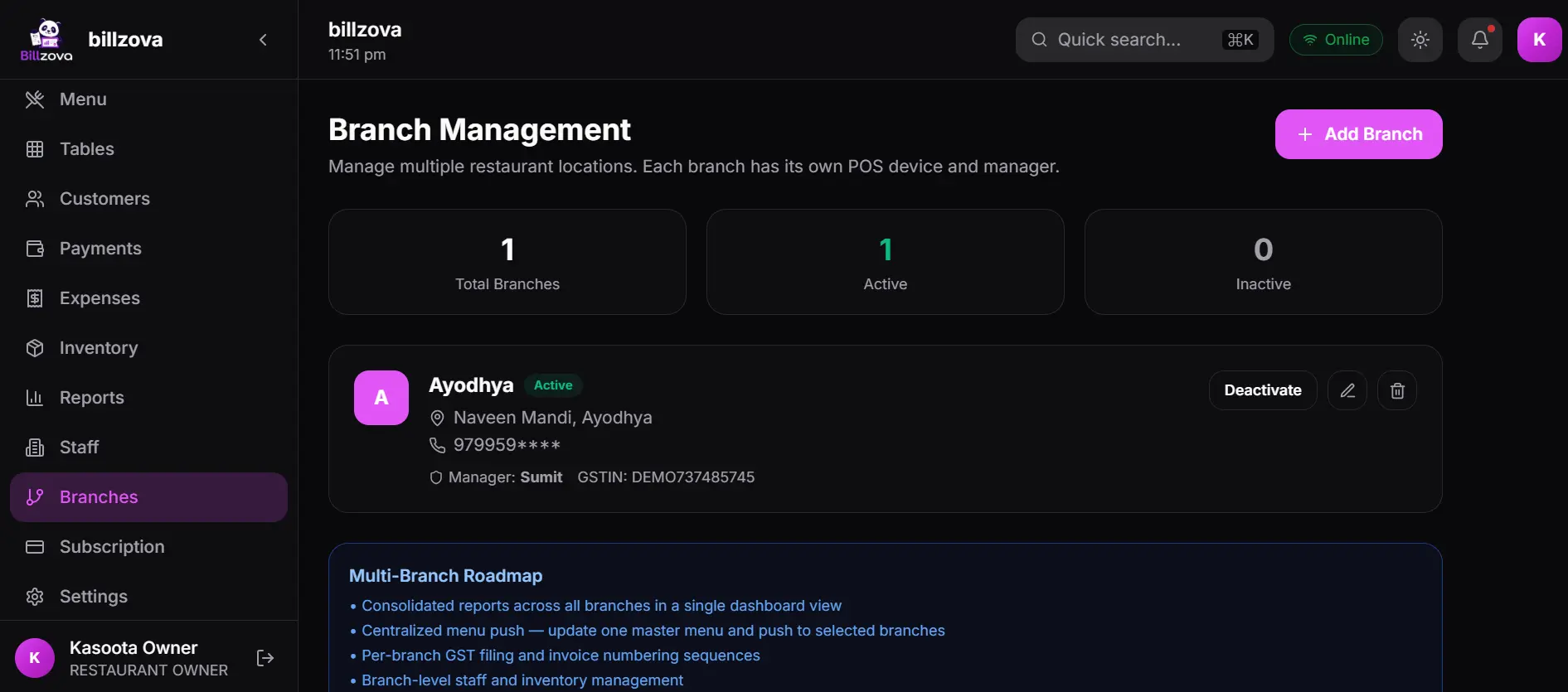
See every screen
Real product screenshots — not stock illustrations.
Compared
Cloud-only vs offline-only vs billzova hybrid
Cloud-only POS
- Billing stops the moment WiFi drops
- "Offline mode" often means degraded
- No fallback during ISP outages
- Peak-hour congestion = lost sales
- Full remote visibility, but fragile uptime
billzova — hybrid
- Billing never stops, either way
- Both online & offline are fully functional
- Automatic, ordered sync on reconnect
- Built for real Indian connectivity
- Full remote visibility AND zero downtime
FAQ
Frequently asked questions
Is Billzova an offline-only POS?▾
What does hybrid restaurant POS software actually mean?▾
Does billing really continue with zero internet connection?▾
What happens to data recorded while offline?▾
How is this different from a cloud POS with a basic offline mode?▾
How is this different from a fully offline-only POS with no cloud connection at all?▾
Is GST compliance affected when billing offline?▾
Can I check my restaurant’s sales remotely if I’m using a hybrid POS?▾
Can I test the offline functionality before committing to Billzova?▾
How does Billzova decide whether to operate online or offline?▾
Start billing in 10 minutes.
Full access to every feature. Cancel anytime. ₹399/month after your free trial.