Your data. Your terms.
Export everything in one click.
Every bill, order, report, customer record, and inventory entry in billzova can be exported to Excel — instantly, without calling support. Control who on your team can export. Zero data lock-in. ₹399/month, first month from ₹1.
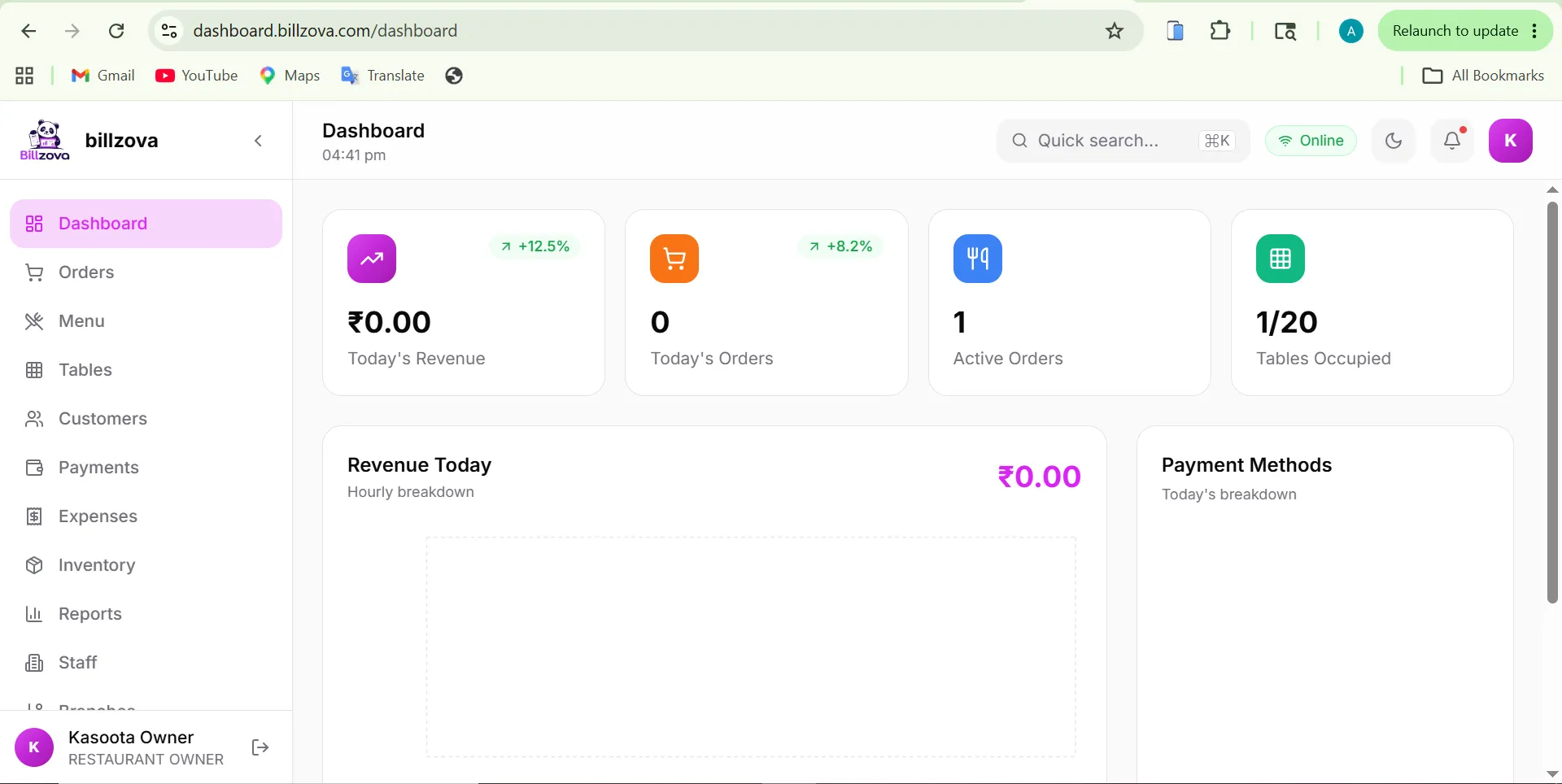
The struggle
Sound familiar?
Your data trapped in the software
Some POS vendors make exporting data difficult or charge extra. You're stuck — can't share it with your accountant, can't switch software, can't analyse it yourself.
Calling support to get a report
Month-end. You need GST sales data. The support team says they'll "send it within 2 working days." Your CA is waiting.
Staff downloading data they shouldn't
A cashier exports your full customer list with spending data. No permission controls, no audit trail, and you find out only after the damage is done.
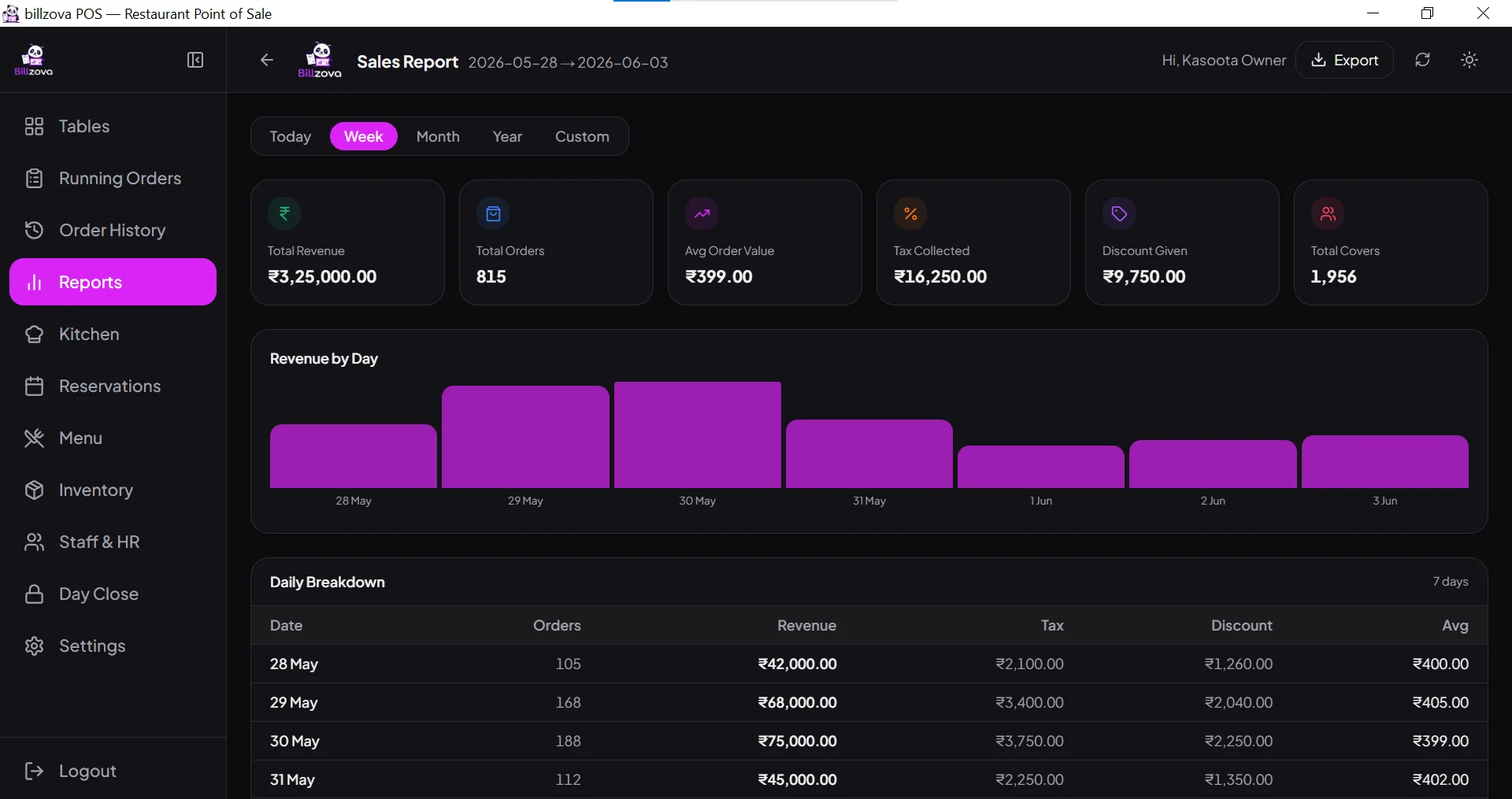
Download any report to Excel — instantly
Every report in billzova has an Export button. Click it, choose your date range, and get a clean .xlsx file in seconds. No waiting, no support ticket, no extra charge.
- Sales reports — daily, weekly, monthly
- Bill-wise detail for any date range
- Item-wise quantity and revenue
- GST summary formatted for Tally
- Payment mode breakdown by period
Every data type, fully exportable
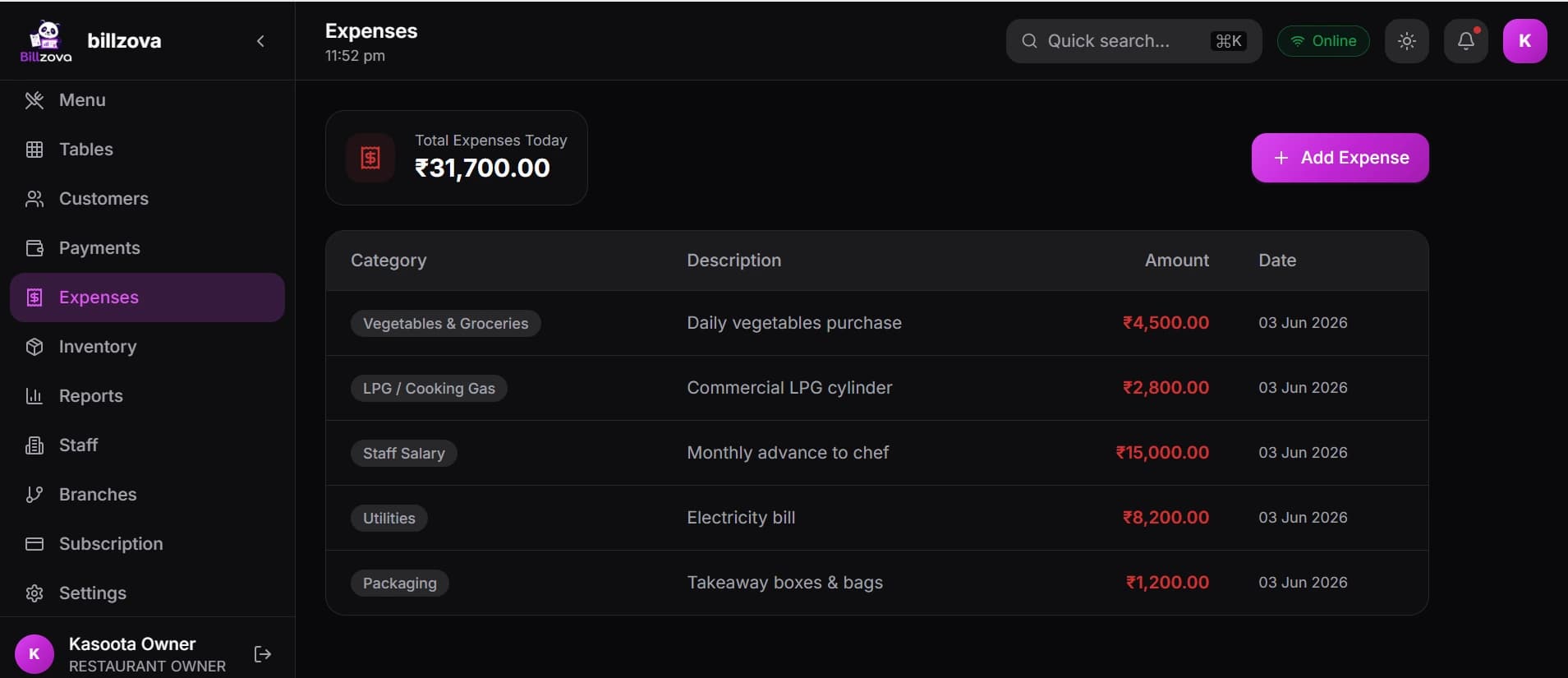
Not just sales — everything. Customer records, staff attendance, inventory stock levels, purchase orders, supplier bills, expenses, and coupon redemptions. Your complete business data, always yours.
- Customer list with visit count and spend
- Staff attendance and shift history
- Inventory stock levels and transactions
- Purchase orders and supplier bills
- Expenses log with categories
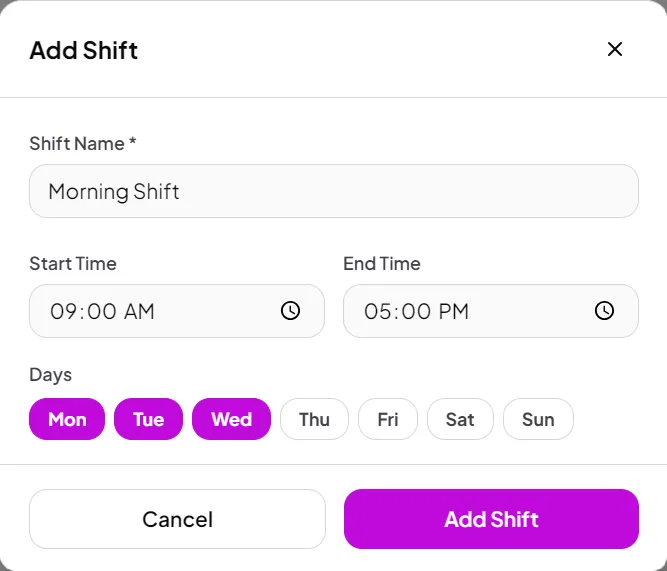
Turn export on or off per staff role
Data export is a permission you control per role. Enable export for managers and owners; disable it for cashiers and kitchen staff. Changes take effect immediately — no support call needed.
- Export enabled / disabled per role
- Granular: which reports each role can export
- Changes apply instantly, no restart needed
- Audit log: who exported what and when
- Owner always retains full export access
GST summary and Tally-friendly export formats
The GST export gives your CA a clean summary of taxable sales, CGST collected, SGST collected, and exempted sales — split by rate (5%, 12%, 18%). The format is structured to make Tally or any accounting software import straightforward.
- GST rate-wise summary (5%, 12%, 18%)
- CGST and SGST totals per period
- Exempt / non-GST sales separated
- Invoice-wise detail for audit
- Format consistent with GSTR-1 categories
In the product
See every screen
Real product screenshots — not stock illustrations.
Compared
Locked-in POS vs billzova data export
Data Locked In
- Extra charge or support ticket to get data
- CA waits 2 days for a GST summary
- Can't analyse data in your own tools
- Staff can download anything — no control
- Switching software means losing history
billzova Data Export
- One-click export, instantly, no charge
- GST summary ready for CA in seconds
- Full Excel export — your data, your tools
- Export permission on/off per staff role
- Zero data lock-in — leave anytime with everything
FAQ
Frequently asked questions
Can I export all my restaurant data from billzova?▾
Can I control which staff can export data?▾
Is the export format compatible with Tally?▾
How far back can I export data?▾
What happens to my data if I cancel my subscription?▾
Is data export included in the ₹399/month plan?▾
Start billing in 10 minutes.
Full access to every feature. Cancel anytime. ₹399/month after your free trial.